


- Open Extensions sidebar panel in VS Code.
View → Extensions - Search for
codesso - Click Install to install it.
- Code > Preferences > Color Theme > Choose your Codesso
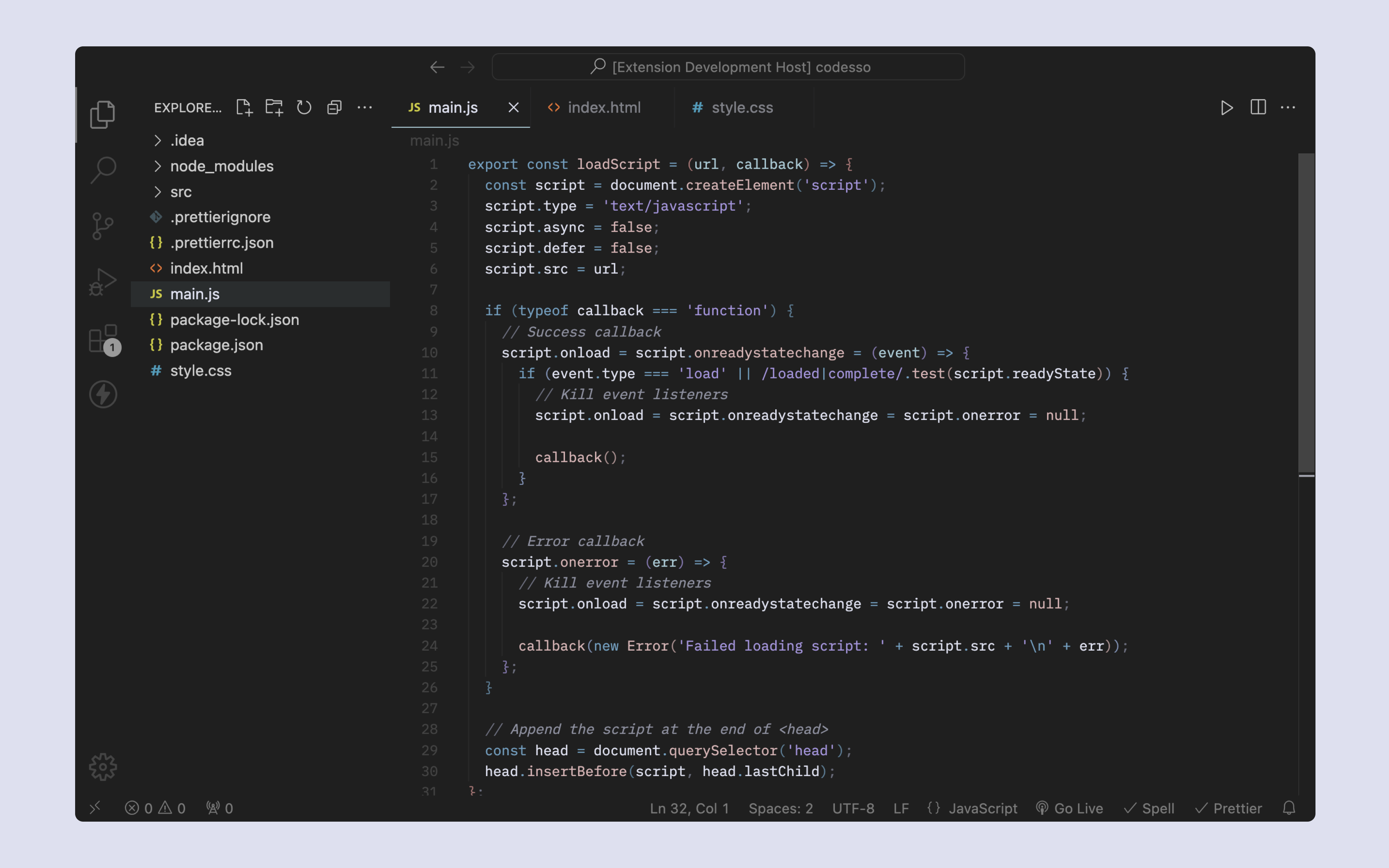
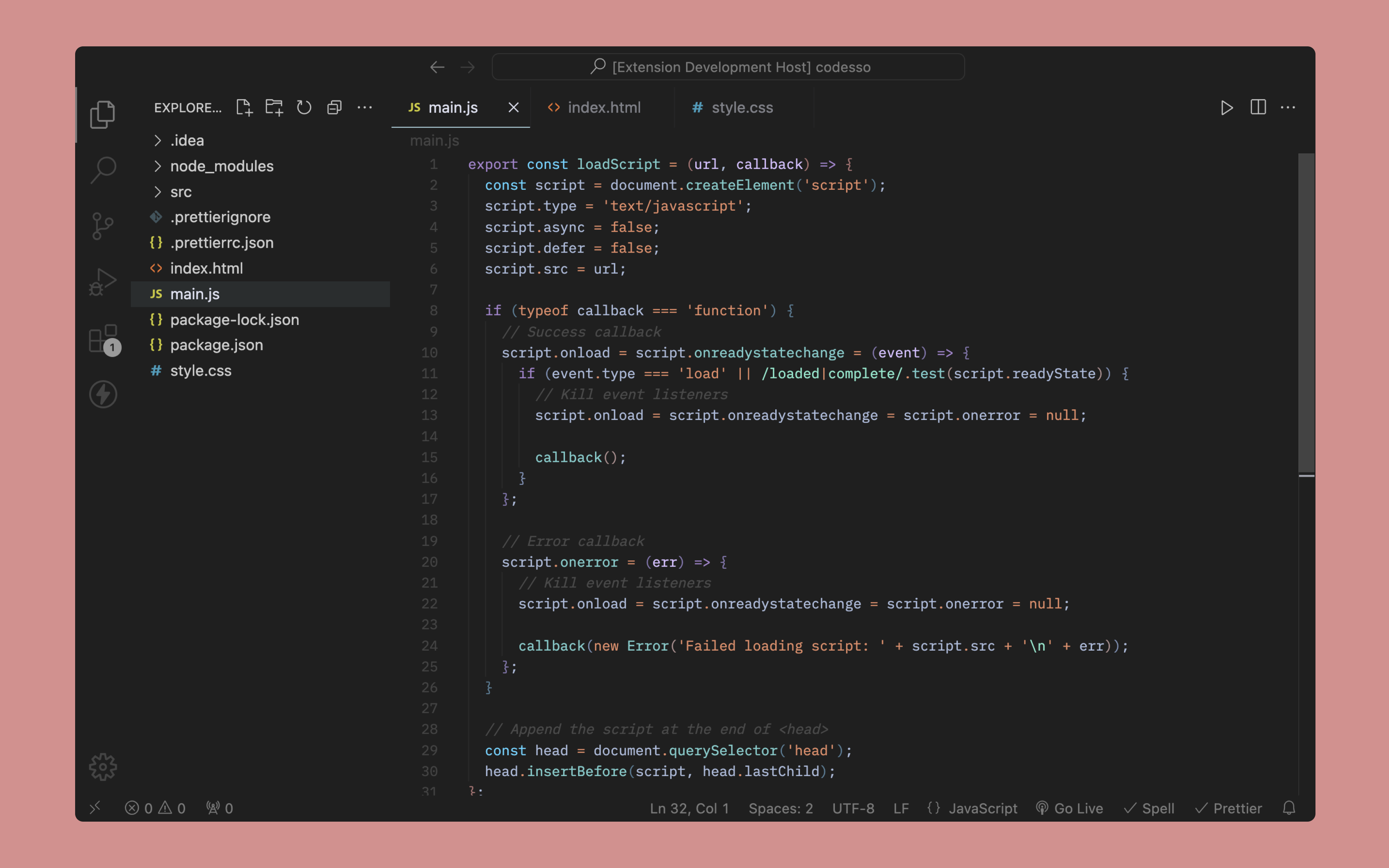
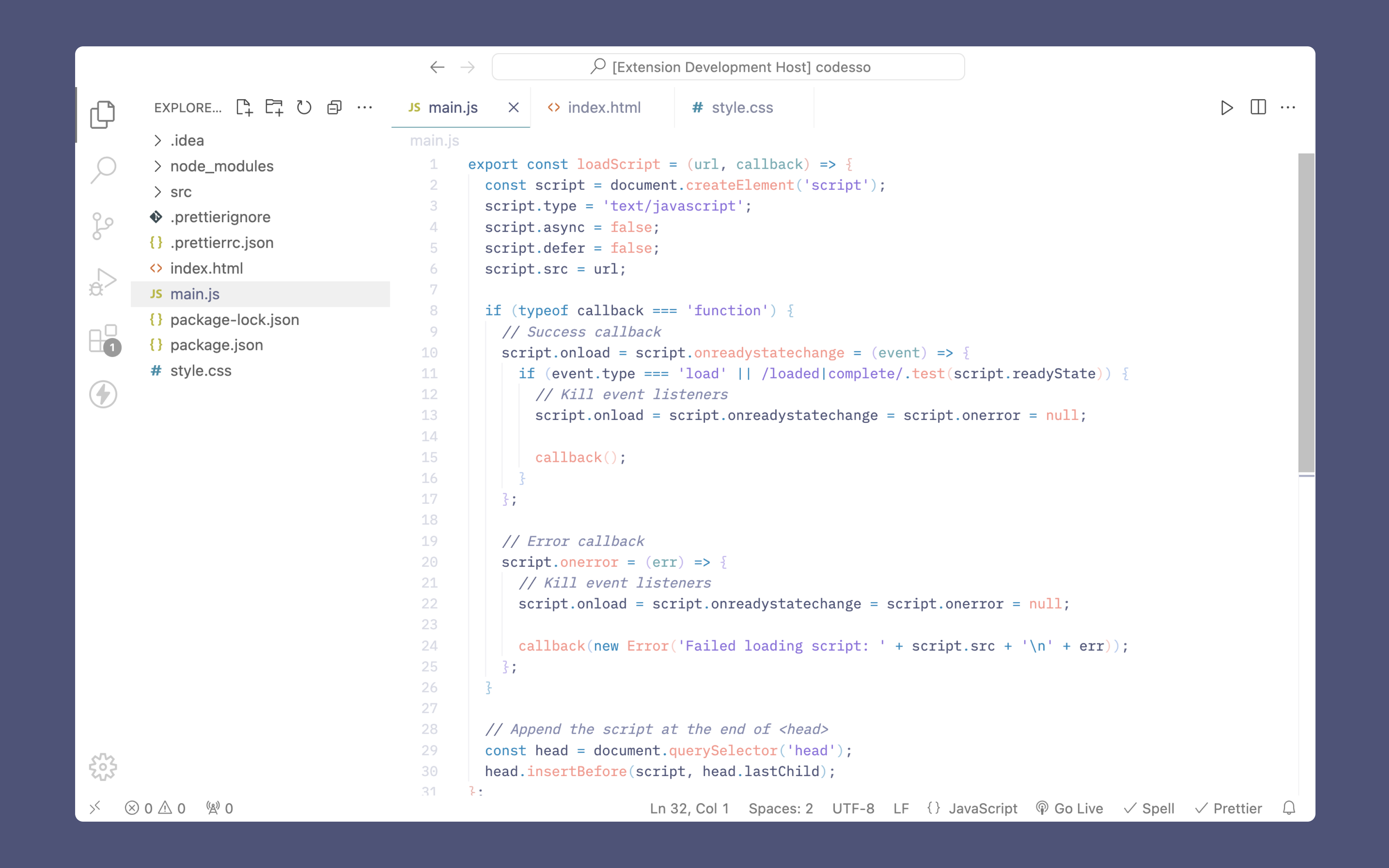
The font in the screenshots is Lilex
Below you can find a few recommendations:
settings.json
{
  "editor.minimap.enabled": false,
  "editor.smoothScrolling": true,
  "editor.cursorSmoothCaretAnimation": "on",
  "explorer.compactFolders": false,
  "breadcrumbs.icons": false
}