
Simple import is a plugin for Sublime Text that imports your modules. Currently it works with Javascript and Python. If you need to import modules in other languages create an Issue.
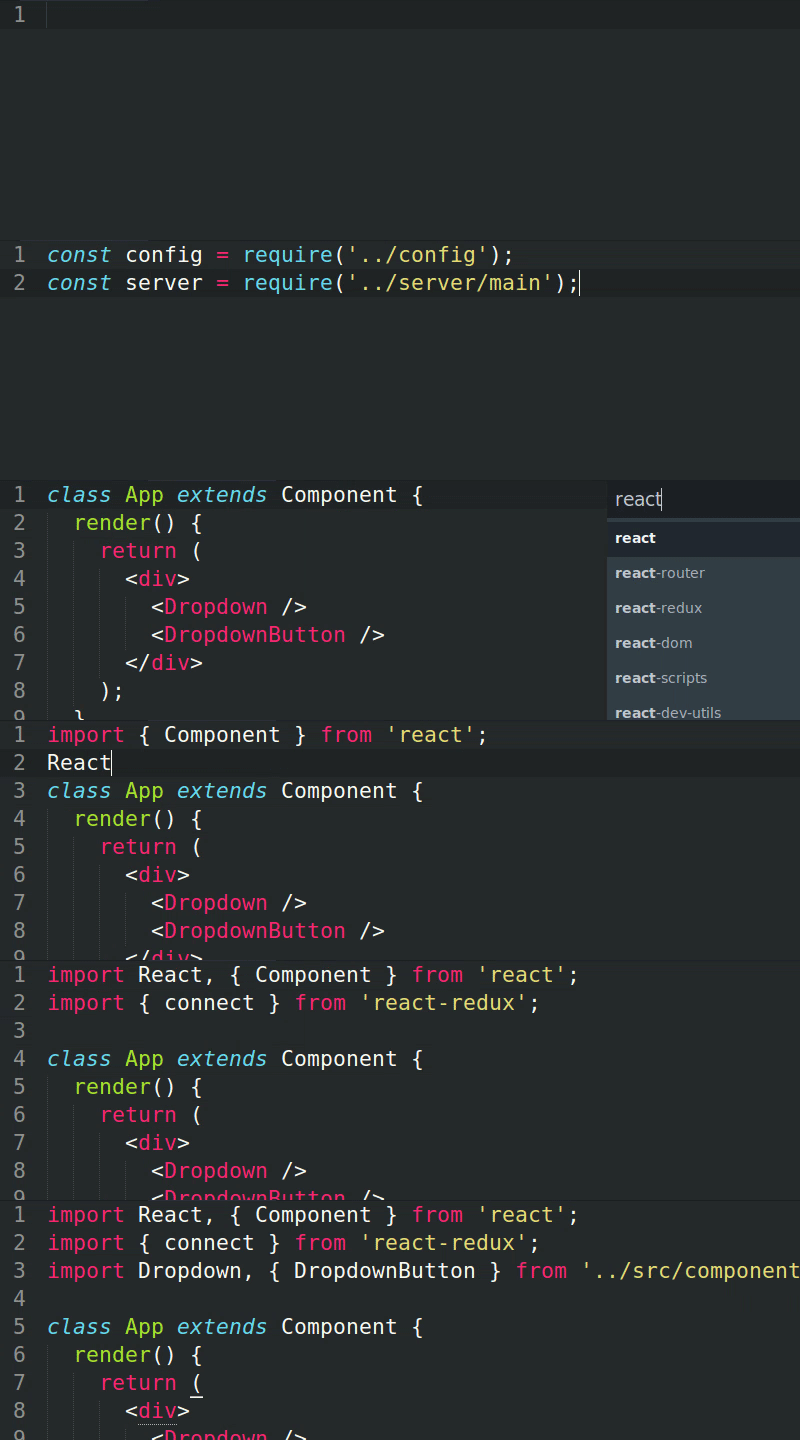
Note: These examples are Javascript-only. Simple Import works with Scss and Python too at the moment.
visibilityActions.js
export const SET_VISIBILITY_FILTER = 'SET_VISIBILITY_FILTER'
export const SHOW_ALL = 'SHOW_ALL'
export const SHOW_COMPLETED = 'SHOW_COMPLETED'
export const SHOW_ACTIVE = 'SHOW_ACTIVE'
VisibleTodoList.js
// SHOW_ALL *Ctrl+Alt+J*
import { SHOW_ALL } from '../actions/visibilityActions'

// SHOW_COMPLETED *Ctrl+Alt+J*
import { SHOW_ALL, SHOW_COMPLETED } from '../actions/visibilityActions'

// visibilityActions *Ctrl+Alt+J*
import visibilityActions, {
    SHOW_ALL,
    SHOW_COMPLETED,
} from '../actions/visibilityActions'
// It also breaks your imports by the smallest rule

// Simple Import looks into your package.json
// and find files and variables inside your dependencies's folders.
// For example
// connect *Ctrl+Alt+J*
import { connect } from 'redux';

// combineReducers *Ctrl+Alt+J*
import { connect, combineReducers } from 'redux';

// req react *Ctrl+Alt+J*
const react = require("react")
You can find this plugin in Packages Control by the name of "Simple Import". You can also clone it in you packages folder.
- Open the Command Palette and find
Browse Packages. Select it and the packages folder will open. - Clone this repository in this folder
- On Terminal, clone this repository:
git clone https://github.com/vinpac/sublime-simple-import.git - or Download this repository as
rarand put the content inside the packages folder
- On Terminal, clone this repository:
Javascript, by default, will add suffix to decorators. For Example @autobind becomes Import autobind from 'autobind-decorator';. It can also look into your dependencies for exported values and even find submodules if the modules exports an object. For example in draft-js.
var DraftPublic = {
  Editor: DraftEditor,
  // ...
};

module.exports = DraftPublic;
SI will look into this file and understand it exports an object with the key Editor. So, if you try to import Editor in your project. SI will add (or give the option) import { Editor } from 'draft-js'.
Don't worry, it's all cached after the first usage by module version so, if you update your modules, SI will update this module's cached submodules and files.
extensions (Array) : Extensions to match. Default: [".js", ".jsx"]
remove_extensions (Array) : Remove extensions from path. Default: [".js"]
extra_extensions (Array) : Extensions to match, but SI will not look into these files for submodules. Default: [".png", ".jpg", ".jpeg", ".svg", ".json", ".gif", ".css", ".scss", ".less"]
ignore (Array) : Paths to be ignored when crawling for modules.
omit (Array) : Omited values. Default: []
Example: ["react-redux.connect"] ignores connect that react-redux exports.
dictionary (Object) : Map of module values. For values that won't be found by default, like immutable module. Example:
"dictionary": {
  "modules": {
    "cx": "classnames"
  },
  "modules_exports": {
    "immutable": [
      "Map",
      "Set",
      "Stack",
      "List",
      "Stack"
    ]
  }
}
require_by_default (Boolean) : Prefer require than import. Default: False
add_semicolon (Boolean) : Add ; at the end of the import. Default: True
es5 (Boolean) : Will force require_by_default, add_semicolon and will use var instead of const. Default: False
Currently, it finds your .scss files and imports them.
extensions (Array) : Extensions to match. Default: [".scss"]
extra_extensions (Array) : Extensions of files to match and import as url(<path>). Default: [".jpg", ".png", ".gif", ".svg"]
ignore (Array) : Paths to be ignored when crawling for modules.
single_quotes (Boolean) : Use single quotes instead of double. Default: false
extensions (Array) : Extensions to match. Default: [".py"]
remove_extensions (Array) : Remove extensions from path. Default: [".py"]
ignore (Array) : Paths to be ignored when crawling for modules.