libGDX use TextureView Rendering
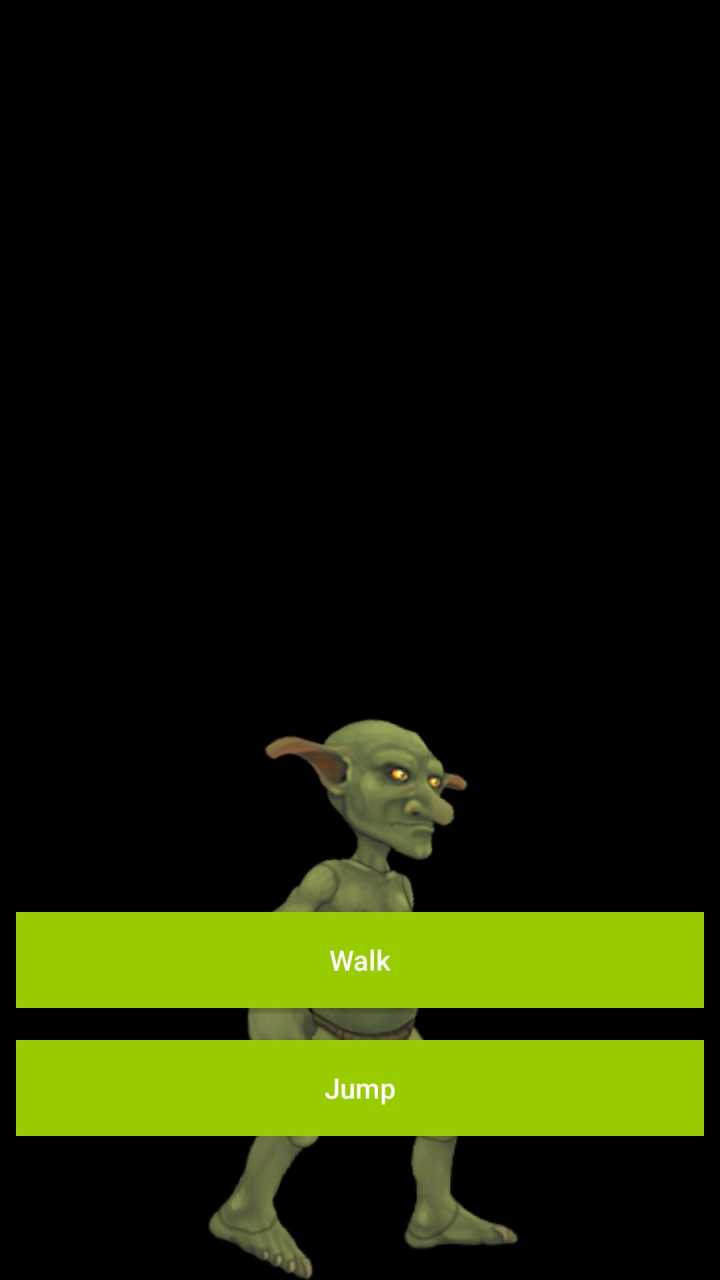
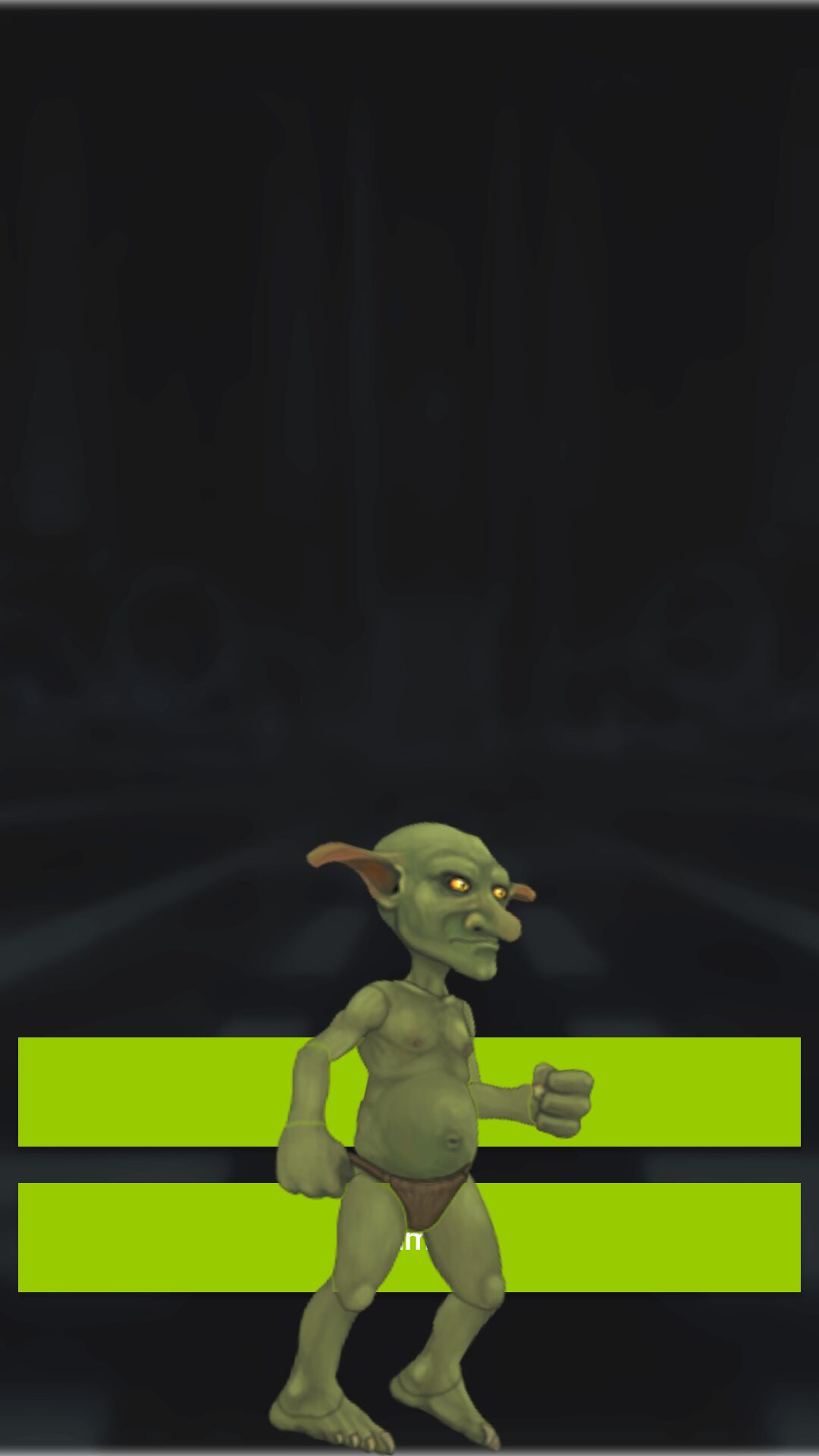
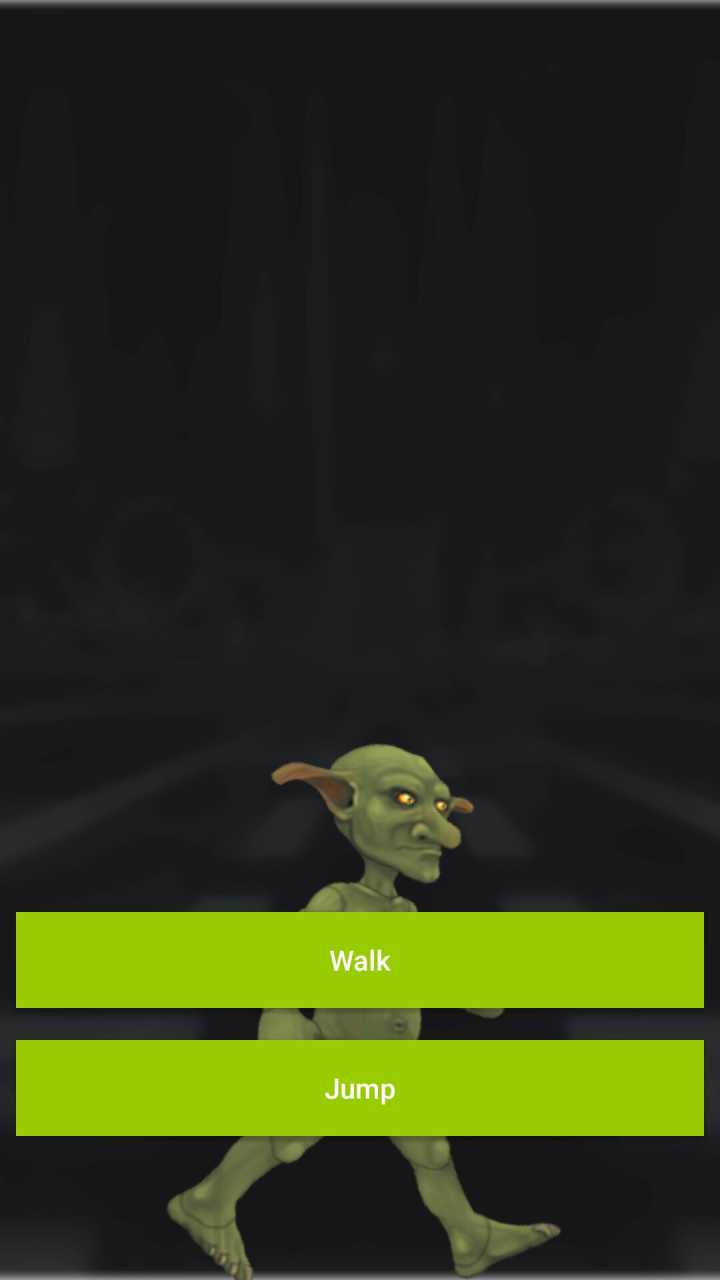
Modify libGDX's rendering View SurfaceView to TextureView, allowing for transparent layering with native views. The currently latest supported libGDX version is 1.14.0.
Download the corresponding jar file for your version from the libs folder and add it to your project dependencies.
Configure the following in your AndroidApplication (or the Activity embedded as a View):
// 1. Create configuration
val cfg = AndroidApplicationConfiguration()

// 2. Core: Enable TextureView
cfg.useTextureView = true

// 3. (Optional) Set transparent channels for transparent layering with native Views
cfg.r = 8
cfg.g = 8
cfg.b = 8
cfg.a = 8

// 4. Initialize and use in layout
val mGdxAdapter = MyGdxAdapter()
val mGdxView = initializeForView(mGdxAdapter, cfg)

// Add the generated View to your layout container (e.g., FrameLayout)
binding.container.addView(mGdxView)Compared to the default SurfaceView, TextureView can be manipulated like a normal Android View:
- Opacity control (can be layered directly with native UI components for displaying).
- Dynamic property modification (such as
setAlpha(),setRotation(), etc.). - Animation handling (supports standard Android View property animations).
This project is licensed under the MIT License.