

A simple react-native confirmation code field compatible with iOS, Android.
- 🔮 Simple and tiny
3.8 KB. Easy to use; - 🚀 React Compiler compatible;

- 🚮 Clearing part of the code by clicking on the cell;
- 🍎 Support "fast paste SMS-code" on iOS & Web. And custom code paste for Android;
- ⚡ TextInput
refsupport; - 🛠 Highly customizable. Can be used as masked TextInput;
- 🤓 Readable changelog.
 |
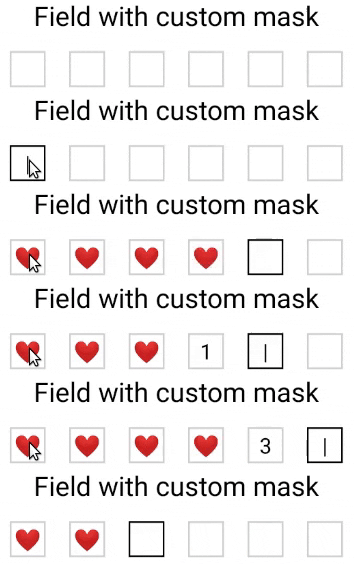 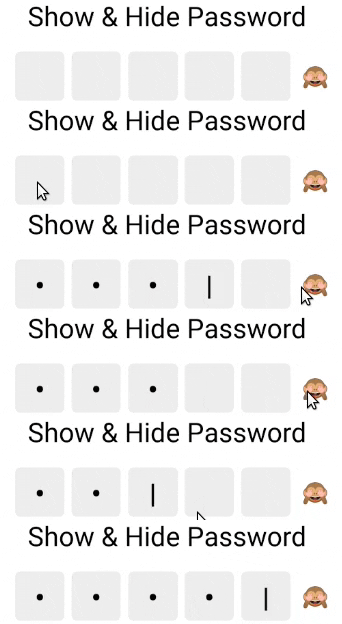 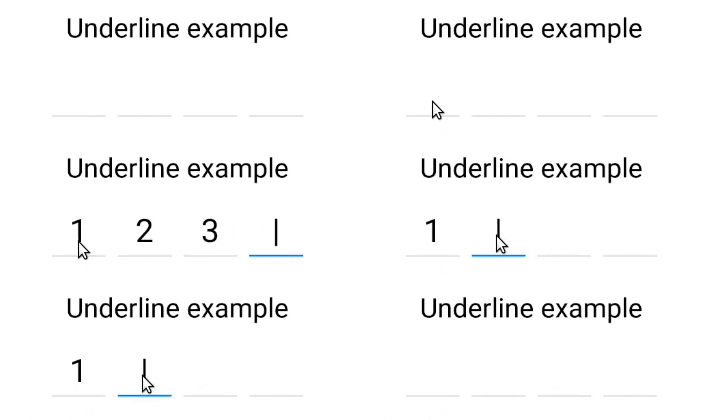 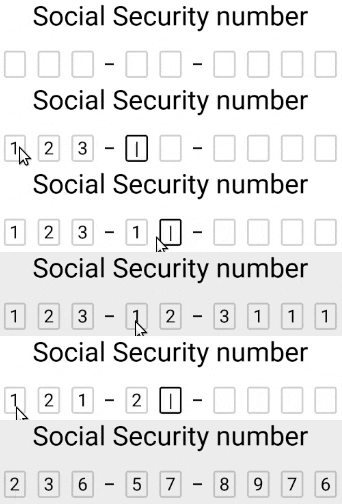 |
| App | GitHub ⭐ | Google Play installs | App Store ratings |
|---|---|---|---|
| MetaMask - crypto wallet and browser for Ethereum | 3.1k | 10M+ | 76.7k |
| Spot the Station - NASA app for spotting the International Space Station | 41 | 500K+ | 10.8k |
| SubWallet - wallet for Polkadot, Substrate and Ethereum | 43 | 500K+ | 828 |
| OneKey - open source crypto wallet | 2.5k | 100K+ | 681 |
| BC Wallet - Government of British Columbia wallet for verifiable credentials | 86 | 10K+ | 33 (Canada) |
| Ambire Wallet - Web3 wallet for browser and mobile | 72 | 10K+ | 6 |
| Mapeo - monitor and document the world around you | 98 | 5K+ | - |
| Hylo - community coordination platform | 34 | 5K+ | 11 |
| Ever Teams - work and productivity platform | 606 | 100+ | - |
| Yosemite Crew - open source operating system for animal health | 2k | 50+ | 1 (Germany) |
Sorted by Google Play installs. Numbers as of November 2026. The App Store doesn't publish download counts, so the number of ratings is shown instead (US store unless noted).
yarn add react-native-confirmation-code-field
# ^^^ React 19 required!
# if you want to use it with React 18, use version 8.x.xI use an invisible <TextInput/> component that will be stretched over <Cell/> components.
JSX structure looks like that:
// Root view (rectangle with a red border on 3d visualization below)
<View style={rootStyle}>
  // Each Cell element is result of a `renderCell` function (gray boxes)
  <Cell>1</Cell>
  <Cell>2</Cell>
  <Cell>3</Cell>
  <Cell>|</Cell>
  <Cell></Cell>
  <Cell></Cell>
  // Invisible Text Input with absolute position (gray rectangle with text '123')
  <TextInput value="123"/>
</View>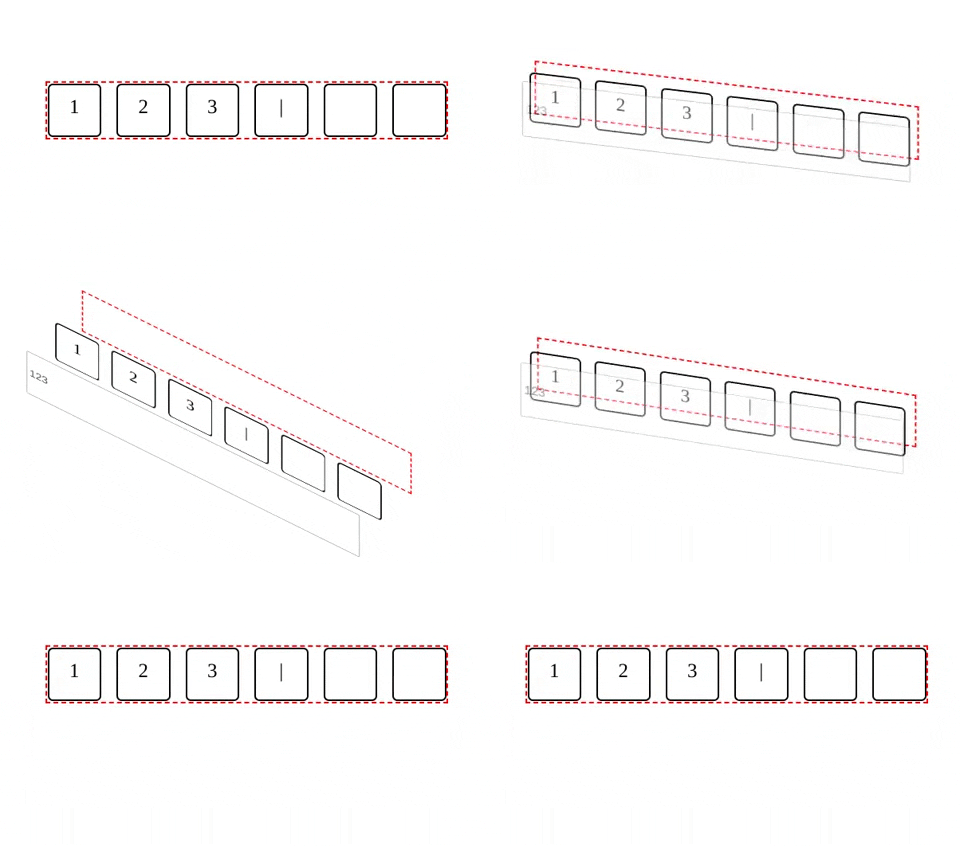
It needs to solve next problems:
- When user pastes code from SMS on iOS issue#25
- Better UX when user types fast, or system sluggish, characters might lost when component switching focus between
<TextInput/>.
I took a minimal implementation approach. It mean that this component provides low-level functionality so you can create incredible UI without tears 😭. I recommend you start with creating your own wrapper where you apply all styles and basic configuration.
You can use a ready-made solution out of the box:
import React, {useState} from 'react';
import {SafeAreaView, Text, StyleSheet, Platform} from 'react-native';
import type {TextInputProps} from 'react-native';

import {
  CodeField,
  Cursor,
  useBlurOnFulfill,
  useClearByFocusCell,
} from 'react-native-confirmation-code-field';

const styles = StyleSheet.create({
  root: {flex: 1, padding: 20},
  title: {textAlign: 'center', fontSize: 30},
  codeFieldRoot: {marginTop: 20},
  cell: {
    width: 40,
    height: 40,
    lineHeight: 38,
    fontSize: 24,
    borderWidth: 2,
    borderColor: '#00000030',
    textAlign: 'center',
    color: '#000', // text color
  },
  focusCell: {
    borderColor: '#000',
  },
});

const CELL_COUNT = 6;
const autoComplete = Platform.select<TextInputProps['autoComplete']>({
  android: 'sms-otp',
  default: 'one-time-code',
});

function App() {
  const [value, setValue] = useState('');
  const ref = useBlurOnFulfill({value, cellCount: CELL_COUNT});
  const [props, getCellOnLayoutHandler] = useClearByFocusCell({
    value,
    setValue,
  });

  return (
    <SafeAreaView style={styles.root}>
      <Text style={styles.title}>Verification</Text>
      <CodeField
        ref={ref}
        {...props}
        // Use `caretHidden={false}` when users can't paste a text value, because context menu doesn't appear
        value={value}
        onChangeText={setValue}
        cellCount={CELL_COUNT}
        rootStyle={styles.codeFieldRoot}
        keyboardType="number-pad"
        textContentType="oneTimeCode"
        autoComplete={autoComplete}
        testID="my-code-input"
        renderCell={({index, symbol, isFocused}) => (
          <Text
            key={index}
            style={[styles.cell, isFocused && styles.focusCell]}
            onLayout={getCellOnLayoutHandler(index)}>
            {symbol || (isFocused && <Cursor />)}
          </Text>
        )}
      />
    </SafeAreaView>
  );
};

export default App;For react-native@0.63.x and below use yarn add react-native-confirmation-code-field@6, otherwise use the latest version yarn add react-native-confirmation-code-field