Production-grade React Native ink primitives extracted from the MathNotes canvas.





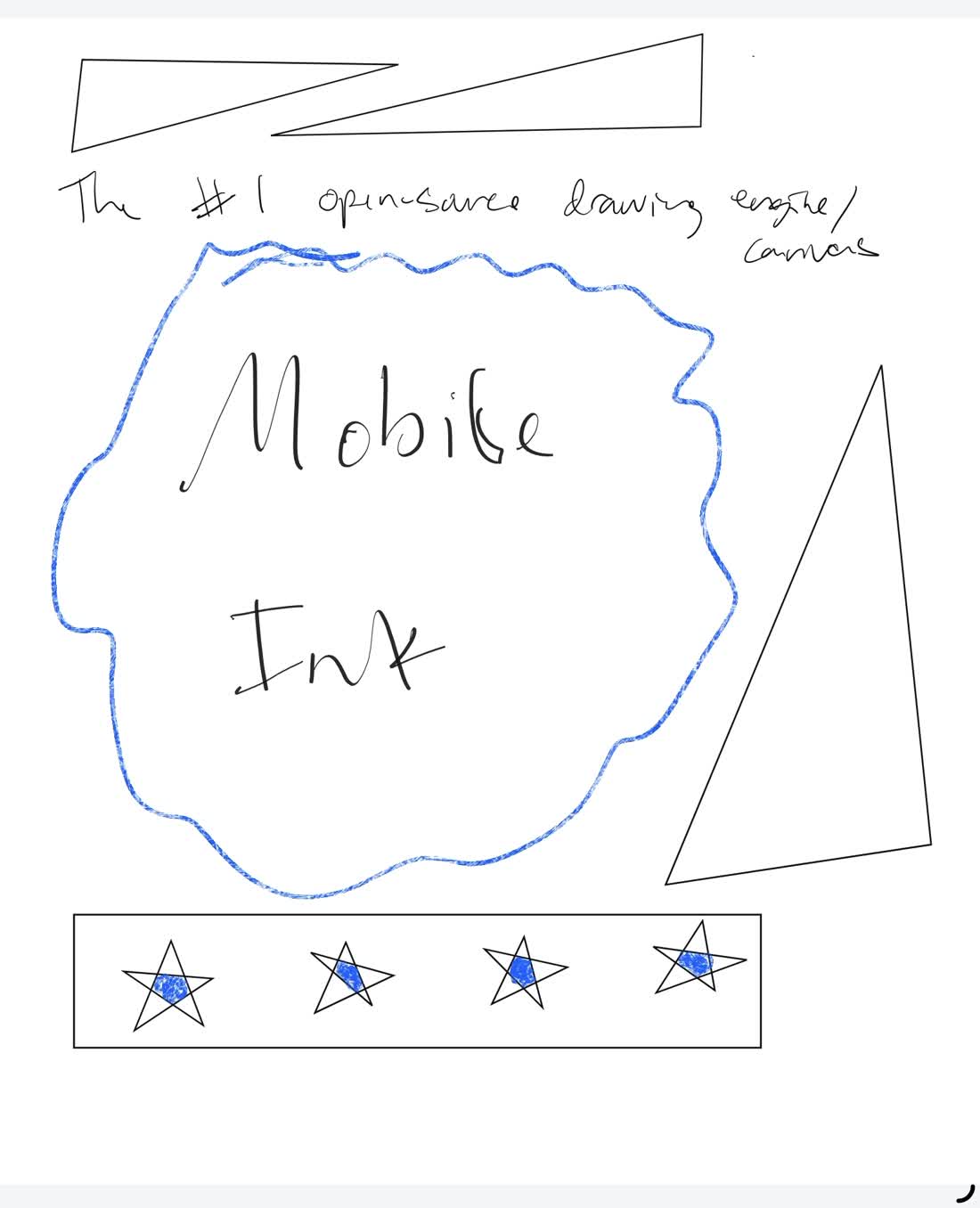
@mathnotes/mobile-ink is an iOS-first native drawing engine for React Native apps. It gives you Apple Pencil input, Skia/Metal rendering, stroke serialization, selection, zoom, momentum scrolling, and a continuous notebook surface backed by a fixed native engine pool.
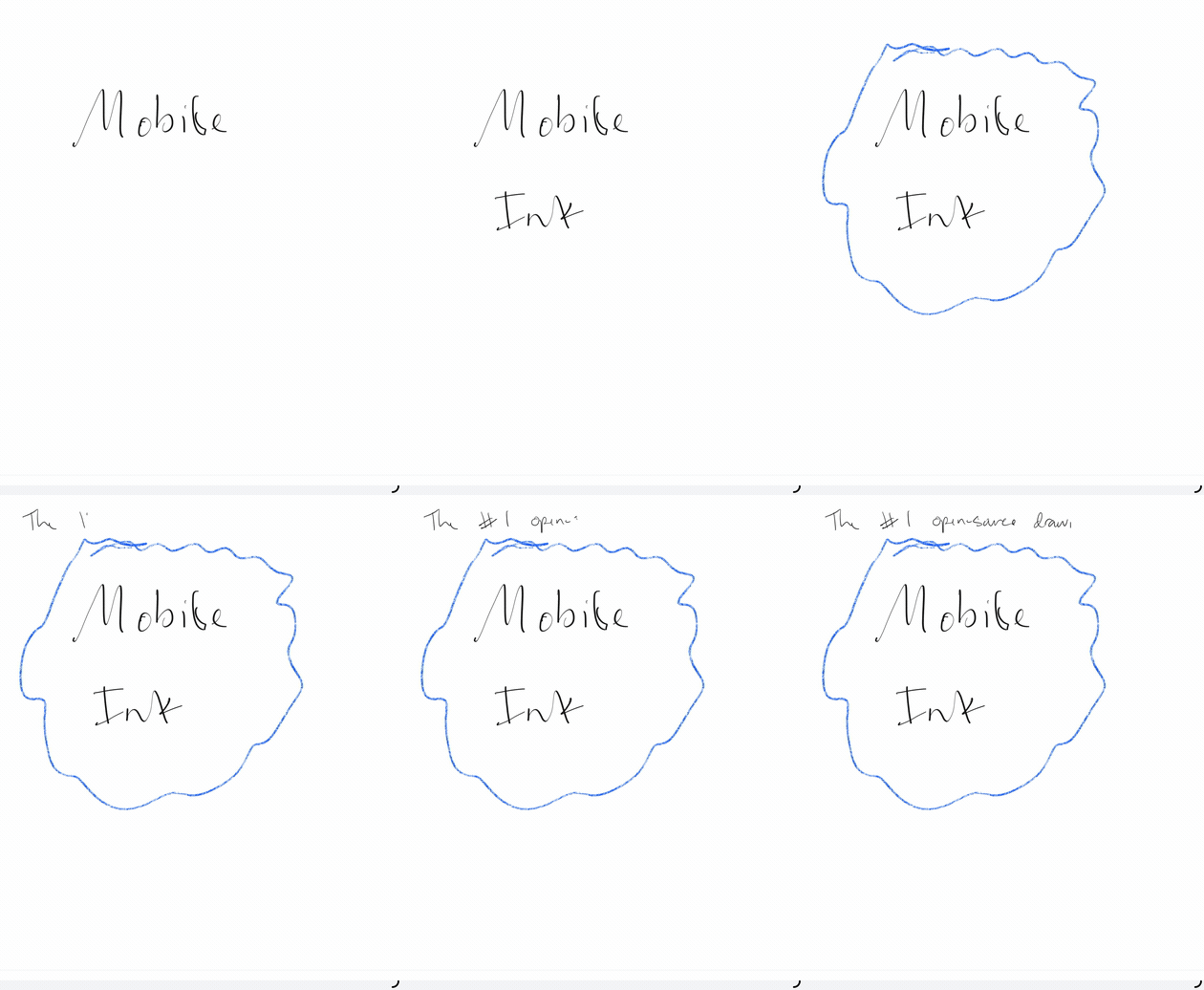
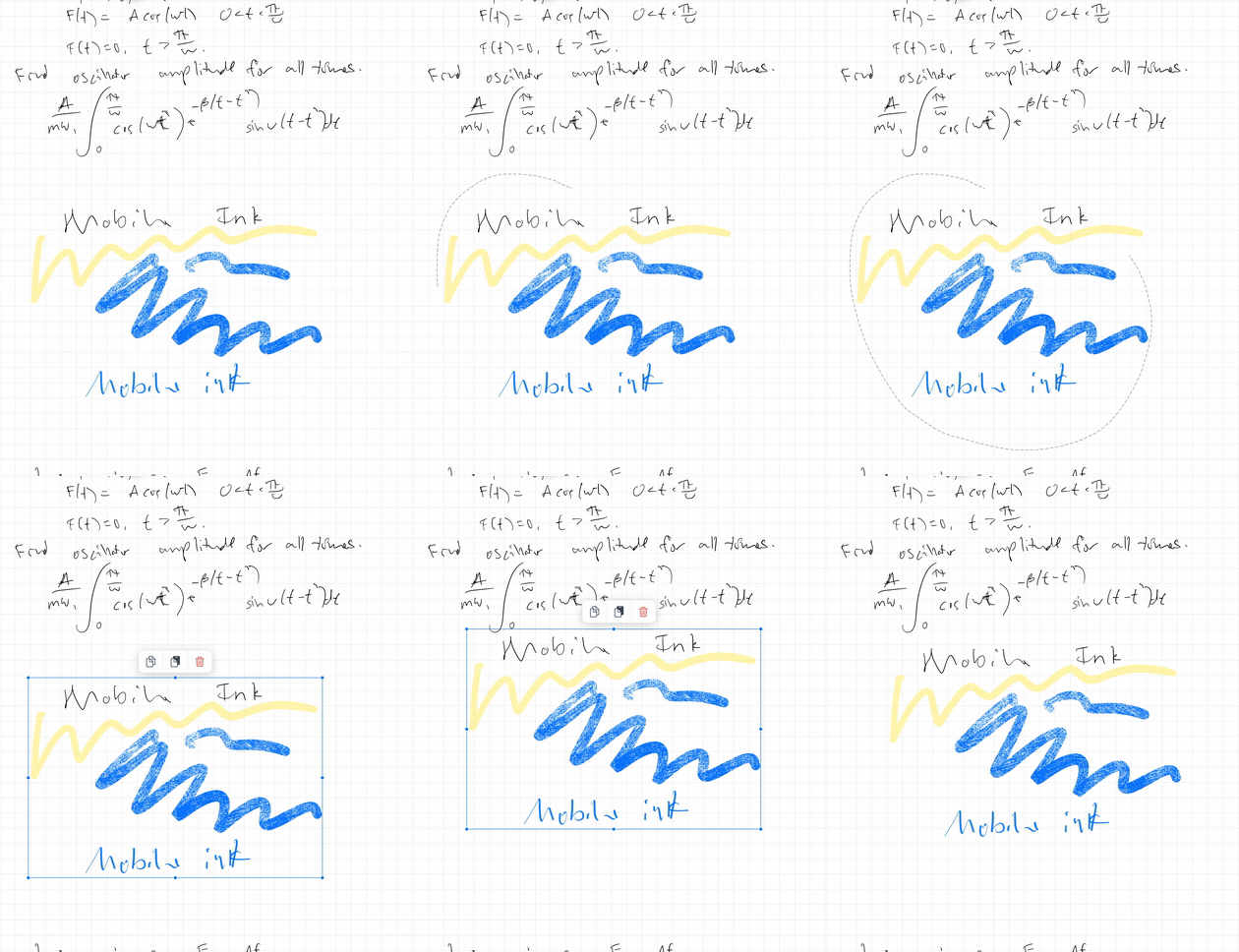
| Drawing and tools | Selection | Large notebook interaction |
|---|---|---|
 |
 |
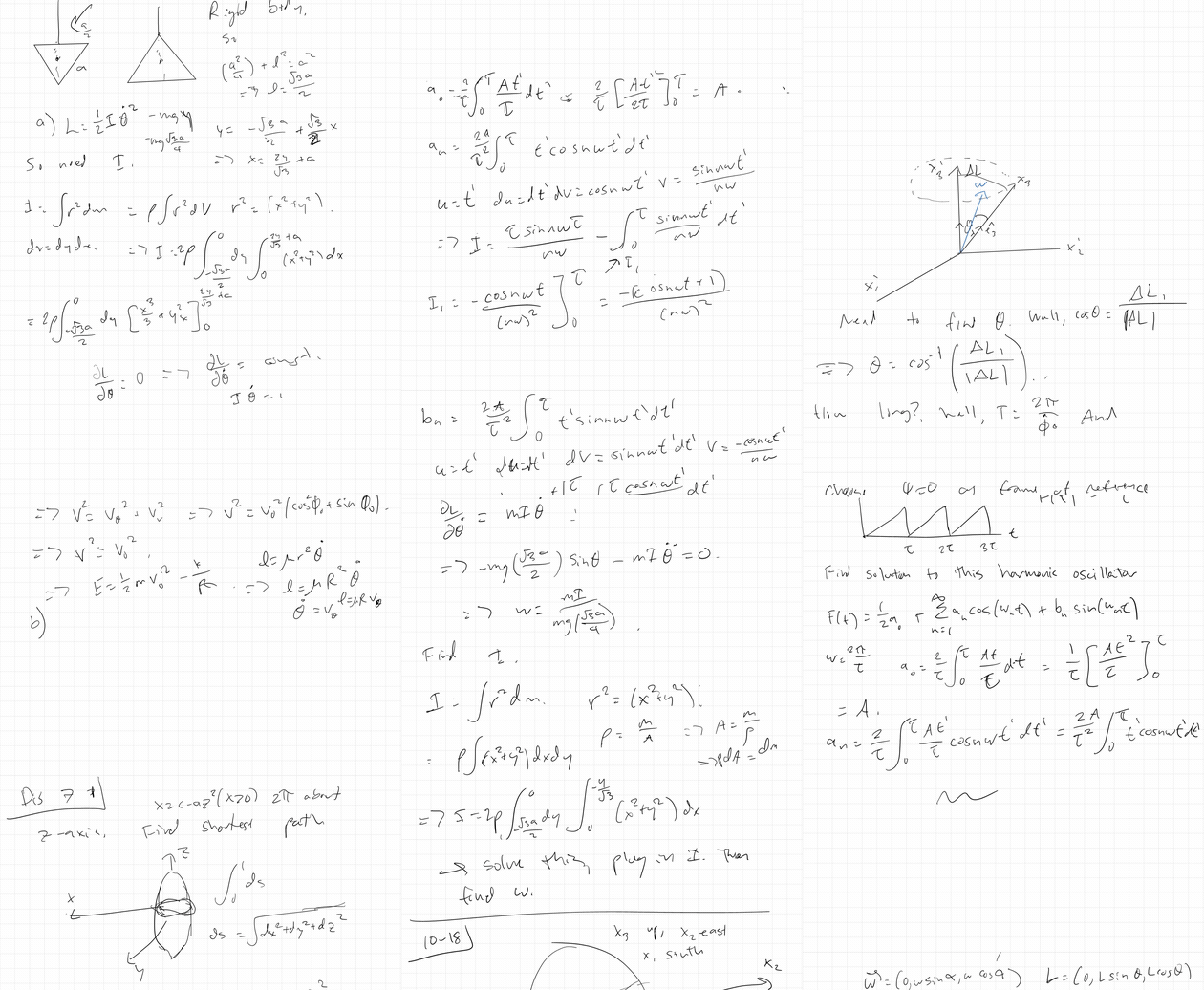 |
Full clips: drawing, tools, and shapes, selection editing, large notebook performance.
Mobile Ink is young, but the goal is serious: make high-quality mobile ink available to every React Native team that needs it. If you try the package, report a bug, improve docs, test it on a real device, suggest an API shape, or think through a native rendering problem with us, thank you. Notes-app canvases are full of sharp edges, and thoughtful feedback from people building real apps is one of the most valuable contributions this project can get.
Beginner questions are welcome here. So are tiny fixes. A clear reproduction, a missing setup note, a confusing API name, or a small example improvement all help move the engine toward something the community can trust.
There is still no strong open-source answer for the kind of drawing surface a serious mobile notes app needs. A single canvas is not enough. A notes app has to handle long notebooks, fast page crossing, Pencil latency, zoom, selection, shape editing, serialization, previewing, and native memory pressure without making the JS thread fall over.
MathNotes has been building this engine since May 2025. We are open-sourcing the reusable canvas layer because mobile apps should have a high-performance, community-owned drawing engine instead of every team rebuilding the same hard native stack from scratch.
The goal is simple: make this the best community drawing engine for React Native and native mobile note-taking surfaces.
mobile-ink is currently used in production in MathNotes: https://apps.apple.com/us/app/mathnotes-ai-notes-for-stem/id6751956086
Four Engines in Nine Months is the engineering story behind this engine: the three drawing stacks that failed before this one, and what it cost to make ink, memory, zoom, and long notebooks work together.
Most drawing tools give you a place to capture or render ink. They do not give you the continuous notebook surface that makes a real notes app hard: page pooling, long-document scrolling, zoom, selection, serialization, previews, native memory pressure handling, and cross-platform behavior.
Mobile Ink is for React Native teams building serious handwritten note-taking, whiteboard, PDF annotation, or infinite-canvas apps that need native mobile ink behavior instead of a simple doodle box. If you only need one small drawing view, this may be more engine than you need. If you need a real notes-app canvas with long documents, zooming, scrolling, selection, save/load, and native rendering, Mobile Ink starts where lower-level drawing libraries stop.
| Option | What you get | What you still have to build |
|---|---|---|
| PencilKit | Excellent iOS ink surface | React Native integration, Android support, continuous notebooks, page pooling, app-owned serialization, and cross-platform behavior |
| React Native Skia | Powerful rendering primitives | Pencil/stylus input, stroke model, eraser, selection, zoom physics, native page pooling, previews, and the continuous canvas |
| Web canvas libraries | Fast prototype path | Native Pencil feel, mobile memory handling, PDF-scale notebooks, native page virtualization, and production mobile performance |
| Custom native module | Full control | Rendering, gestures, serialization, page pooling, previews, long-document interaction, and Android/iOS parity |
| Mobile Ink | Continuous notebook engine plus ink primitives | App-specific storage, UI chrome, sync, document model, and product workflows |
| Area | Current support |
|---|---|
| iOS Apple Pencil drawing | Used in production |
| Native rendering | Custom iOS MTKView and Android TextureView backed by the shared C++ Skia engine, with cached high-resolution settled zoom rendering |
| Continuous notebooks | Fixed native engine pool with momentum scroll and pinch zoom |
| Tools | Pen, highlighter, crayon, calligraphy, eraser, selection, and shape recognition |
| Serialization | JSON notebook payloads plus native page load/save/export helpers |
| Example app | Expo dev-client app with blank continuous notebook, tools, selection, save/reload, and zoom |
| Android | V1 native drawing support with GPU-backed Ganesh rendering, pooled pages, previews, save/reload, eraser, selection, and PDF backgrounds |
| Expo Go | Not supported because this package includes native code |
npm install @mathnotes/mobile-ink \
  @shopify/react-native-skia \
  react-native-gesture-handler \
  react-native-reanimated \
  react-native-worklets
cd ios && pod install
For Expo apps, use a dev client or prebuild. Expo Go cannot load this native module. Android builds also need a configured Android SDK, NDK, and CMake toolchain.
Your app Babel config must include the Reanimated/Worklets plugin expected by your React Native/Reanimated version. For Expo SDK 54/Reanimated 4:
module.exports = function(api) {
  api.cache(true);
  return {
    presets: ['babel-preset-expo'],
    plugins: ['react-native-worklets/plugin'],
  };
};import React, { useRef, useState } from 'react';
import { SafeAreaView } from 'react-native';
import {
InfiniteInkCanvas,
type ContinuousEnginePoolToolState,
type InfiniteInkCanvasRef,
} from '@mathnotes/mobile-ink';
export function Notebook() {
const canvasRef = useRef<InfiniteInkCanvasRef | null>(null);
const [toolState, setToolState] = useState<ContinuousEnginePoolToolState>({
toolType: 'pen',
width: 3,
color: '#111111',
eraserMode: 'pixel',
});
return (
<SafeAreaView style={{ flex: 1 }}>
<InfiniteInkCanvas
ref={canvasRef}
style={{ flex: 1 }}
toolState={toolState}
backgroundType="plain"
fingerDrawingEnabled={false}
onDrawingChange={() => {
// Trigger your own save/debounce pipeline here.
}}
/>
</SafeAreaView>
);
}NativeInkCanvas: low-level native Skia/Metal drawing view.ZoomableInkViewport: production pinch, pan, momentum, focal-point zoom, and Apple Pencil/finger gesture routing.ContinuousEnginePool: fixed-size native canvas pool for continuous notebooks.InfiniteInkCanvas: full vertical continuous notebook shell with pooled native engines, trailing page creation, dirty-page serialization, zoom, momentum scroll, and generic page backgrounds.- Native bridge helpers for page export, native notebook body parse, and continuous-window compose/decompose.
- Pure utilities for continuous coordinates, engine-pool range calculation, notebook serialization, and page growth.
The example/ folder is an Expo dev-client app that exercises the reusable canvas stack, not a MathNotes screen. It demos the full continuous canvas path: pencil drawing with finger navigation by default, optional draw-with-finger mode, pinch zoom, momentum scroll, engine-pool page assignment, MathNotes-style one-page trailing blank growth, tools, selection, and local save/reload on a blank page background.
Expo Go cannot run the example because this package includes native Kotlin, C++, and iOS code. Use a dev-client build:
cd example
npm install
npx expo run:ios --device
For a simulator:
npx expo run:iosFor Android:
npx expo run:androidThe first Android build compiles the shared C++ drawing engine and can take a while. If the generated native project is stale after Android native changes, run:
npx expo prebuild --platform android --clean
npx expo run:android
The Android example runs the drawing canvas path. The benchmark screen and CPU/Ganesh backend toggle are currently iOS-only. See example/README.md for Android prerequisites, Metro/dev-client commands, and smoke checks.
- Architecture
- API Reference
- Release Process
- Changelog
- Four Engines in Nine Months - engineering write-up on stroke geometry, native memory, zoom, and page pooling
Near-term work is focused on making the public package easier to adopt and easier to contribute to, and hardening Android v1:
- Improve install and troubleshooting docs for React Native and Expo dev-client apps.
- Add more integration recipes for save/load, tool switching, and app-owned storage.
- Tighten selection transform performance for large stroke groups.
- Continue hardening the example app as a small regression harness.
- Add the Android native benchmark runner and expose Android benchmark controls in the example app.
npm ci
npm run typecheck
npm test
npm run test:native:smoke
npm run build
npm pack --dry-run --ignore-scripts
npm ci --prefix example
npm run test:example:typecheck
npm run test:example:export:ios
npm run test:example:export:android
npm run build creates lib/ for npm packaging. The React Native entry still points at src/index.ts so Metro can transform worklet directives with the consuming app's Babel config.
Apache-2.0. Copyright BuilderPro LLC.