Custom segmented control written in swift 3.
Fully customisable, comes in two styles radius and flat!
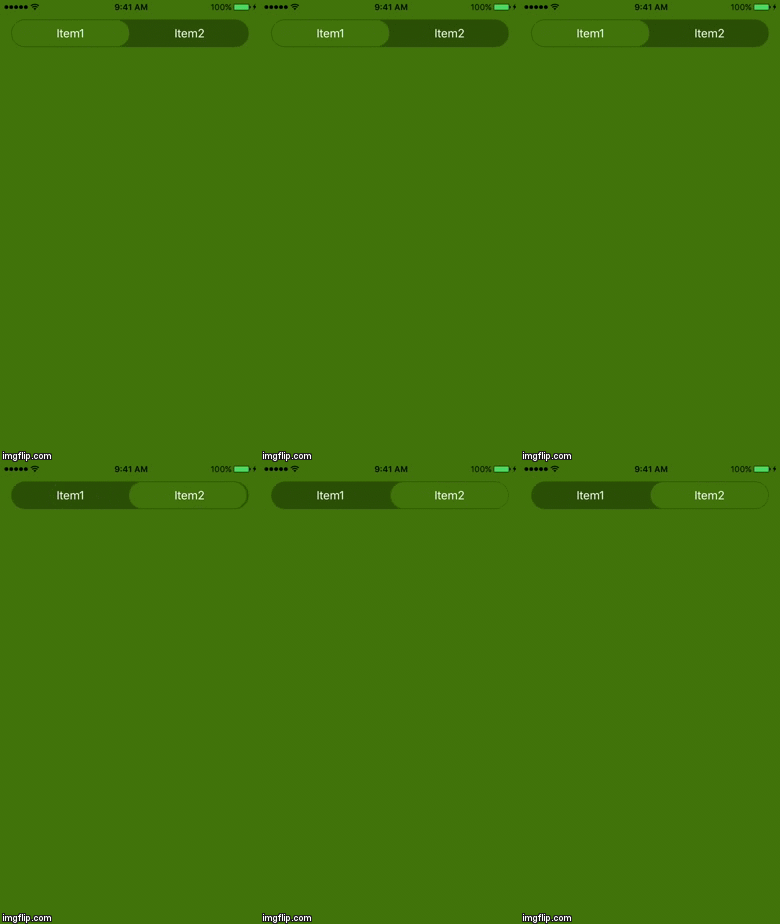
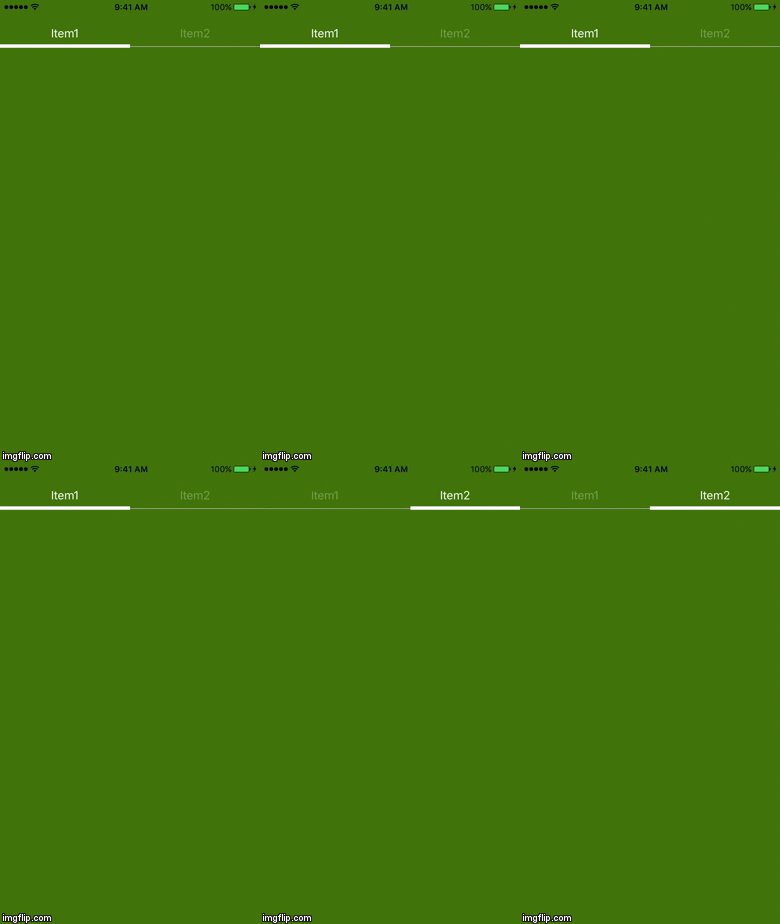
- iOS 10.0+
- Swift 3.0+
Copy & paste CustomSegmentedControl.swift in your project
CocoaPods is a dependency manager for Cocoa projects. You can install it with the following command:
$ gem install cocoapods
To integrate EYSegmentedControl into your Xcode project using CocoaPods, specify it in your Podfile:
source 'https://github.com/CocoaPods/Specs.git'
source 'https://github.com/iOS-AllProjects/EYSegmentedControl.git'

platform :ios, '10.0'
use_frameworks!

target '<Your Target Project Name>' do
pod 'EYSegmentedControl', '0.1.0'
end
Or
source 'https://github.com/iOS-AllProjects/EYSegmentedControl.git'

platform :ios, '10.0'
use_frameworks!
Drag a UIView into your storyboard! Change the class to CustomSegmentedControl. The view will be updated!
var items : [String] = ["Item1", "Item2"] Background Color. Corner Radius. Bottom Border.
Unselected Labels Color. Highlighted Label Color. Font Size.
Radius Style. Flat Style. Selected Label Background Color. Selected Label Border Width. Selected Label Border Color.
@IBOutlet weak var segmented: CustomSegmentedControl! func segmentedViewControllerValueChanged(_ sender: Any){
//Logic goes here and is based on index selection
} segmented.addTarget(self, action: #selector(ViewController.segmentedViewControllerValueChanged(_:)), for: .valueChanged)And that's it!