
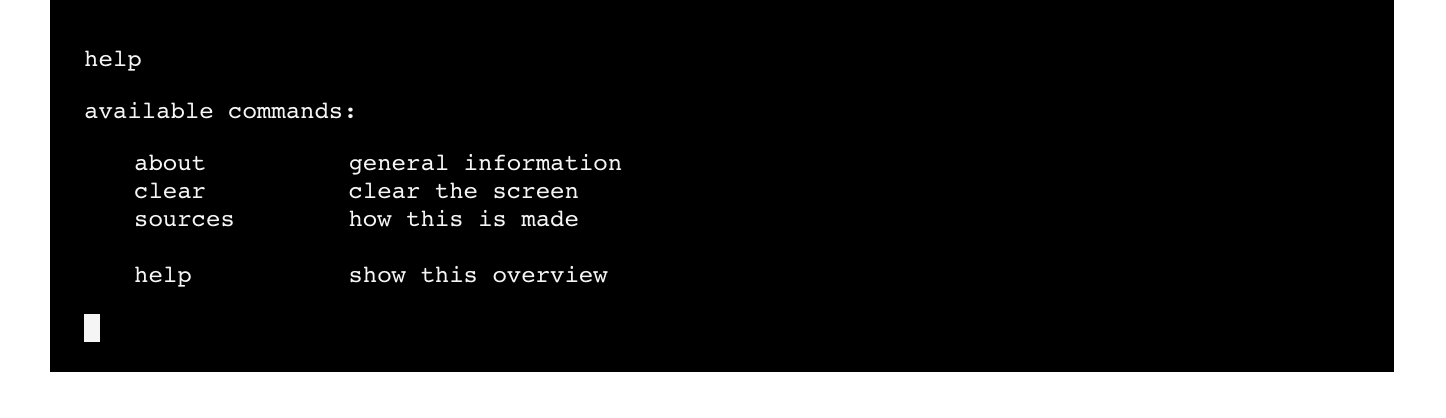
This project is a simple and easy to use command-line interface (CLI) for web applications.
Inspired by minimalistic user interfaces that are rich in functionality.
Designed for simplicity and built to empower.
Very light weight.
Features:
- configurable commands
- configurable colorschemes
- keeps history of used commands
Click here for a live demo.
- Install 'cli-plugin' with bower
bower install cli-plugin
- Install 'cli-plugin' with npm
npm install cli-plugin
- Or include files directly in your html:
<link rel="stylesheet" type="text/css" href="dist/cli-plugin.min.css">
<script src="dist/cli-plugin.min.js"></script>
Initialize cliPlugin using a custom colorscheme/config file.
cliPlugin.init(config);
Config accepts following properties:
| Property | Usage | Default | Required |
|---|---|---|---|
| textColor | text color | #111111 | no |
| cursorColor | cursor color | #111111 | no |
| backgroundColor | background color | whitesmoke | no |
Feel free to use hex, rgb(a) or html5 color names :)
Register your own commands:
cliPlugin.bind('list', function () {
  cliPlugin.print('<p>items on the shopping list:</p>');
  cliPlugin.print('<ul><li>milk</li><li>bacon</li><li>eggs</li></ul>');
});
Use cliPlugin.print(text) command to print text on the screen, accepts html.
Use cliPlugin.clear() command to clear the screen.
See index.html for an example implementation.