This project allows you to run Lighthouse audits on multiple URLs automatically using a simple Bash script inside a Docker container.
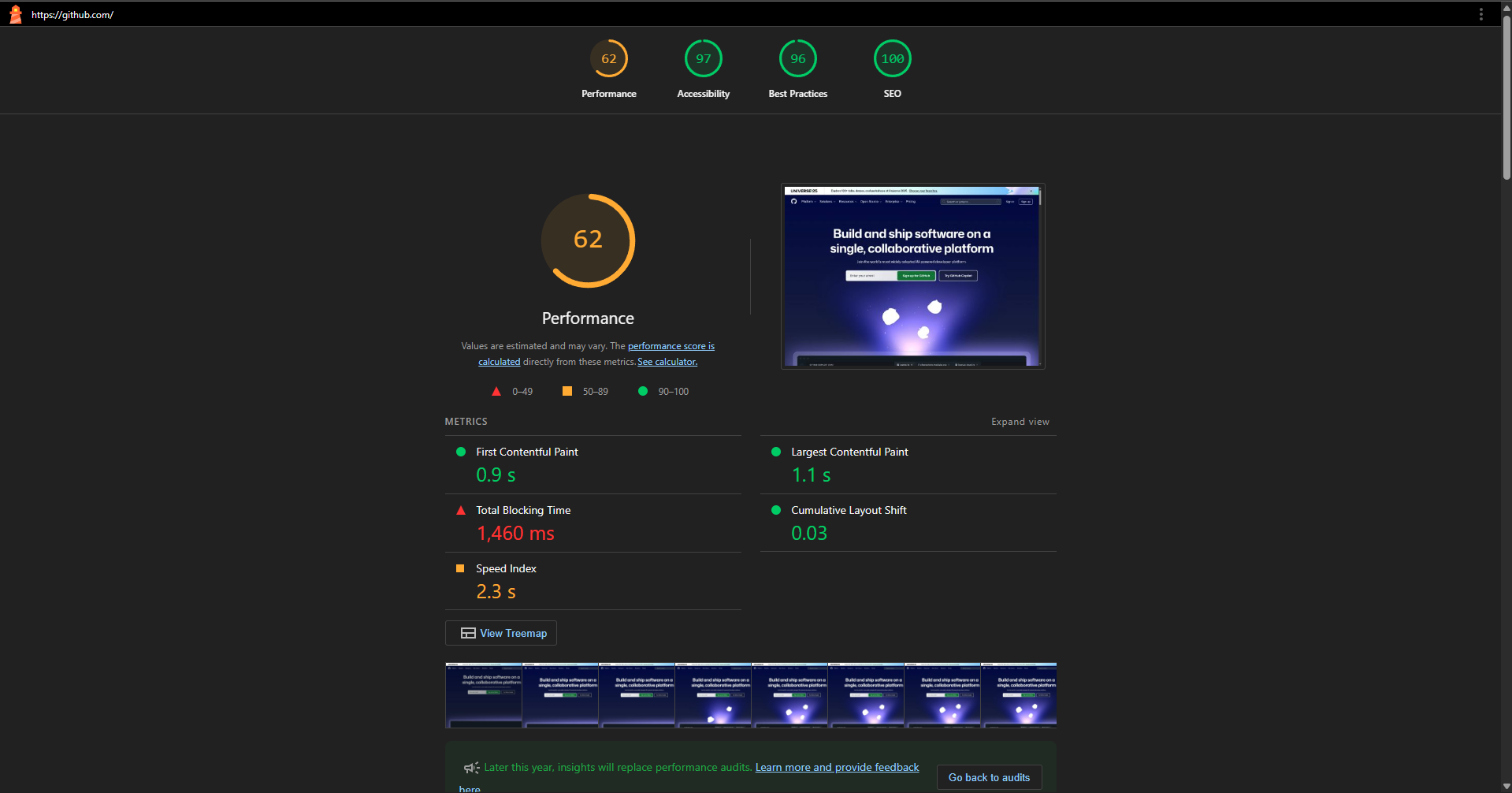
- Automate Lighthouse audits for many URLs in one run.
- Run inside Docker for consistent Chrome and Lighthouse environment.
- Output reports in HTML format to a mounted directory.
- Easily extend the script for more URLs.
- Docker installed on your system.
- Docker Compose for easier management.
-
Clone this repository
git clone https://github.com/danisec/lighthouse-cli-with-docker.git cd lighthouse-cli-with-docker -
Configure URLs
Editrun-lighthouse.shand add your target URLs to theURLSarray:URLS=( "https://google.com" "https://github.com" "https://stackoverflow.com" # Add more URLs here )
-
Build the Docker Image
With Docker Compose:
docker compose build
-
Create Reports Directory
On your host machine:mkdir reports
docker compose up- After running, all HTML Lighthouse reports will be saved in the
reportsfolder on your host machine. - Filenames are automatically generated based on each URL.
- Add/Remove URLs: Edit the
run-lighthouse.shfile. - Change Lighthouse options: Tweak the command line flags in
run-lighthouse.sh(e.g., add--preset=desktop, change output format, etc), see Lighthouse CLI.
#!/bin/bash

URLS=(
  "https://example.com"
  "https://another-url.com"
)

for url in "${URLS[@]}"; do
  basename=$(echo $url | sed 's|https\?://||;s|/|-|g')
  lighthouse "$url" \
    --chrome-flags="--headless --no-sandbox --disable-gpu --disable-dev-shm-usage" \
    --output html \
    --output-path="/home/lighthouse/reports/report-${basename}-desktop.html" \
    --preset=desktop
done- Out of memory or IO errors: Add
--shm-size=1g(or higher) when running the container to increase shared memory. - Chrome not found: This image installs Chrome automatically; if issues persist, check Docker build logs for errors.
- Permission errors: Make sure the
reportsdirectory on your host is writable.
- Dockerfile: Defines the Docker image with Node.js, Lighthouse, and Chrome.
- docker-compose.yml: Simplifies building and running the Docker container.
- run-lighthouse.sh: The main script that runs Lighthouse on multiple URLs.
- reports/: Directory where Lighthouse reports are saved (created on host).
The Car Wash Booking System is open-sourced software licensed under the MIT license.