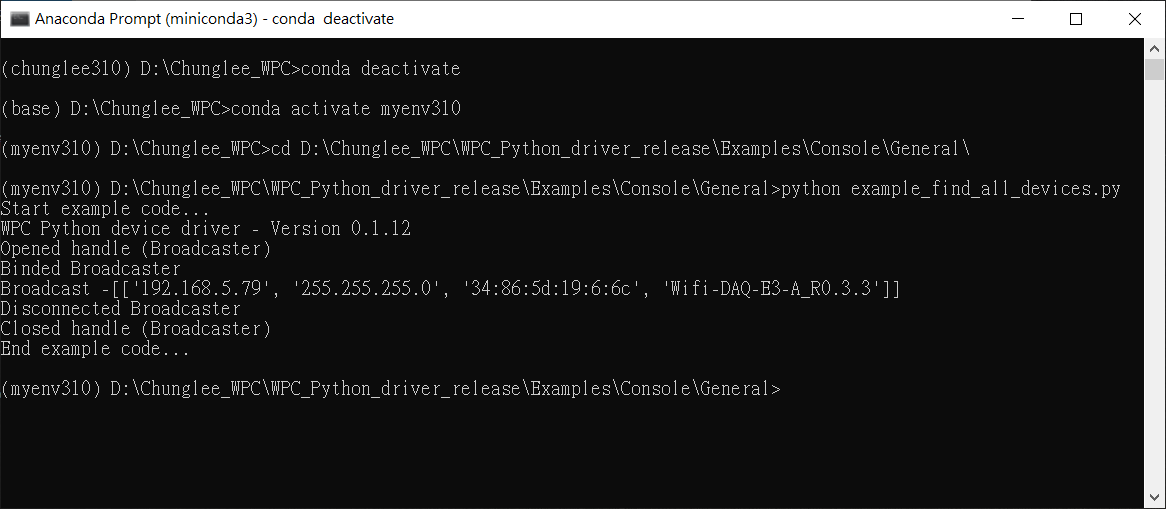
How to run WPC Python driver example code in console
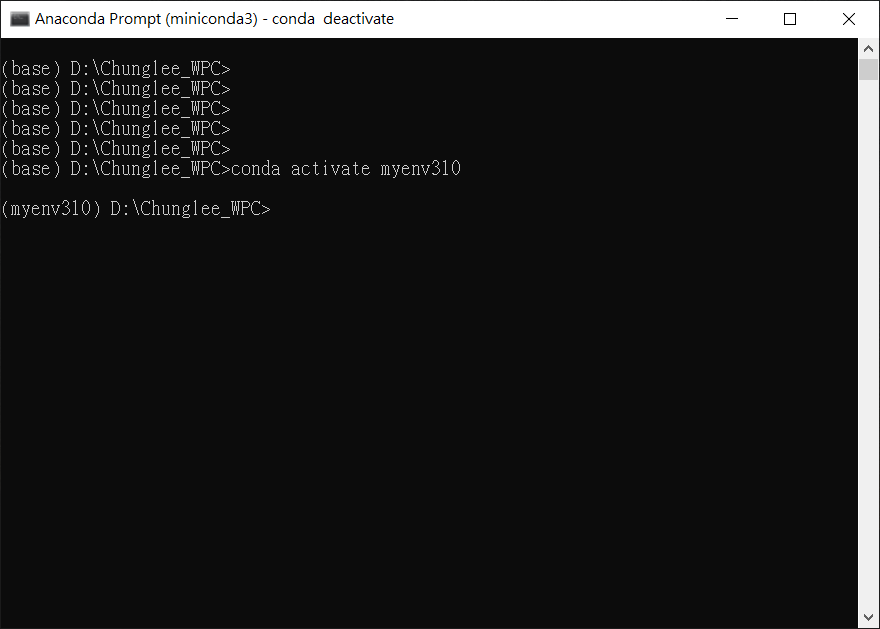
- Open miniconda and enter
myenv310environment. - Download example codes and change directory which you want to run
- Run example code
- For example, I would like to run example_find_all_devices.py.
- Then, i change directory to specific folder path.
Statement:
$ cd <path_to_your_folder>
For example:
cd D:\Chunglee_WPC\WPC_Python_driver_release\Examples\Console\General\

Statement:
$ python <file.py>
For example:
python example_find_all_devices.py

- Then, you will see the results.