
Recreation of one of the most famous arcade games, the Pong Game developed by Atari, coded in Python using the Turtle module.
Concepts include: OOP (Class, Inheritance), turtle module, Tuple, Loops.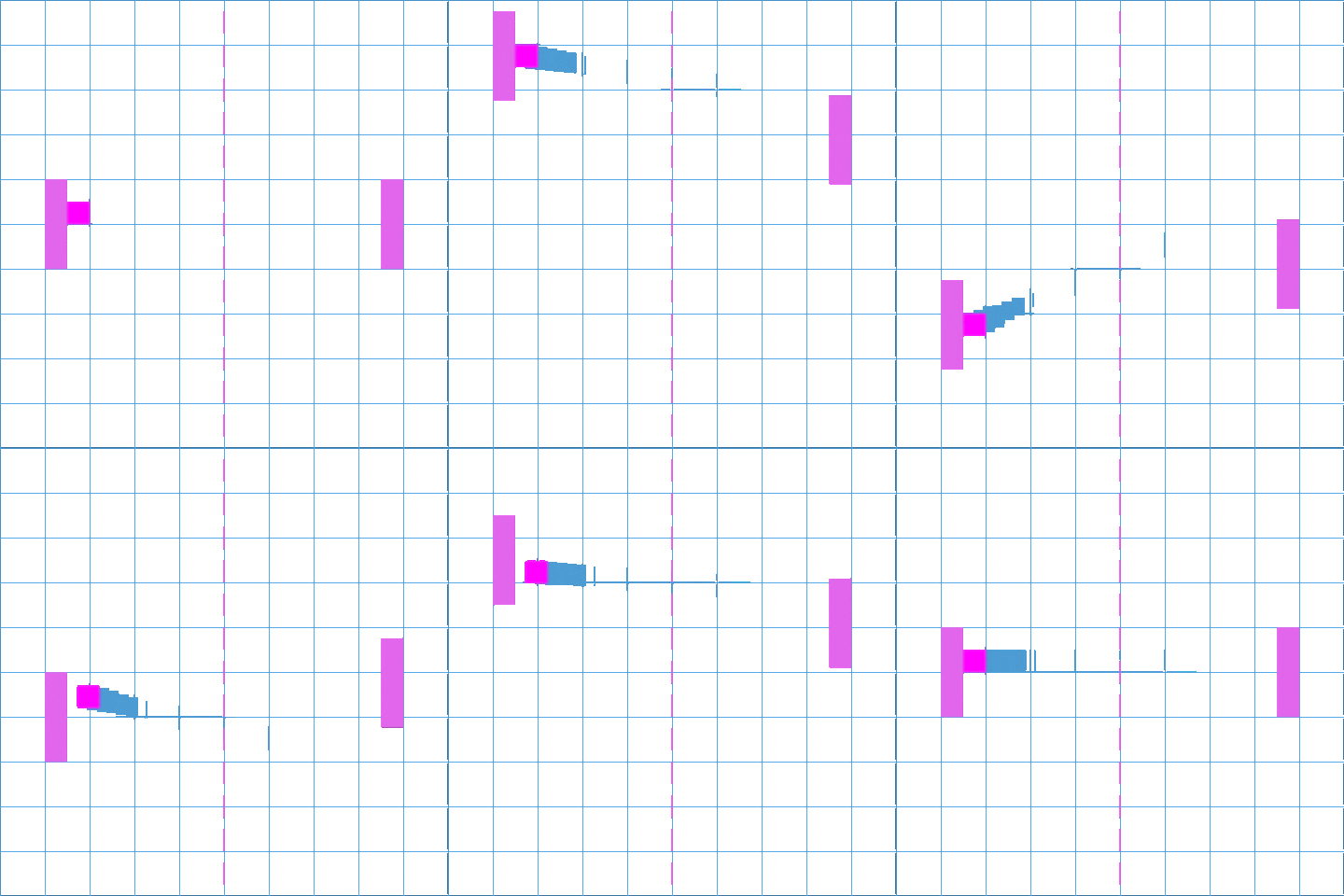
- The Pong game is a two-player game, with one player on the left & the other player on the right side of the screen.
- Both players can only move up and down by pressing key ‘w’ and ’s’ for the player on the left side of the screen, arrow keys ‘Up’ and ‘Down’ for the player on the right side of the screen.
- If one player misses the ball, the other player gains a point.
| main.py | paddle.py | scoreboard.py | ball.py |
|---|---|---|---|
 |
 |
 |
 |


- We start by importing the Screen class from the turtle module in the main.py, setting the screen size (600 X 800), background color (black), and title for the screen.
- Aim is to create 2 paddles (right & left paddles), whose movements can be controlled.
- We make our Paddle class (paddle.py) to inherit from the turtle class, such that the paddle class posses all the capabilities of the turtle class, along with additional properties. We use the concept of inheritance.
- We define the methods shape, shapesize, penup, color, goto etc.
- We use the tracer and update method to control the paddle animation on the screen.
- With the help of key binding concept (listen, onkey) along with go_up and go_down method, we are able to control the left & right paddle movement.
- Aim is to create a ball, such that when the screen refreshes, the ball automatically moves up and right of the screen (change in x & y position).
- We make our Ball class (ball.py) to inherit from the turtle class and define the following attributes & methods, color(white), shape(circle), penup(), move(responsible for the movement of the ball).
- Using the move method, we notice that the ball goes off the screen, to avoid that, in the main.py, under the while loop, we can pause the loop for a short time during each iteration. Using the sleep method in the time module, we can control the speed of the ball & catch it.
- Aim is to detect collision with the top & bottom walls, and make it bounce.
- In the main.py, we detect collision by checking when the y coordinate of the ball is past a particular coordinate (screen: 600 X 600).
- We make the ball bounce by reversing the action it was currently performing, if it was increasing it needs to decrease & vice versa. We take the help of x_move to perform bounce_y() (ball.py).
- Aim is to detect collision of the ball with the paddles, and bounce when in contact.
- We check the distance of the ball from each paddle along with the x coordinate of the ball.
- The game rules state that whenever a player misses the ball, the other player gains a point. The game restarts, the ball starts at the center and moves in the opposite direction.
- If the ball has gone out of bounds at the edge of the screen, we reset the ball's position to the center of the screen and reverse the x coordinate so that it moves in the opposite direction (ball.reset_position).
- We detect paddle misses separately as later we also need to update the scores each time opposite paddle misses the ball.
- Aim is to keep track of the score each time a player gains a point.
- We make our Scoreboard class (scoreboard.py) to inherit from the turtle class and define the following attributes & methods, color(white), penup(), hideturtle(), l_score, r_score, update_scoreboard().
- Using update_scoreboard(), we can display the scores for both the players. Each time a player scores, it clears the previous scores, updating the latest scores.
- l_point & r_point methods help us increment the l_score & r_score by 1.
- The game can become quite dull if the ball invariably moves at the same speed. We can spice the game up by figuring out a way of getting the ball to increase its speed every time it hits a paddle.
- The key lies in how much we make our game loop sleep. The shorter the sleep is, the faster our ball moves. We can reduce this number by a little each time (non-negative, sleep time can never be a negative value).
- We can do so by declaring an attribute named move_speed in the Ball Class. Every time our ball bounces in the x-axis, it means it has been touched by a paddle. Hence inside the bounce_x(), in addition to reverse, we can also get the move_speed to reduce by multiplying it by a decimal value. However, every time the game resets, the move_speed needs to be set to the original value so that it doesn't keep on increasing in speed indefinitely.
- How to break down a large project into smaller different tasks, making the project easier to understand and implement. 🧐
- How amazing the turtle module is ! 🐢
- How Object - Oriented Programming concepts make our lives easier. 😝
- How addictive the Pong Game can get. 🥶