
How To Use • Download • Credits • Community
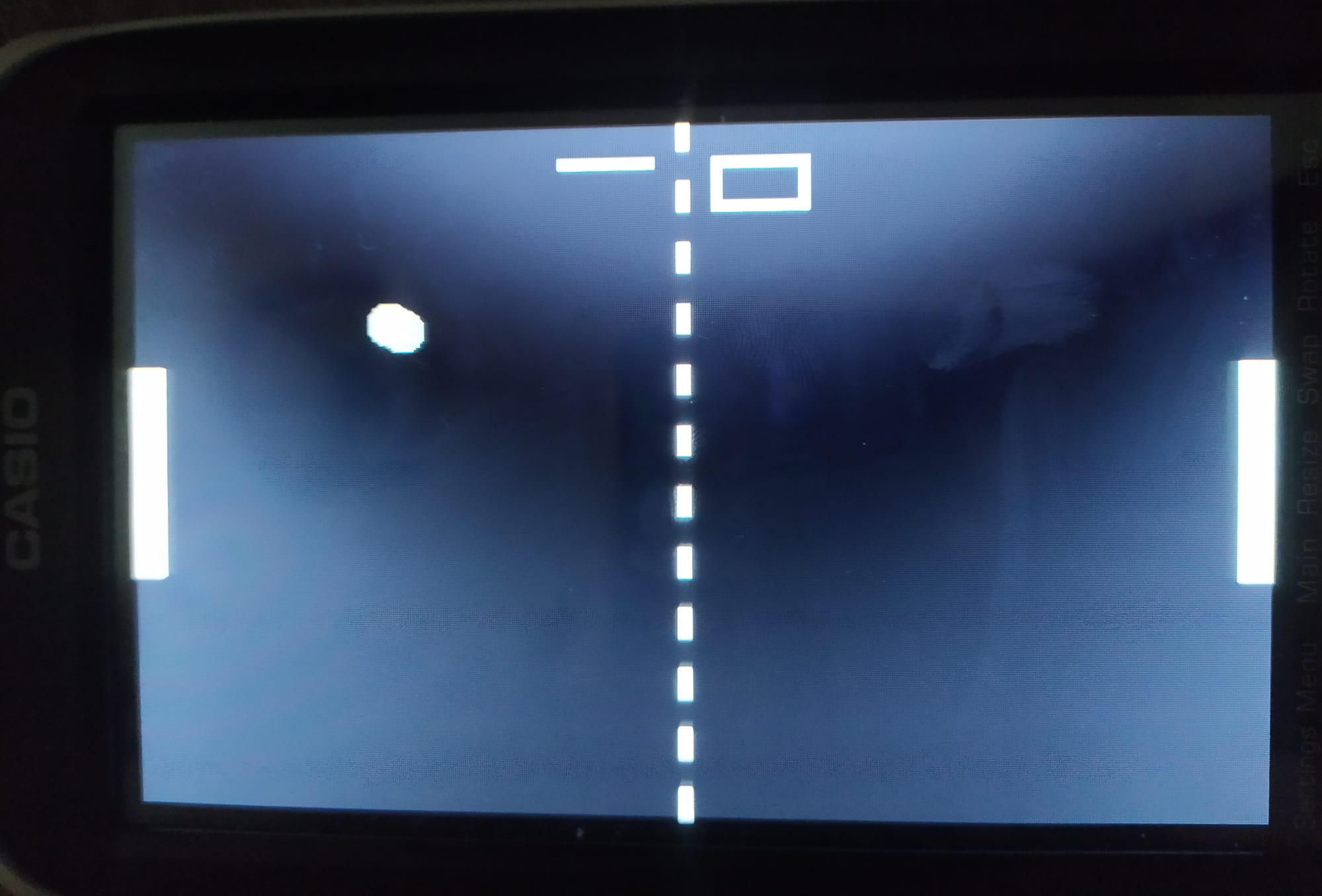
-
Copy the
.hh3game file into the root directory of your calculator
(do not place it inside a subfolder). -
Launch the calculator and open the game through Hollyhock Launcher.
-
Controls:
- Player 1:
←/→ - Player 2:
1/3 5= restart gameEXEorClear= quit
- Player 1:
👉 Download the latest release here
The release contains the .hh3 file you just need to copy onto your calculator.
- Original Code for HHK2 by SnailMath
- HHK3 Template by QBos07
Join the discussion, share feedback and get help on the Snail Math Discord Server:
👉 https://discord.com/invite/knpcNJTzpd