A browser-based video stream analyzer for DASH and HLS. Think of it as a lightweight, instant-on alternative to tools like StreamEye — no install, no desktop app, just paste a manifest URL and start inspecting.

- Split-screen quality comparison — put two renditions side by side with a draggable divider, synchronized down to the frame. Spot compression artifacts, banding, and detail loss at a glance.
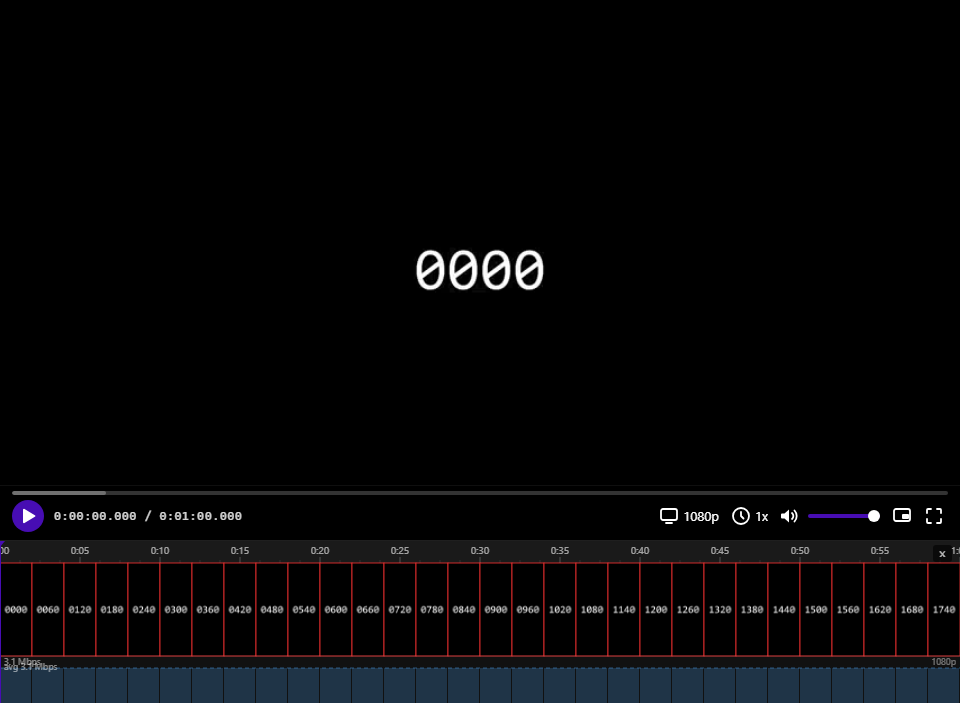
- Filmstrip timeline with frame-level zoom — scroll through the stream as a visual strip of thumbnails. Zoom all the way in to see individual frames with color-coded borders: red for I-frames, blue for P, green for B.
- GOP structure inspector — hover over any segment in the bitrate graph to see a per-frame size breakdown with I/P/B classification. Understand how the encoder distributes bits across the GOP without leaving the browser.
- Per-segment bitrate graph — measured from actual network responses (not just manifest estimates). Instantly see bitrate spikes, CBR consistency, and how the encoder reacts to scene changes.
- Save any frame at full resolution — right-click a filmstrip thumbnail and export the exact frame as a PNG, decoded from the active rendition (not the thumbnail stream). Frame-accurate, position-based capture that works across different GOP structures.
- ClearKey DRM support — auto-detects
cenc:default_KIDfrom DASH manifests and prompts for the decryption key. Filmstrip and frame export work on encrypted content too. - Real-time stats panel — codecs, resolution, dropped frames, buffer health, network throughput, color gamut, and more. One right-click away.
- Audio level meters — per-channel dB meters with peak hold, supporting mono through 5.1.
- Clip export — set in/out points with I/O keys, pick a rendition, and download the segment as MP4.
- Keyboard-driven workflow — J/K/L shuttle, frame-step with arrow keys or comma/period, volume, fullscreen, zoom — all without touching the mouse.
- Sleep/wake recovery — detects system sleep via timer-gap analysis and restores playback position automatically.
Works with any public DASH (.mpd) or HLS (.m3u8) stream. No server required — runs entirely in the browser.
Automatically tested on every commit:
| Chromium · Linux | Firefox · macOS | WebKit · Linux |
|---|---|---|
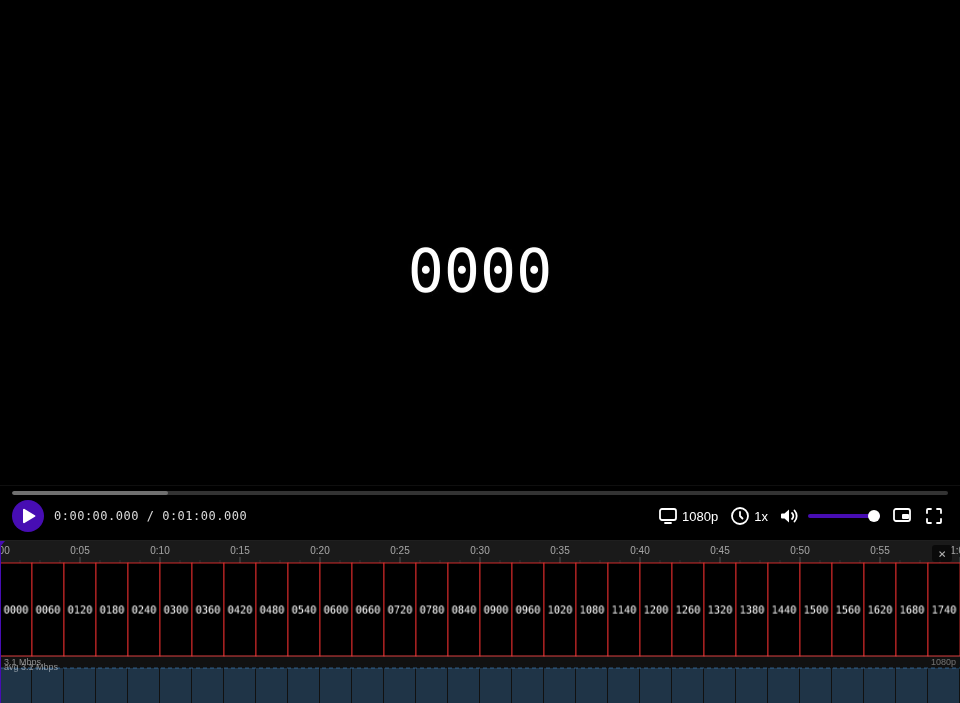 |
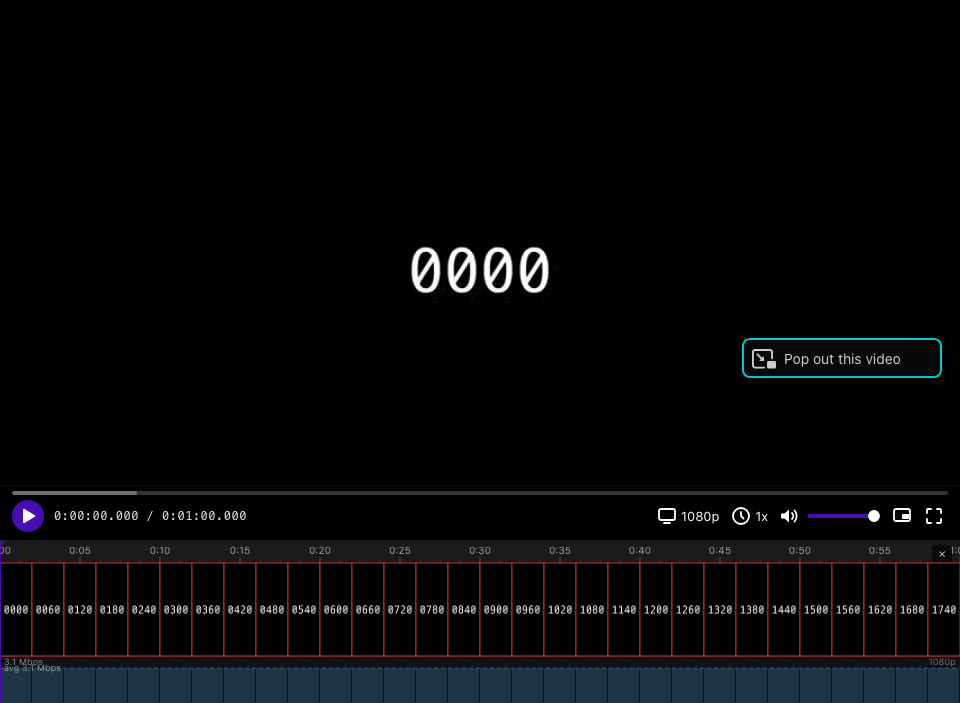 |
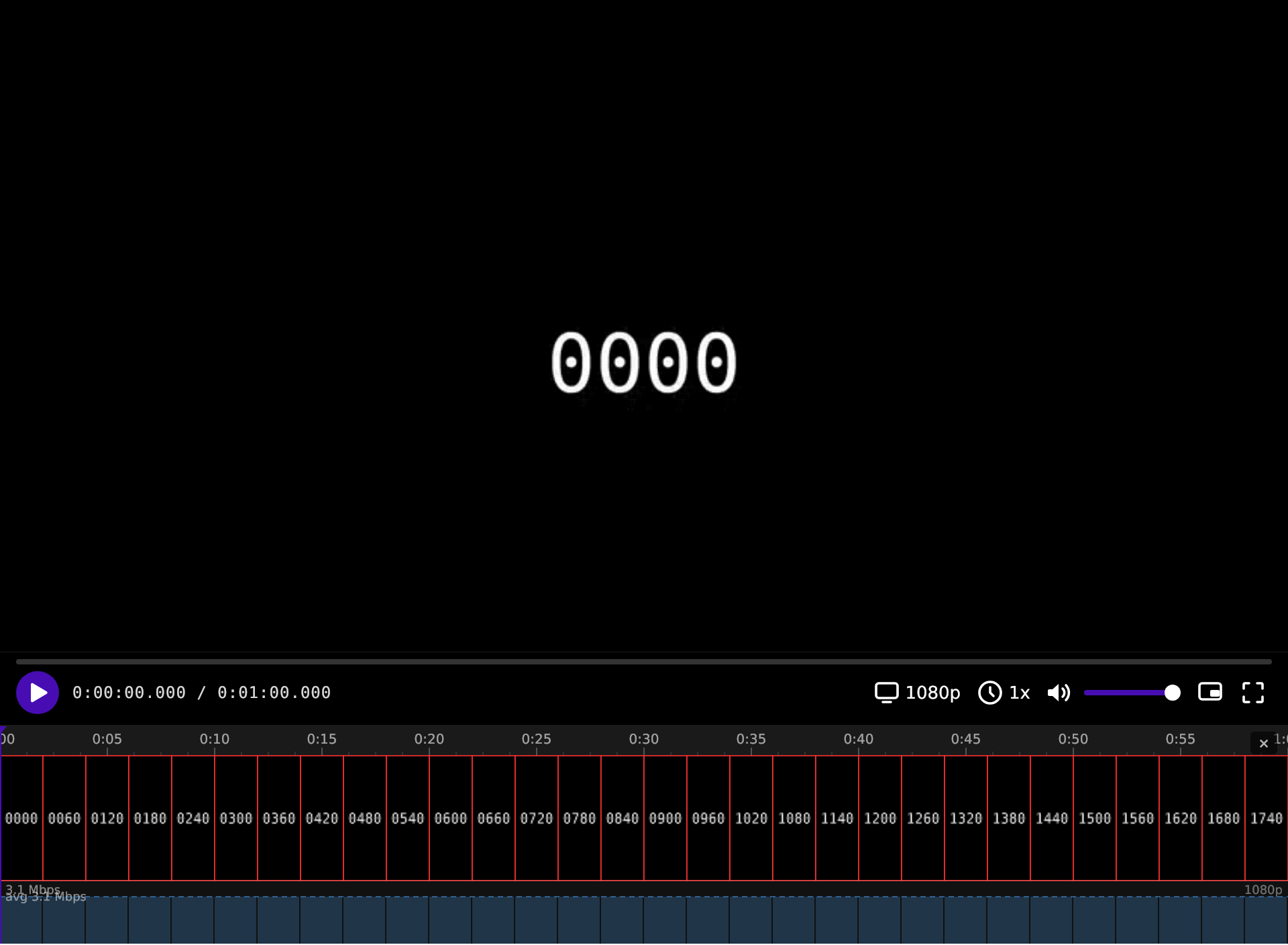 |
| Safari · macOS | Edge · Windows |
|---|---|
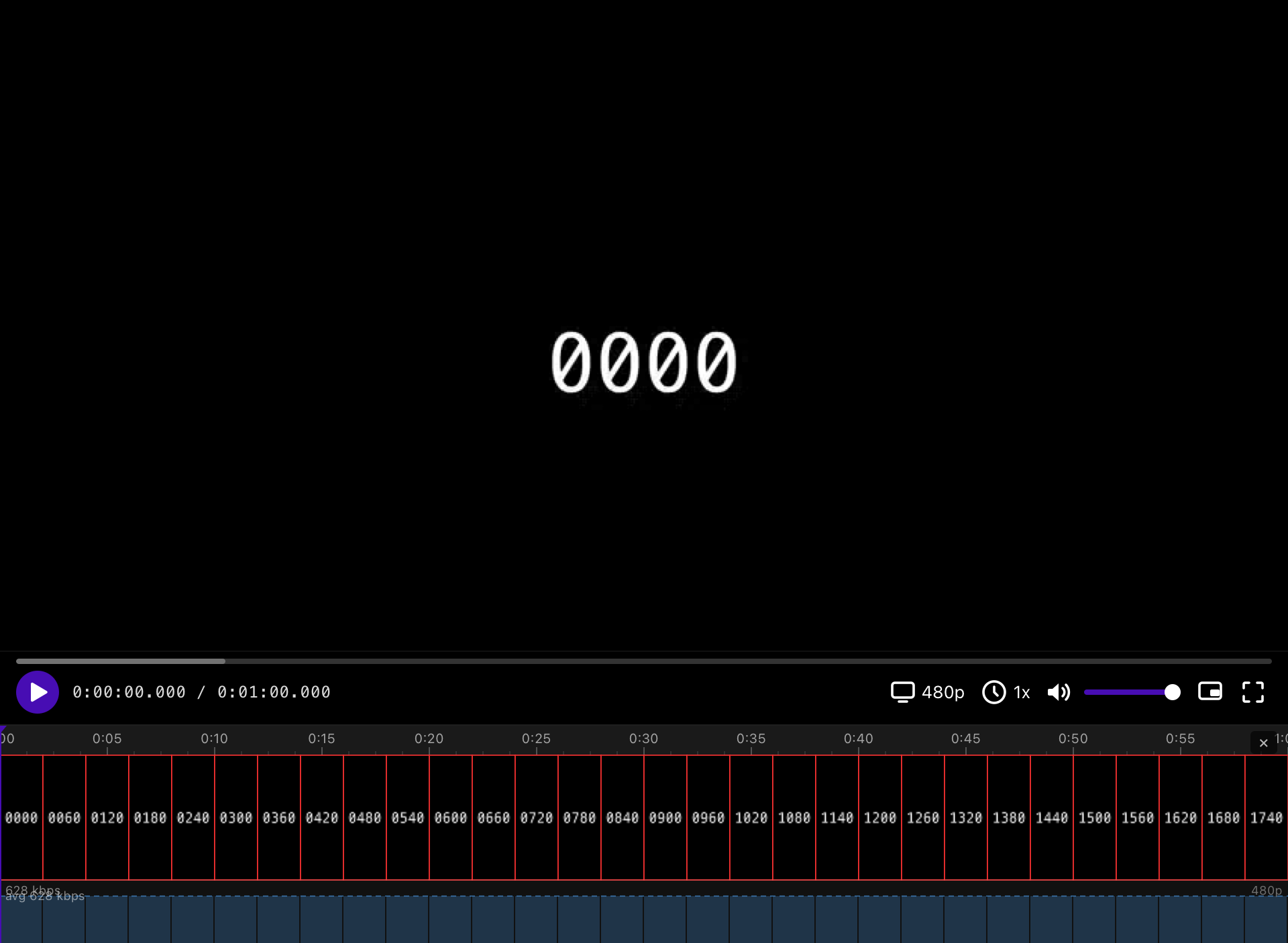 |
 |
npm install
npm run dev
Open the app, paste a manifest URL, and click Load. If the stream is ClearKey-encrypted, you'll be prompted for the hex decryption key (or pass it via ?key=).
npm run build- React 19 + TypeScript
- Shaka Player for adaptive bitrate streaming
- Vite for dev server and bundling
