fix: Join button appear and expand horizontal on the first invoice on the Spend tab - #100063
Conversation


|
@aimane-chnaif Please copy/paste the Reviewer Checklist from here into a new comment on this PR and complete it. If you have the K2 extension, you can simply click: [this button] |

Reviewer Checklist
Screenshots/VideosAndroid: HybridAppAndroid: mWeb ChromeiOS: HybridAppios.moviOS: mWeb SafariMacOS: Chrome / Safariweb1.movweb2.mov |

|
Codex Review: Didn't find any major issues. 🚀 Reviewed commit: ℹ️ About Codex in GitHubCodex has been enabled to automatically review pull requests in this repo. Reviews are triggered when you
If Codex has suggestions, it will comment; otherwise it will react with 👍. When you sign up for Codex through ChatGPT, Codex can also answer questions or update the PR, like "@codex address that feedback". |


|
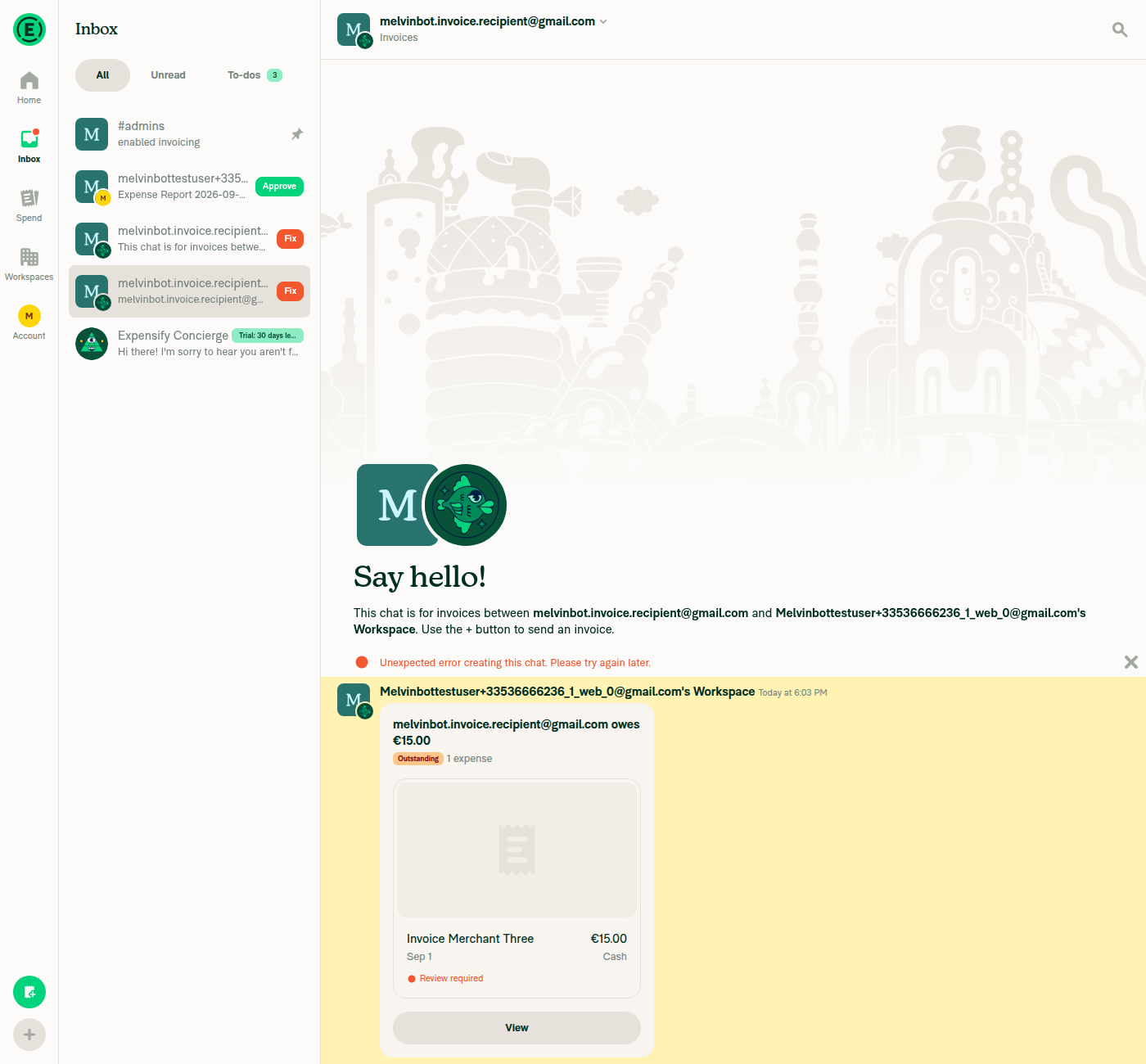
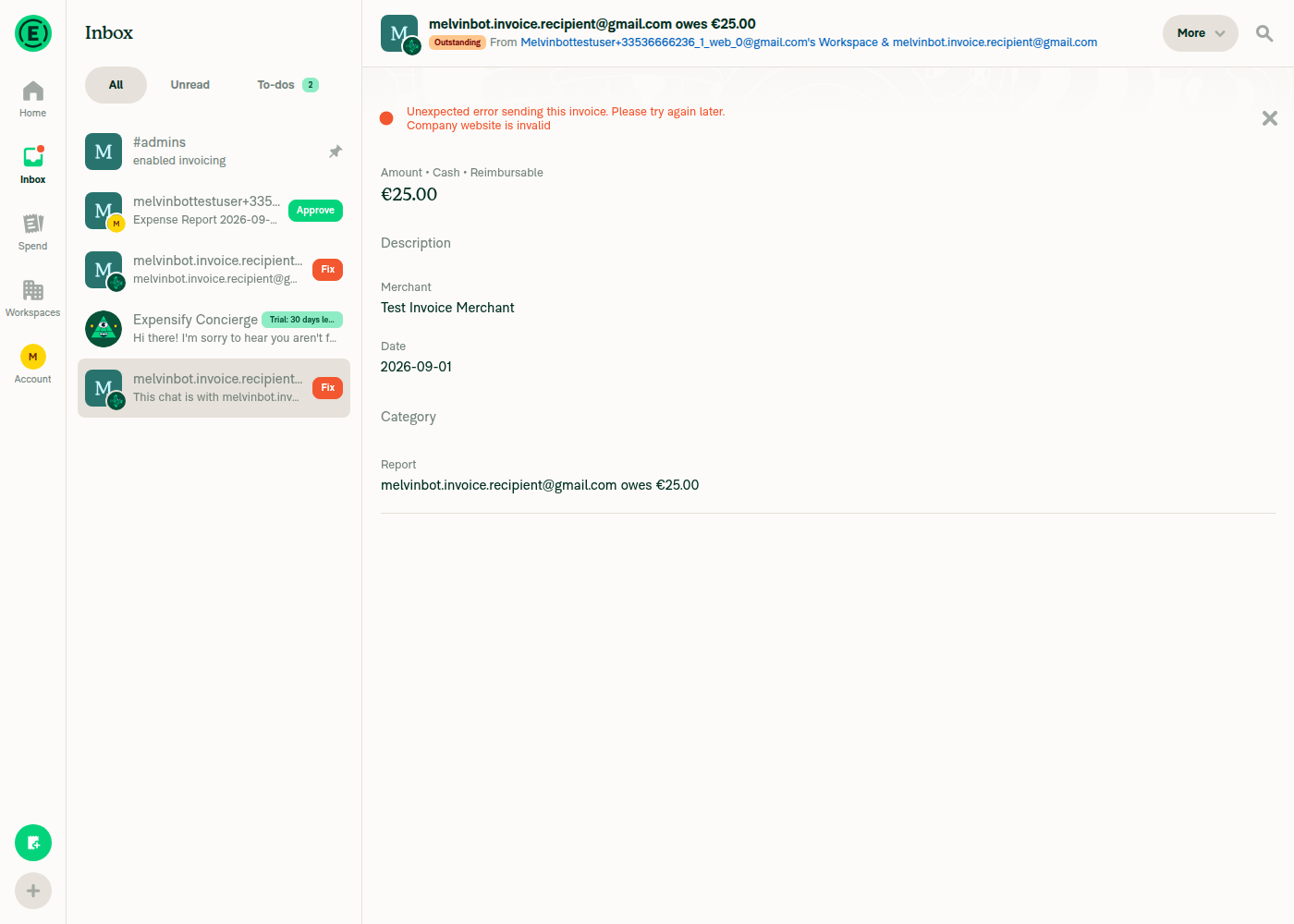
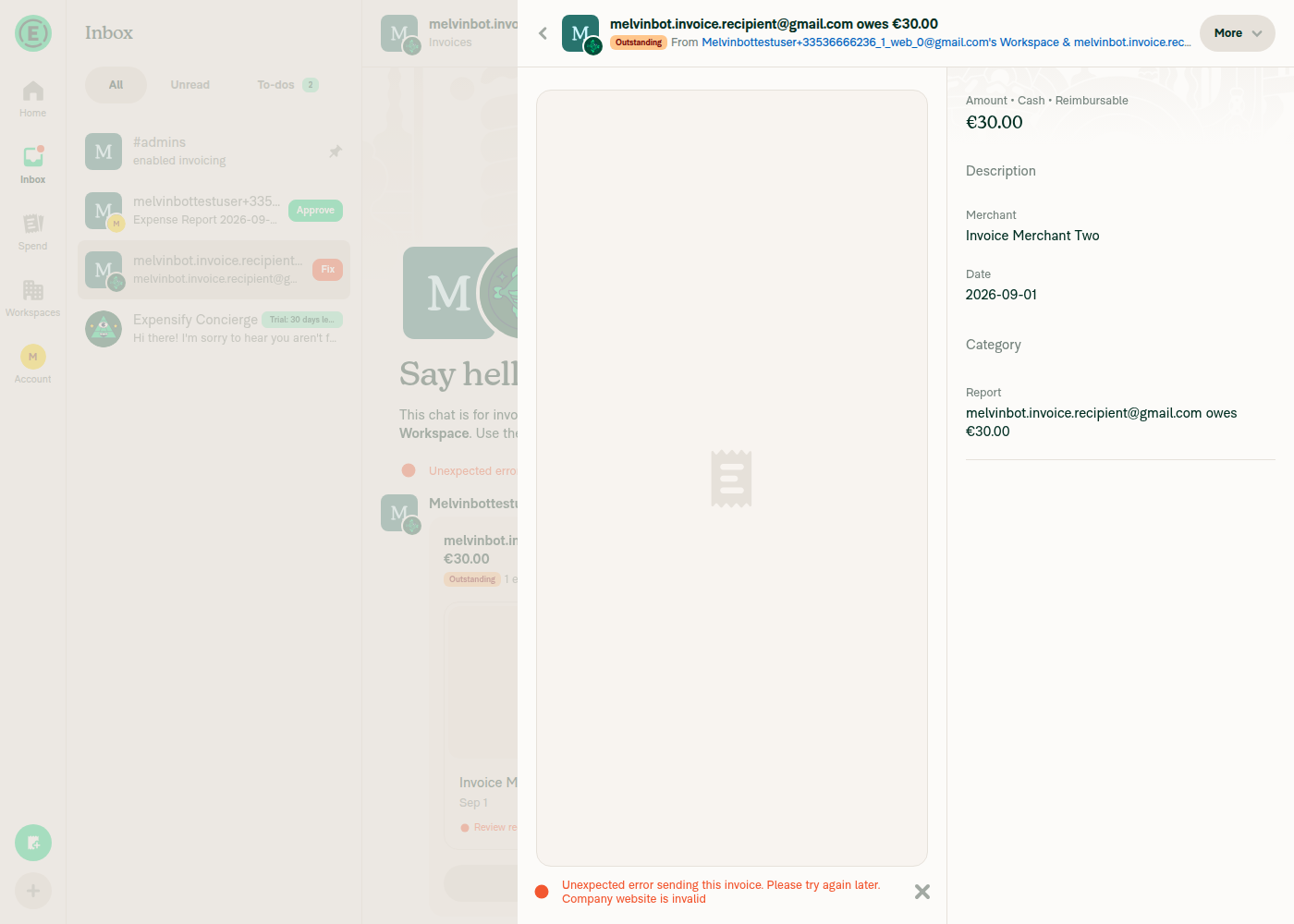
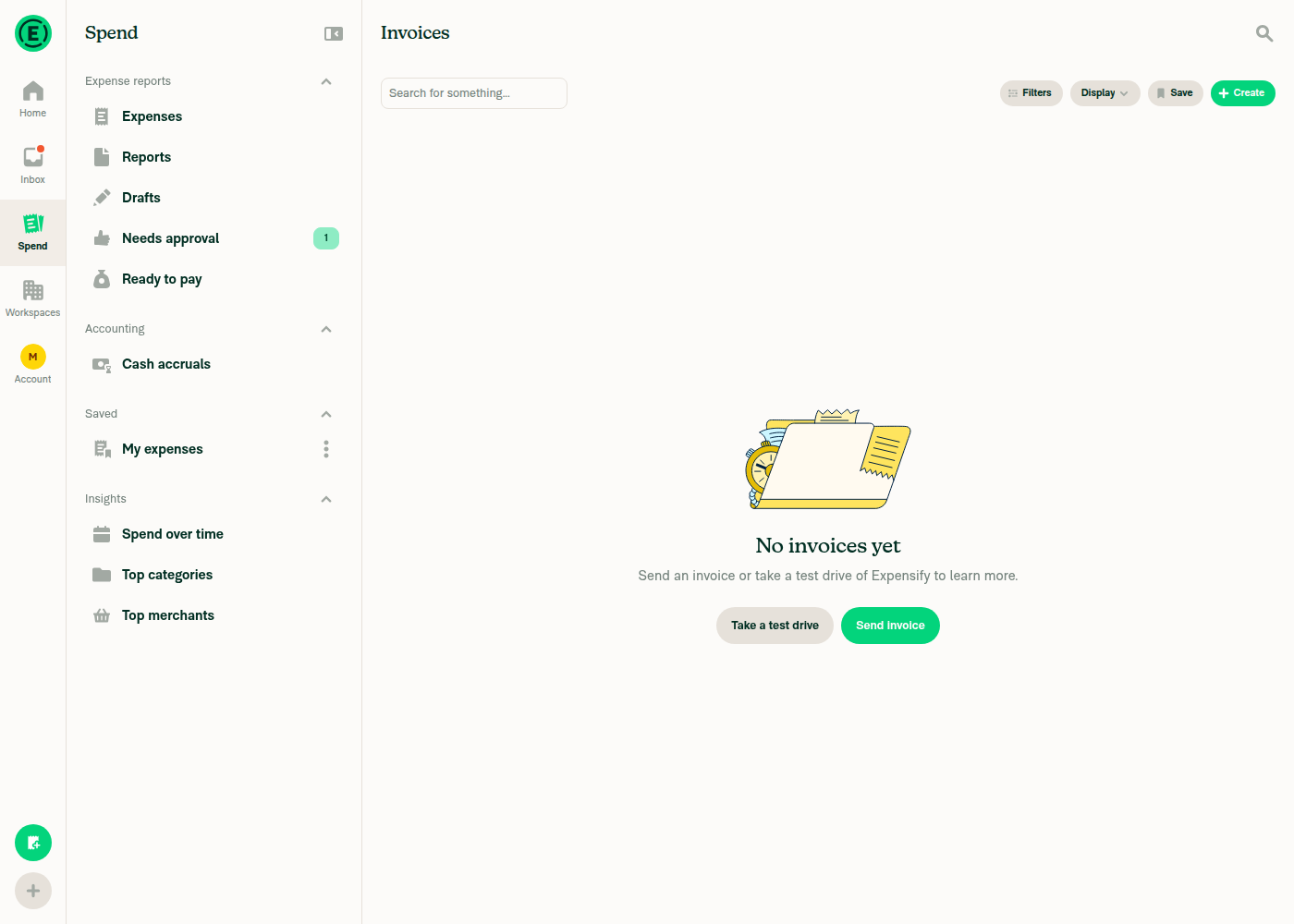
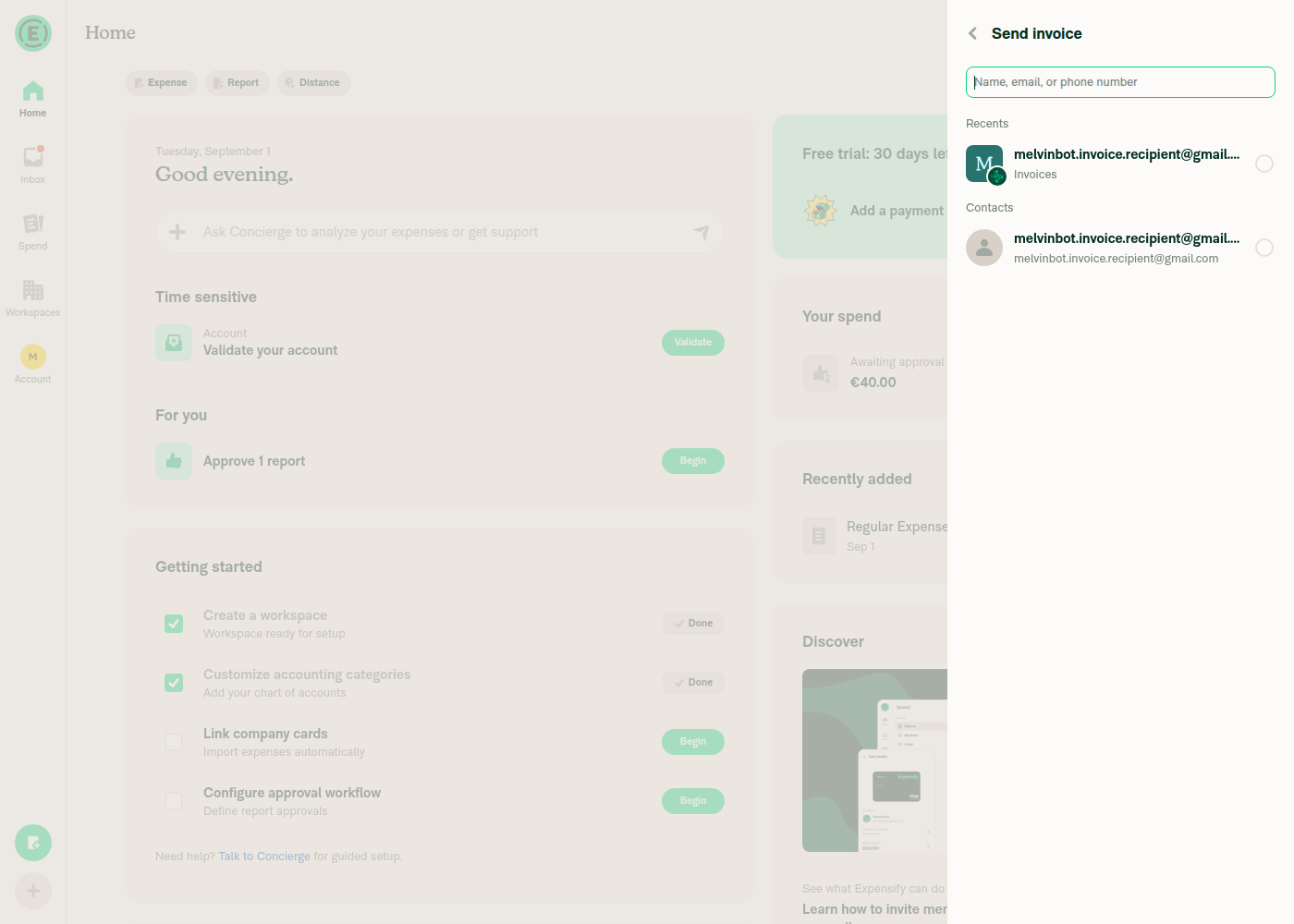
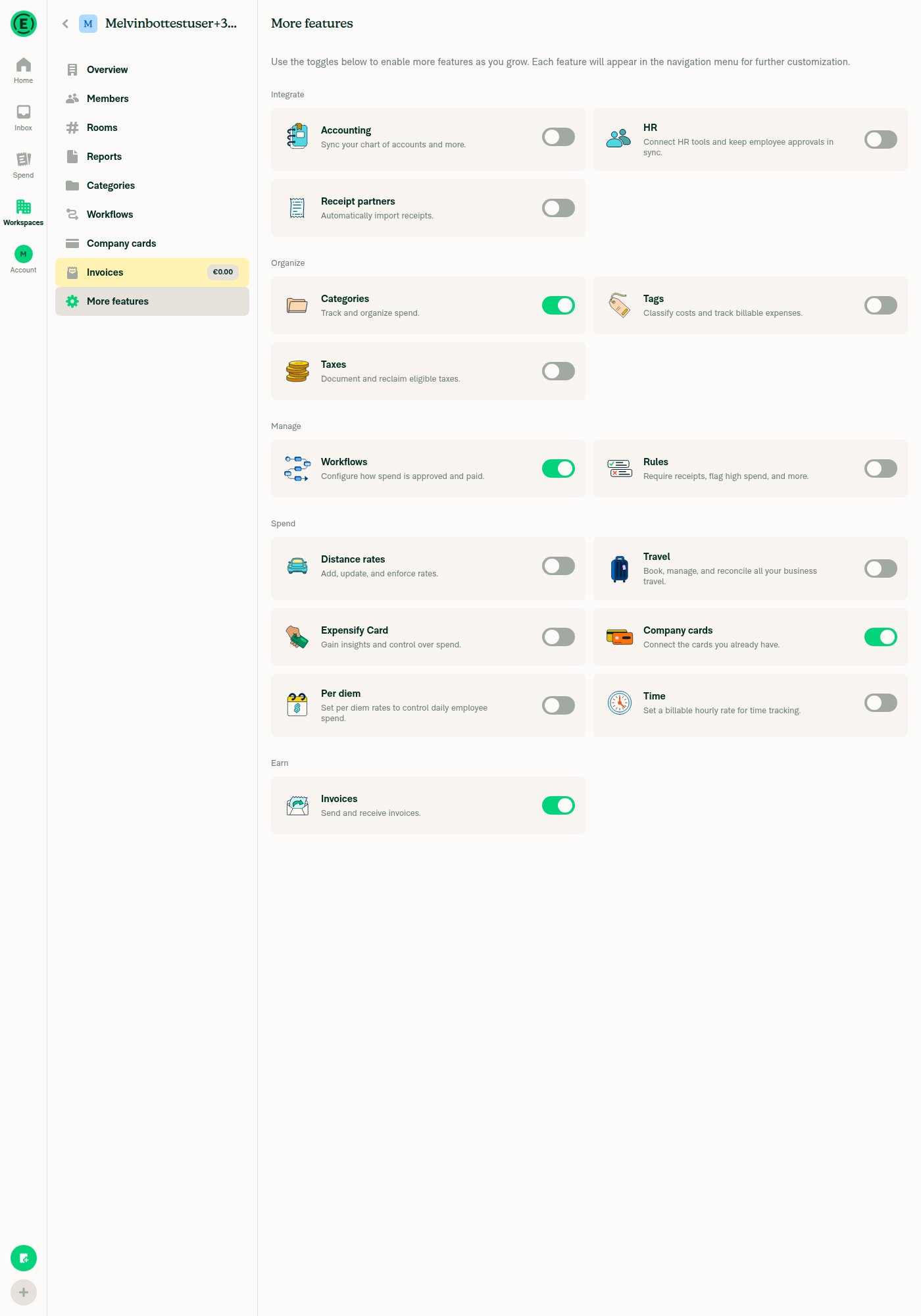
🤖 Web test steps verification results: ✅ pass Invoices created online and offline both list correctly under Spend > Invoices and open directly to the invoice report header (" owes €X") with no Join button. No console or network errors related to the flow.
Code reviewThe fix works and is low risk. Both halves check out: Four things worth addressing before merge: 1. The test steps don't cover the reported repro. Issue #98882 reproduces online in production, but the 2. Open question: does the backend return 3. Why the root cause arguably sits one layer up
4. The new unit test doesn't test what its name says. |
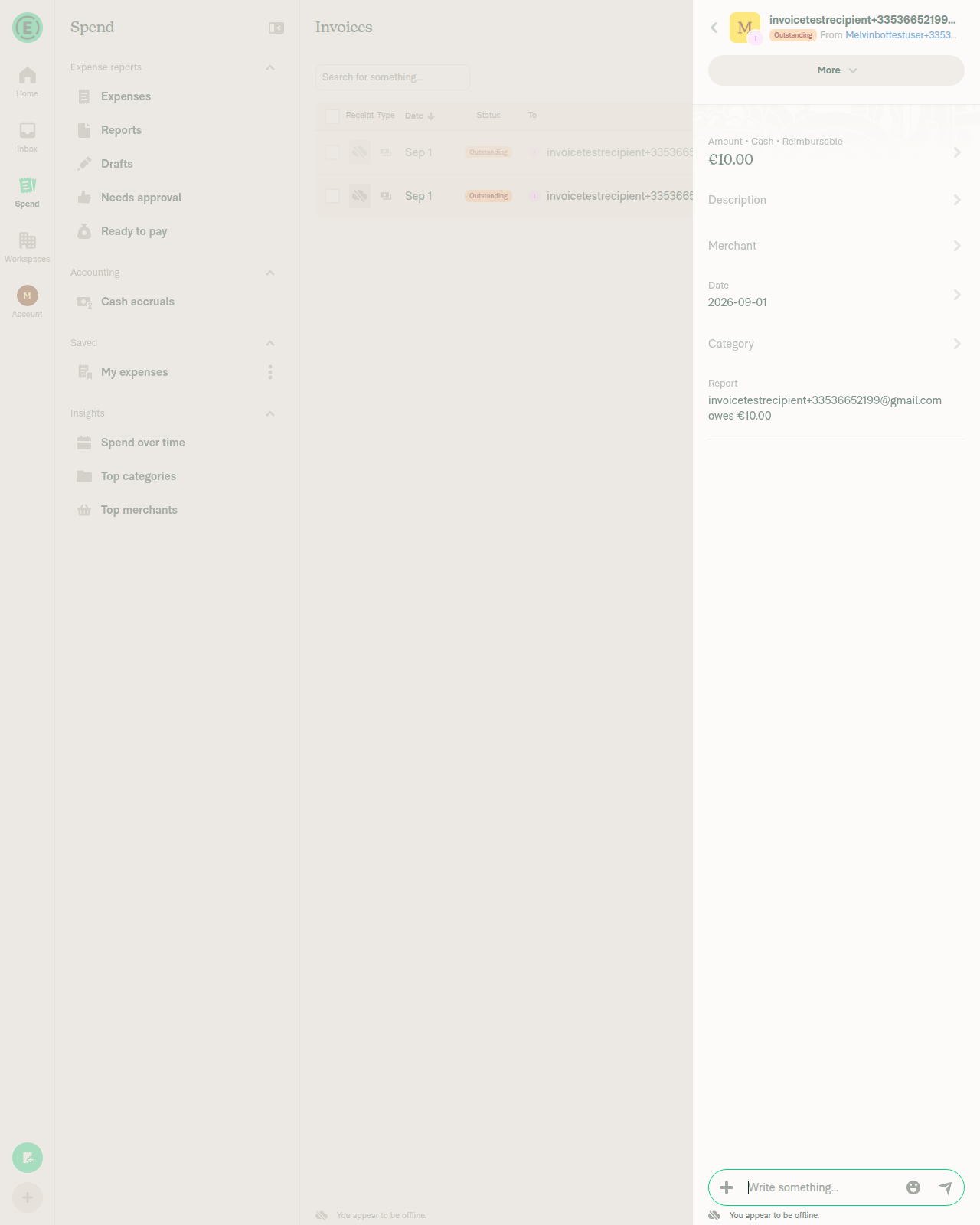
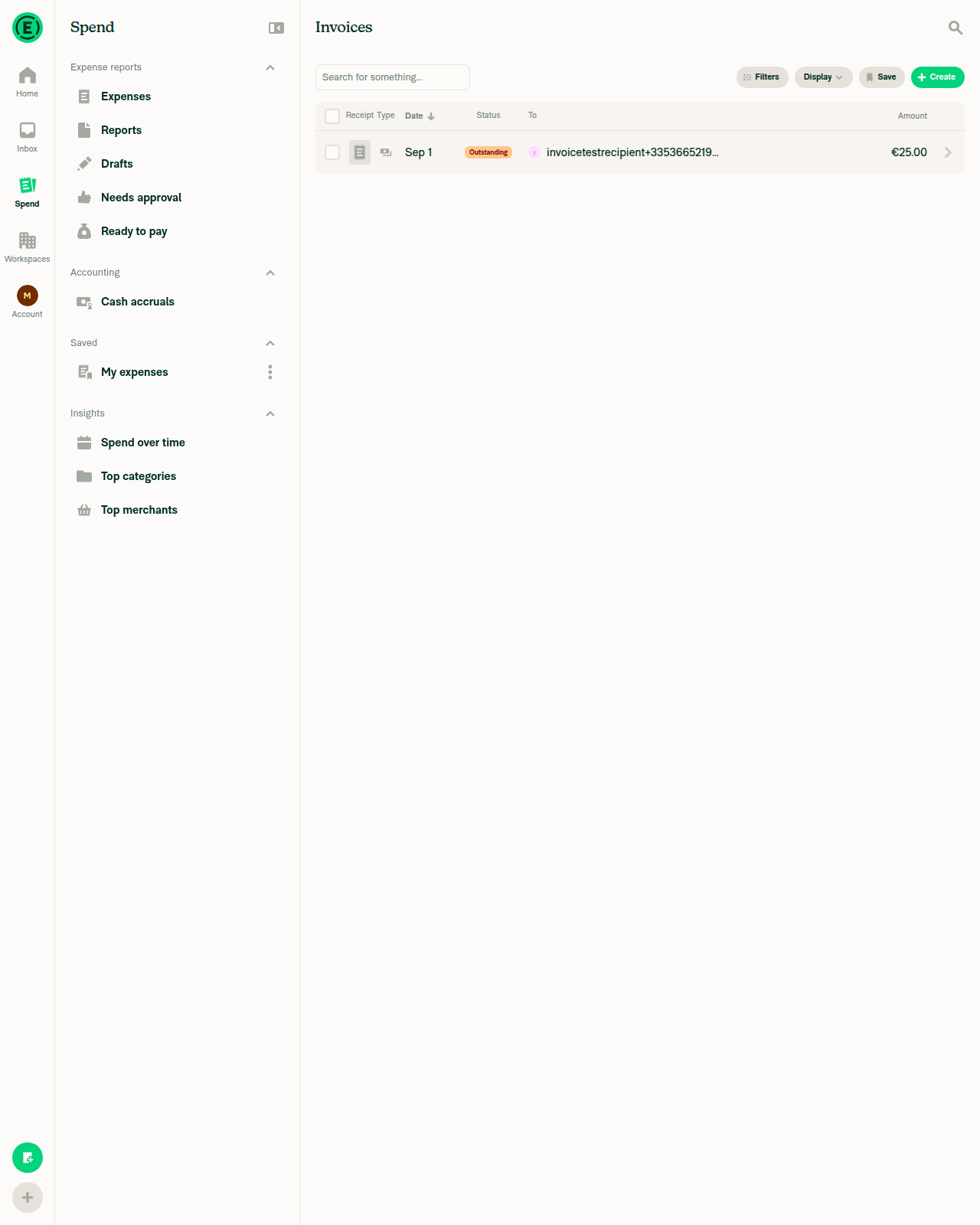
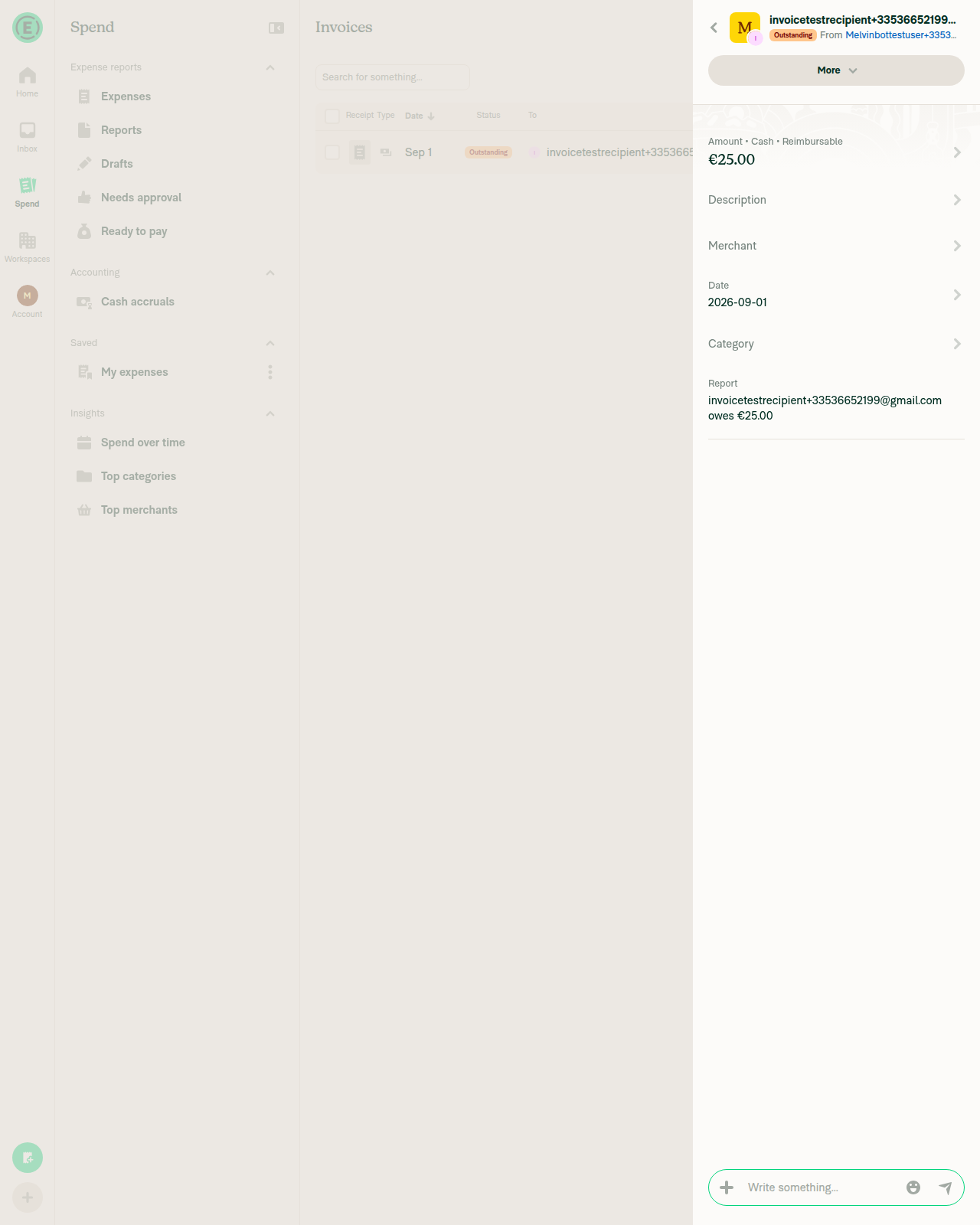
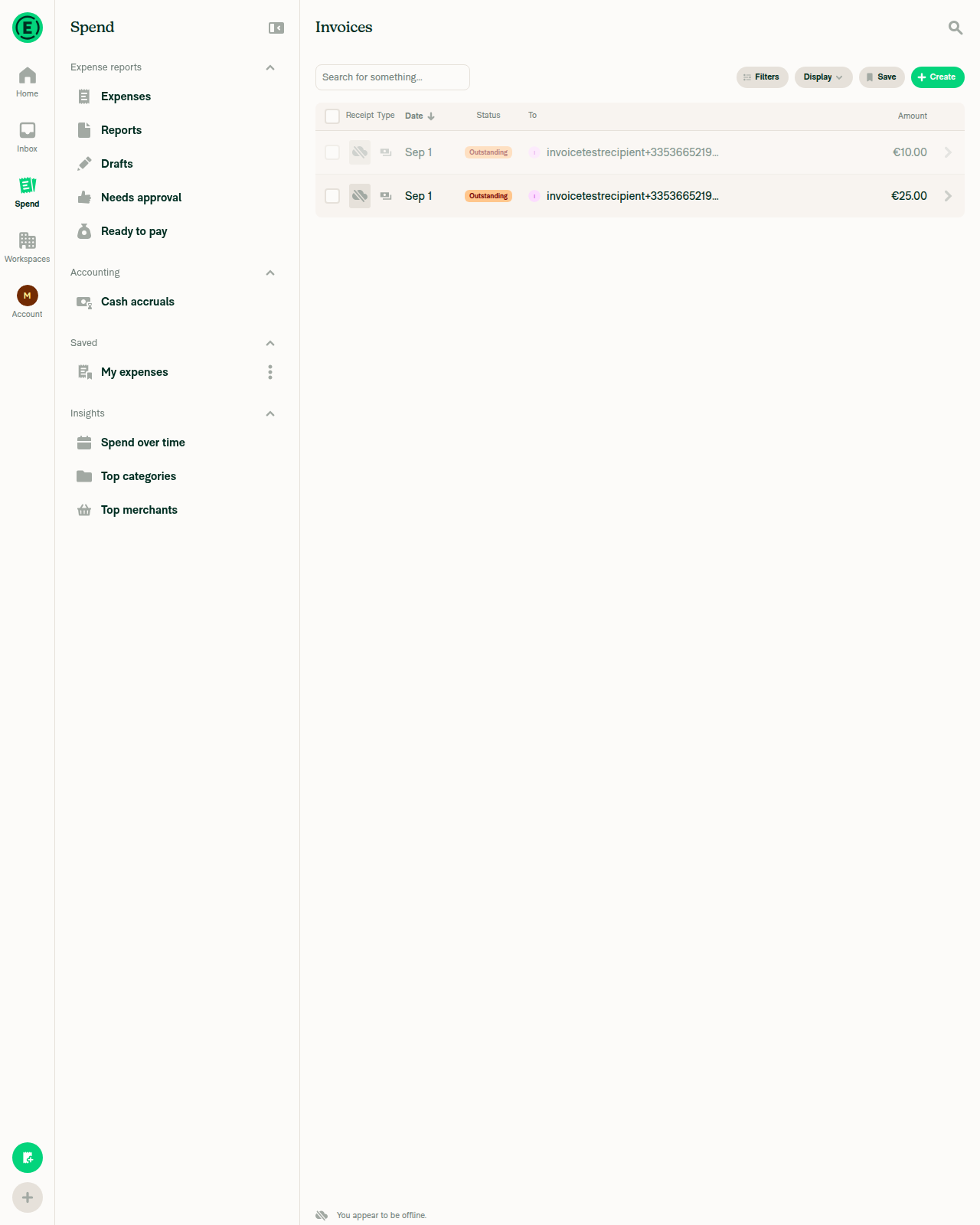
|
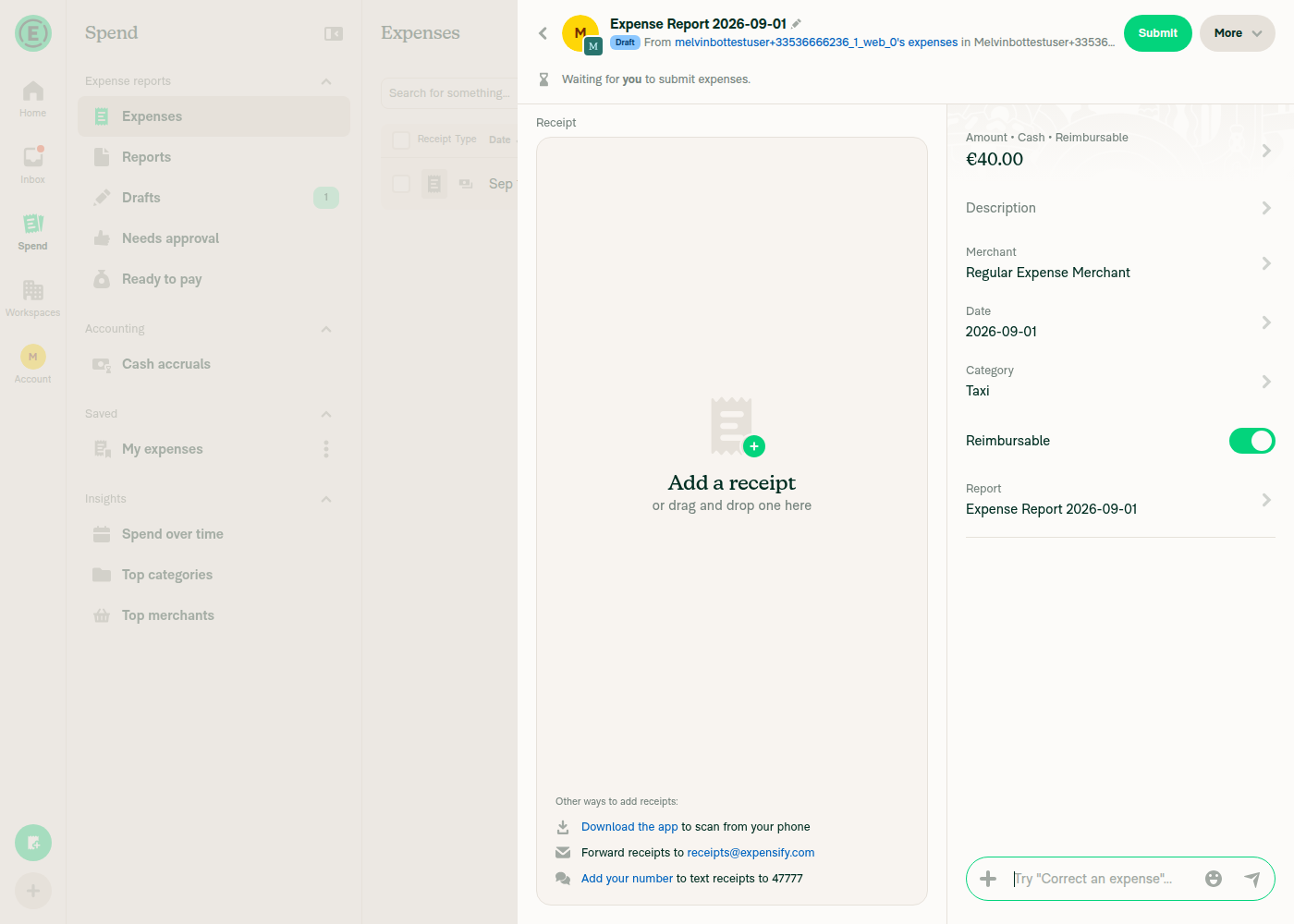
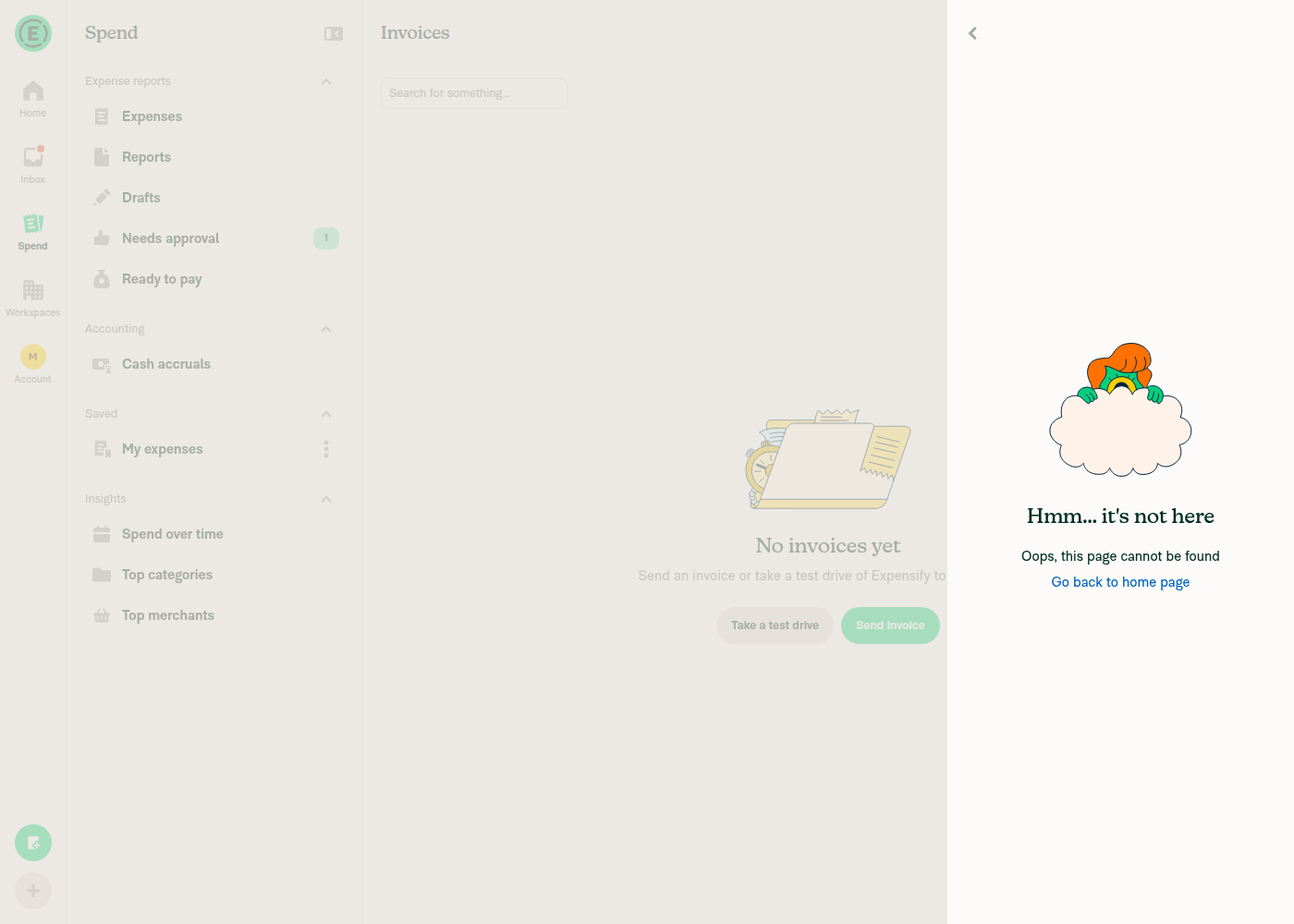
🤖 Web test steps verification results: Normal expense flow and the invoice report's transaction list are unaffected; deleting the invoice's only expense removes the whole invoice report, as it does for any single-expense report. The invoice comment-thread step was blocked by sandbox backend failures, so the one regression below is code-level only.
One regression foundComment threads under an invoice report lose their Join button. Reachable two-person flow, and why the severity is low
Severity is low: the "Join thread" context-menu action on the parent message still works ( This is also why the new unit test would not catch it: it passes Checked and ruled out — no regression in these
Still open from the earlier review: nothing in |



|
🚧 luacmartins has triggered a test Expensify/App build. You can view the workflow run here. |

|
✋ This PR was not deployed to staging yet because QA is ongoing. It will be automatically deployed to staging after the next production release. |
|
🧪🧪 Use the links below to test this adhoc build on Android, iOS, and Web. Happy testing! 🧪🧪
|


|
🚀 Deployed to staging by https://github.com/luacmartins in version: 9.4.66-0 🚀
|
|
🤖 No help site changes are required for this PR, so I did not create a docs PR. This PR is a bug fix with no user-facing surface change: it adds I checked the two articles that could plausibly describe this flow, and neither documents opening an invoice from the Spend page or the Join button:
Unrelated: two stale labels in the invoicing articleWhile verifying labels against the live UI, I found two mismatches in Send-an-Invoice.md. Both predate this PR, so I left them out of scope rather than bundling an unrelated docs change onto this fix.
|
5 participants


Explanation of Change
fix: Join button appear and expand horizontal on the first invoice on the Spend tab
Fixed Issues
$ #98882
PROPOSAL: #98882 (comment)
Tests
Precondition:
Offline tests
QA Steps
Same as test
PR Author Checklist
### Fixed Issuessection aboveTestssectionOffline stepssectionQA stepssectionAvatar, I verified the components usingAvatarare working as expected)StyleUtils.getBackgroundAndBorderStyle(theme.componentBG))npm run compress-svg)Avataris modified, I verified thatAvataris working as expected in all cases)Designlabel and/or tagged@Expensify/designso the design team can review the changes.mainbranch was merged into this PR after a review, I tested again and verified the outcome was still expected according to theTeststeps.Screenshots/Videos
Android: Native
Screen.Recording.2026-09-01.at.23.05.46.mov
Android: mWeb Chrome
Screen.Recording.2026-09-01.at.22.59.33.mov
iOS: Native
Screen.Recording.2026-09-01.at.23.03.46.mov
iOS: mWeb Safari
Screen.Recording.2026-09-01.at.22.53.34.mov
MacOS: Chrome / Safari
Screen.Recording.2026-09-01.at.22.51.37.mov