Skip to content

Fix infinite loading and missing error on the workspace add work email pages - #100044

Draft
MelvinBot wants to merge 1 commit into
mainfrom
claude-fixAddWorkEmailFormLoadingAndError
Draft

Fix infinite loading and missing error on the workspace add work email pages#100044
MelvinBot wants to merge 1 commit into
mainfrom
claude-fixAddWorkEmailFormLoadingAndError

Conversation

@MelvinBot

Copy link
Copy Markdown
Contributor

Explanation of Change

The workspace "Add your work email" pages hang forever with no error when the backend rejects the request.

AddWorkEmail was written for onboarding and hardcodes onboarding Onyx keys: it writes isLoading to ONYXKEYS.FORMS.ONBOARDING_WORK_EMAIL_FORM and routes failures to ONBOARDING_ERROR_MESSAGE_TRANSLATION_KEY / NVP_ONBOARDING.isMergingAccountBlocked. The two workspace card pages that also call it bind their FormProvider to ONYXKEYS.FORMS.ADD_WORK_EMAIL_FORM, which nothing ever writes. So the press spinner never hands off to a real loading flag and never stops, and the failure lands on keys those pages don't render. On top of that, a failure in a workspace card flow flipped persistent onboarding state, which later renders the onboarding "merge blocked" screen.

This PR routes the request lifecycle to the form that submitted it:

  • AddWorkEmail takes an optional formID that defaults to the onboarding form, so onboarding is unchanged. The optimistic/success/failure data write isLoading to that form.
  • For a workspace caller, the failure is surfaced inline on ADD_WORK_EMAIL_FORM.errorFields, mapping the specific backend reasons (2FA, SSO, closed work account) to their existing copy and falling back to common.genericErrorMessage for anything else. The backend rejects this command generically in this flow (jsonCode: 666, message: "403 Forbidden"), which is exactly the case that previously produced no feedback at all. Onboarding-only writes are skipped for workspace callers.
  • Both WorkspaceCompanyCardAddWorkEmailPage and WorkspaceExpensifyCardAddWorkEmailPage pass their form. FormProvider then stops the spinner and renders the error natively.
  • Drive-by on the company card page: the existing-login branch called addErrorMessage({}, …) on a throwaway object, so that error was silently discarded. It now uses setErrorFields, matching the Expensify Card page.

Note on approach: making the action return a promise and handling loading/errors per page was considered but conflicts with DATA-BINDING.md ("Action methods SHOULD not return a promise"), and it would leave both pages coupled to onboarding state.

Added tests/unit/AddWorkEmailTest.ts, which covers both callers. 4 of its 6 cases fail on main and all 6 pass with this change.

Fixed Issues

$ #98664
PROPOSAL: #98664 (comment)

Tests

// TODO: The human co-author must fill out the tests you ran before marking this PR as "ready for review"
// Please describe what tests you performed that validates your changed worked.

Automated coverage added by this PR (npm test -- tests/unit/AddWorkEmailTest.ts):

  1. Workspace caller, backend rejects with 403 Forbidden -> addWorkEmailForm.isLoading is false and a generic error is set on the email field.
  2. Workspace caller, backend rejects with the 2FA reason -> that specific message is set on the email field.
  3. Workspace caller, failure -> no onboarding state is written.
  4. Workspace caller, success -> loading stops and no error is set.
  5. Onboarding caller -> unchanged: generic failure still blocks the merge, specific failures still set the onboarding error key.
  • Verify that no errors appear in the JS console

Offline tests

Submitting while offline is already blocked by the page's own validation, which shows "We couldn't add your work email as you appear to be offline". That behavior is unchanged.

QA Steps

// TODO: The human co-author must fill out the QA tests you ran before marking this PR as "ready for review".
// Please describe what QA needs to do to validate your changes and what areas do they need to test for regressions.

Suggested steps, based on the issue's reproduction:

  1. Sign in with a public-domain account (for example gmail.com) that has two workspaces, with a company card feed connected to one of them.
  2. Open the other workspace > Company cards > Add card > select the feed from the other workspace.
  3. Enter a brand-new work email on the "Add your work email" page and click Save.
  4. Verify the Save button stops spinning when the request fails, and an error message is shown under the email field.
  5. Verify the same on Workspace > Expensify Card > Add work email.
  6. Regression: sign up with a new public-domain account and go through onboarding's "What's your work email?" step. Verify a successful email still advances, and a failing one still shows the same error / "Couldn't add work email" screen as before.
  • Verify that no errors appear in the JS console

PR Author Checklist

  • I linked the correct issue in the ### Fixed Issues section above
  • I wrote clear testing steps that cover the changes made in this PR
    • I added steps for local testing in the Tests section
    • I added steps for the expected offline behavior in the Offline steps section
    • I added steps for Staging and/or Production testing in the QA steps section
    • I added steps to cover failure scenarios (i.e. verify an input displays the correct error message if the entered data is not correct)
    • I turned off my network connection and tested it while offline to ensure it matches the expected behavior (i.e. verify the default avatar icon is displayed if app is offline)
    • I tested this PR with a High Traffic account against the staging or production API to ensure there are no regressions (e.g. long loading states that impact usability).
  • I included screenshots or videos for tests on all platforms
  • I ran the tests on all platforms & verified they passed on:
    • Android: Native
    • Android: mWeb Chrome
    • iOS: Native
    • iOS: mWeb Safari
    • MacOS: Chrome / Safari
  • I verified there are no console errors (if there's a console error not related to the PR, report it or open an issue for it to be fixed)
  • I followed proper code patterns (see Reviewing the code)
    • I verified that comments were added to code that is not self explanatory
    • I verified that any new or modified comments were clear, correct English, and explained "why" the code was doing something instead of only explaining "what" the code was doing.
    • I verified any copy / text that was added to the app is grammatically correct in English. It adheres to proper capitalization guidelines (note: only the first word of header/labels should be capitalized), and is either coming verbatim from figma or has been approved by marketing (in order to get marketing approval, ask the Bug Zero team member to add the Waiting for copy label to the issue)
  • If a new code pattern is added I verified it was agreed to be used by multiple Expensify engineers
  • I followed the guidelines as stated in the Review Guidelines
  • I tested other components that can be impacted by my changes (i.e. if the PR modifies a shared library or component like Avatar, I verified the components using Avatar are working as expected)
  • If a new CSS style is added I verified that:
    • A similar style doesn't already exist
    • The style can't be created with an existing StyleUtils function (i.e. StyleUtils.getBackgroundAndBorderStyle(theme.componentBG))
  • If new assets were added or existing ones were modified, I verified that:
    • The assets are optimized and compressed (for SVG files, run npm run compress-svg)
    • The assets load correctly across all supported platforms.
  • If the PR modifies code that runs when editing or sending messages, I tested and verified there is no unexpected behavior for all supported markdown - URLs, single line code, code blocks, quotes, headings, bold, strikethrough, and italic.
  • If the PR modifies a generic component, I tested and verified that those changes do not break usages of that component in the rest of the App (i.e. if a shared library or component like Avatar is modified, I verified that Avatar is working as expected in all cases)
  • If the PR modifies a component related to any of the existing Storybook stories, I tested and verified all stories for that component are still working as expected.
  • If the PR modifies a component or page that can be accessed by a direct deeplink, I verified that the code functions as expected when the deeplink is used - from a logged in and logged out account.
  • If the PR modifies the UI (e.g. new buttons, new UI components, changing the padding/spacing/sizing, moving components, etc) or modifies the form input styles:
    • I verified that all the inputs inside a form are aligned with each other.
    • I added Design label and/or tagged @Expensify/design so the design team can review the changes.
  • I added unit tests for any new feature or bug fix in this PR to help automatically prevent regressions in this user flow.
  • If the main branch was merged into this PR after a review, I tested again and verified the outcome was still expected according to the Test steps.

Screenshots/Videos

Android: Native
Android: mWeb Chrome
iOS: Native
iOS: mWeb Safari
MacOS: Chrome / Safari

Co-authored-by: Eric Han <eh2077@users.noreply.github.com>
@MelvinBot
MelvinBot requested a review from a team September 1, 2026 13:54
@melvin-bot melvin-bot Bot added Melvin-Test-Android Melvin-Test-Web Triggers Melvin to run the testing steps of the PR on web labels Sep 1, 2026
@codecov

codecov Bot commented Sep 1, 2026

Copy link
Copy Markdown

Codecov Report

✅ Changes either increased or maintained existing code coverage, great job!

Files with missing lines Coverage Δ
...panyCards/WorkspaceCompanyCardAddWorkEmailPage.tsx 0.00% <ø> (ø)
...ifyCard/WorkspaceExpensifyCardAddWorkEmailPage.tsx 0.00% <ø> (ø)
src/libs/actions/Session/index.ts 59.91% <94.73%> (+1.34%) ⬆️
... and 10 files with indirect coverage changes

@MelvinBot

MelvinBot commented Sep 1, 2026

Copy link
Copy Markdown
Contributor Author

🤖 Android test steps verification results: ⚠️ partial

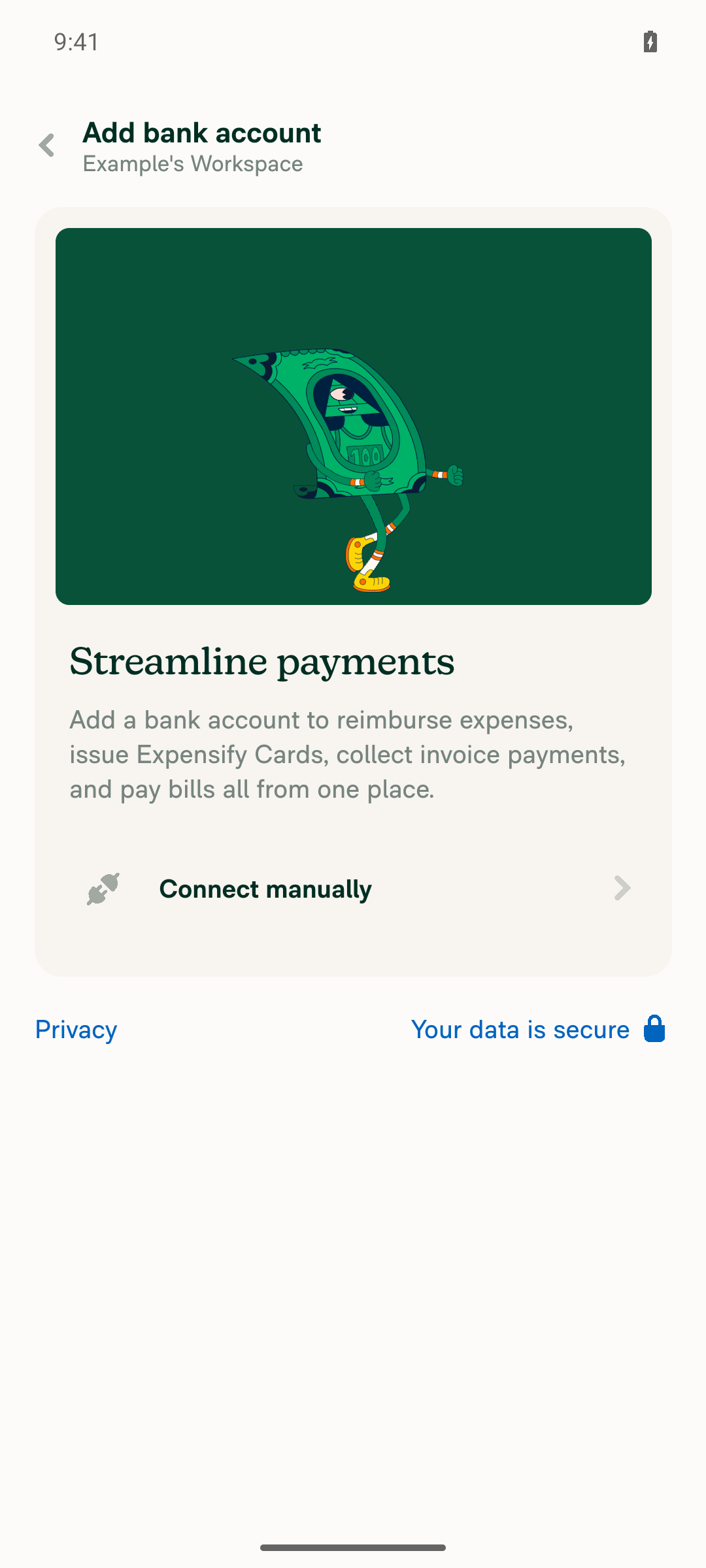
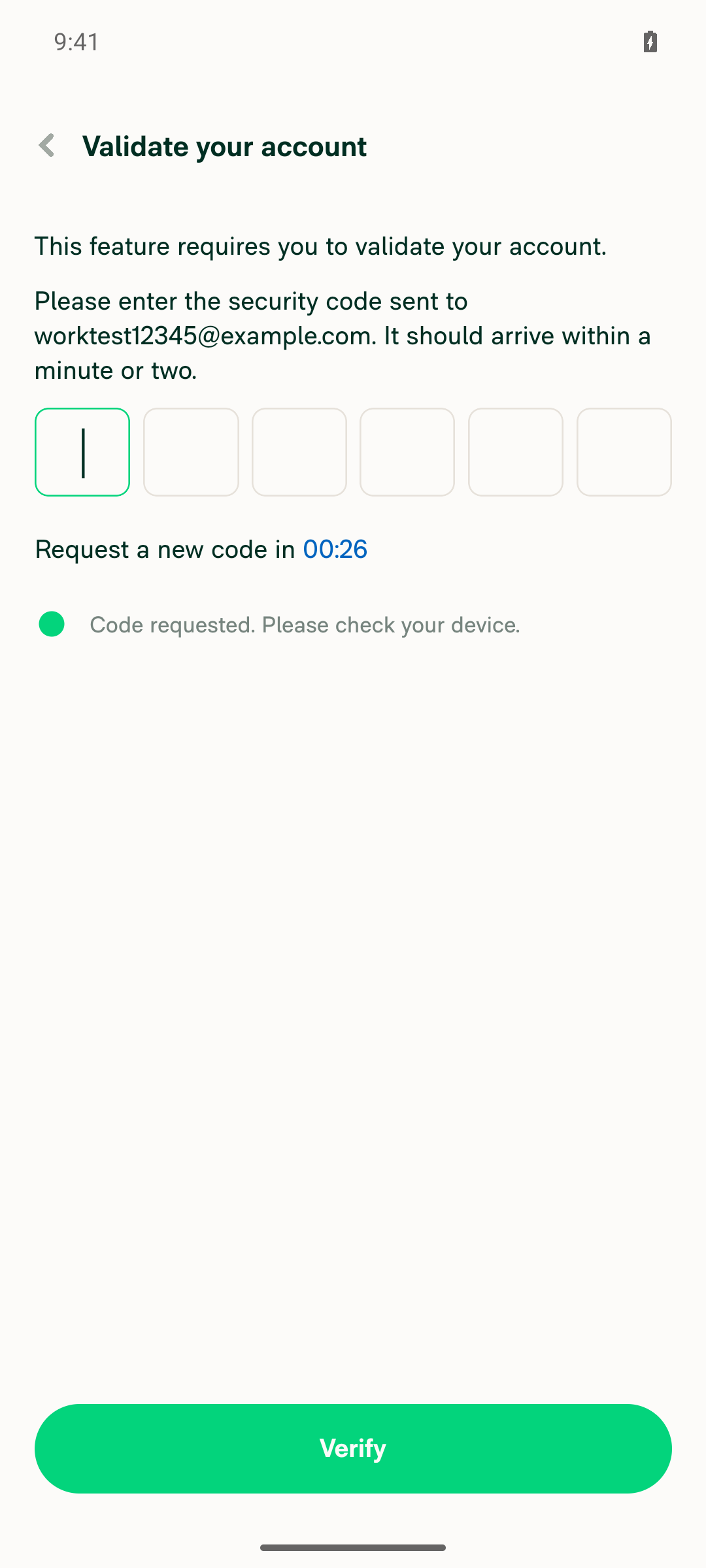
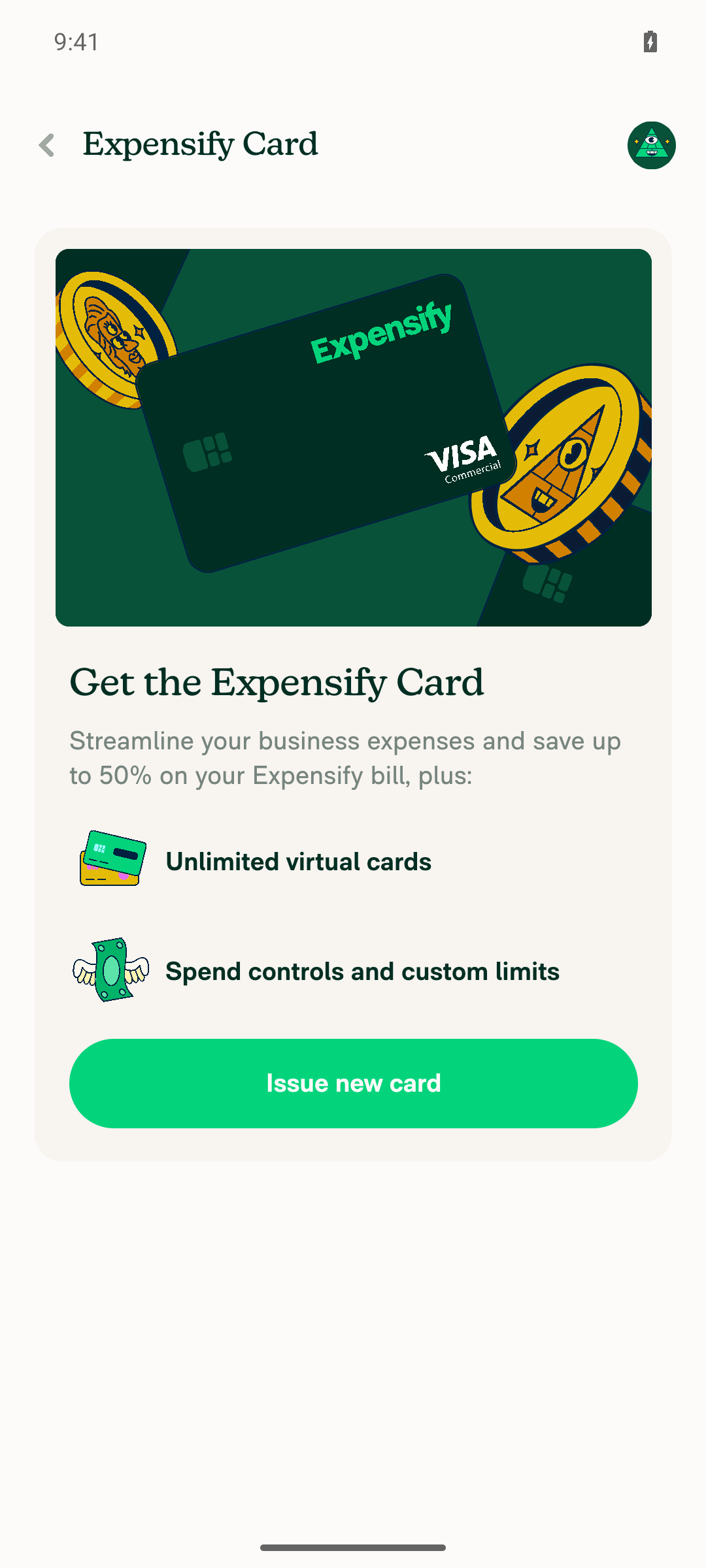
I signed in on Android with the gmail.com test account, but I could not exercise the actual fix: both workspace "Add your work email" pages were unreachable on this account. The account has exactly one auto-created Collect workspace with no company card feed, and per the source the work-email step only fires when you select a feed that already exists on another workspace in the same domain. Company cards > "Add cards" hit an account-validation magic-code gate I can't pass, and Expensify Card > "Issue new card" fell through to bank-account setup. The onboarding "What's your work email?" regression check passed.

Add bank account page shown instead of Add work email

Step Status
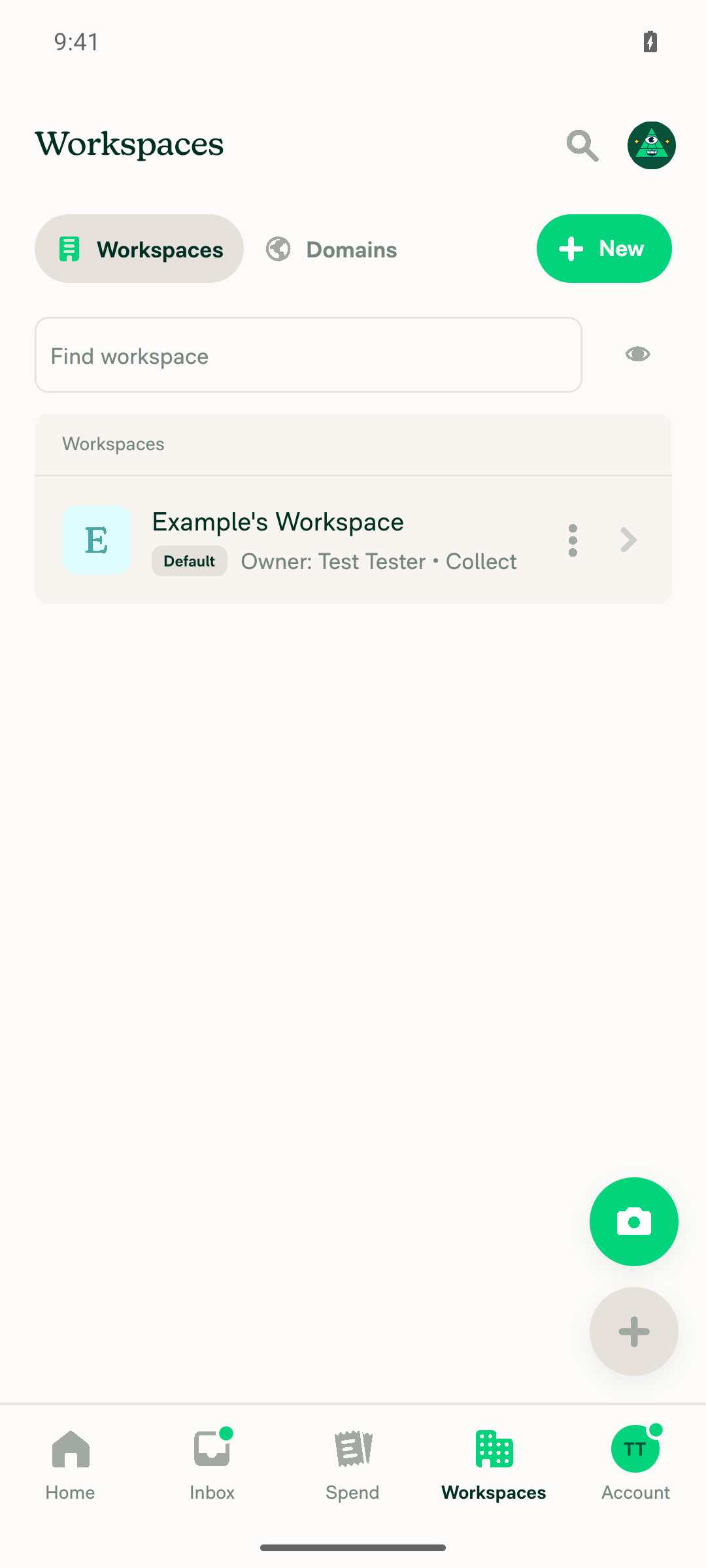
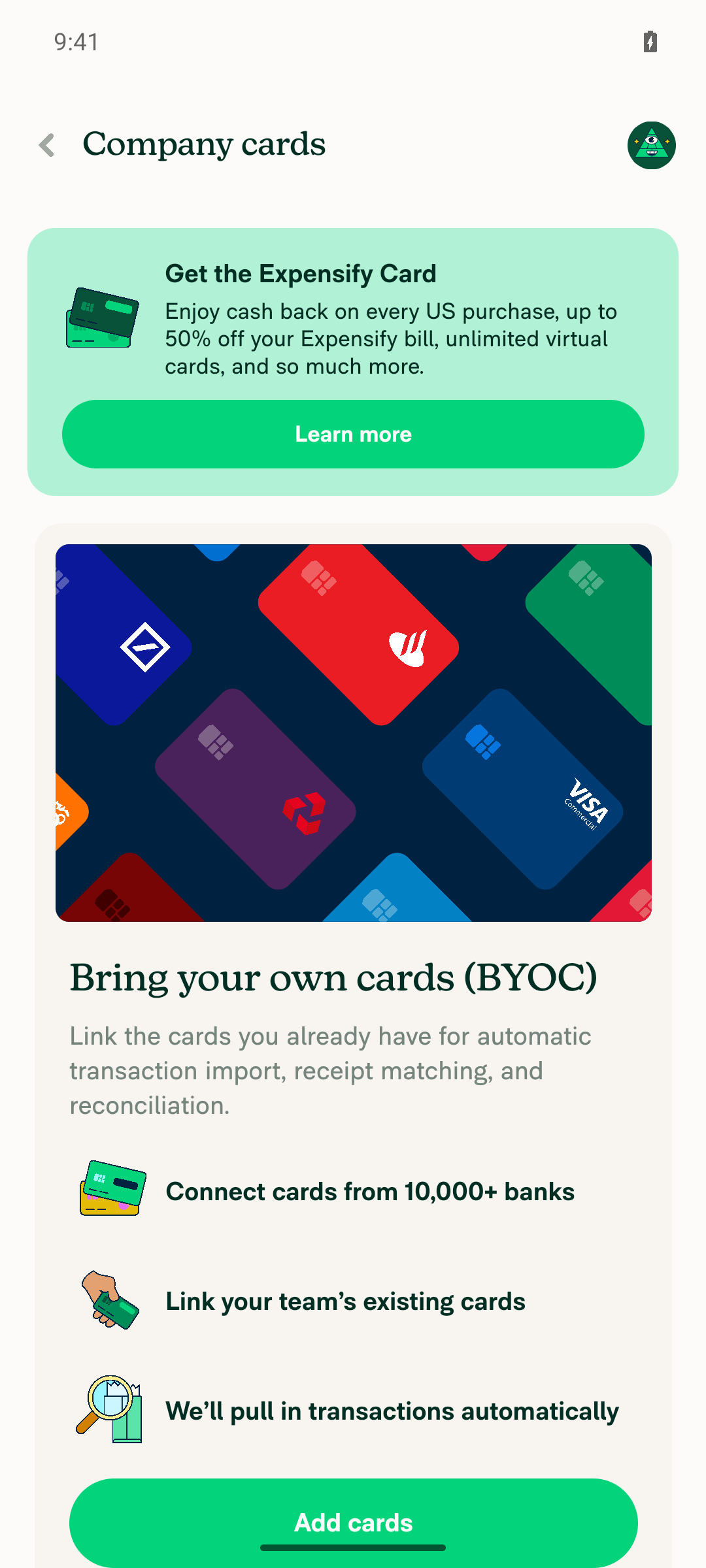
1. Signed in with public-domain (gmail.com) account, reach Workspaces list, note workspace count and company-card feed statusExactly 1 workspace exists: "Example's Workspace" (Default, Collect plan), auto-created during account setup. Opening it > Company cards shows the BYOC empty state with no feed connected.
Workspaces list showing a single workspace, Example's Workspace
Company cards page empty state, no feed connected, Add cards CTA visible
2. Workspace > Company cards > Add cards > reach "Add your work email" pageBlocked. Tapping "Add cards" first calls useVerifyAccountAndResume() in WorkspaceCompanyCardPageEmptyState.tsx; ONYXKEYS.ACCOUNT.validated is false for this session, so it navigates to a "Validate your account" magic-code screen I cannot complete (no mailbox access). Separately, WorkspaceCompanyCardFeedSelectorPage.tsx:150-153 only navigates to AddWorkEmail when you pick a feed from useOtherFeedsForFeedSelector — a feed on another workspace in the same domain — which this single-workspace account does not have.
Validate your account magic-code screen shown instead of the Add work email page
3. Enter a brand-new work email on the Company Cards "Add your work email" page and tap SaveNot performed — the page was never reached (see step 2).
4. Save button stops spinning and inline error appears under the email field on rejection (Company Cards)Not verified — the page was never reached (see step 2).
5. Workspace > Expensify Card > Add work email: enter work email, tap Save, confirm spinner stops with inline errorBlocked. "Get the Expensify Card" > "Learn more" opens the card intro page, but "Issue new card" never reaches the feed selector: with no eligible bank account, WorkspaceExpensifyCardPageEmptyState.tsx routes to bank-account setup instead. The work-email check at WorkspaceExpensifyCardFeedSelectorPage.tsx:171-176 only runs when an existing card feed is selectable.
Expensify Card intro page with Issue new card CTA
Add bank account page shown instead of Add work email
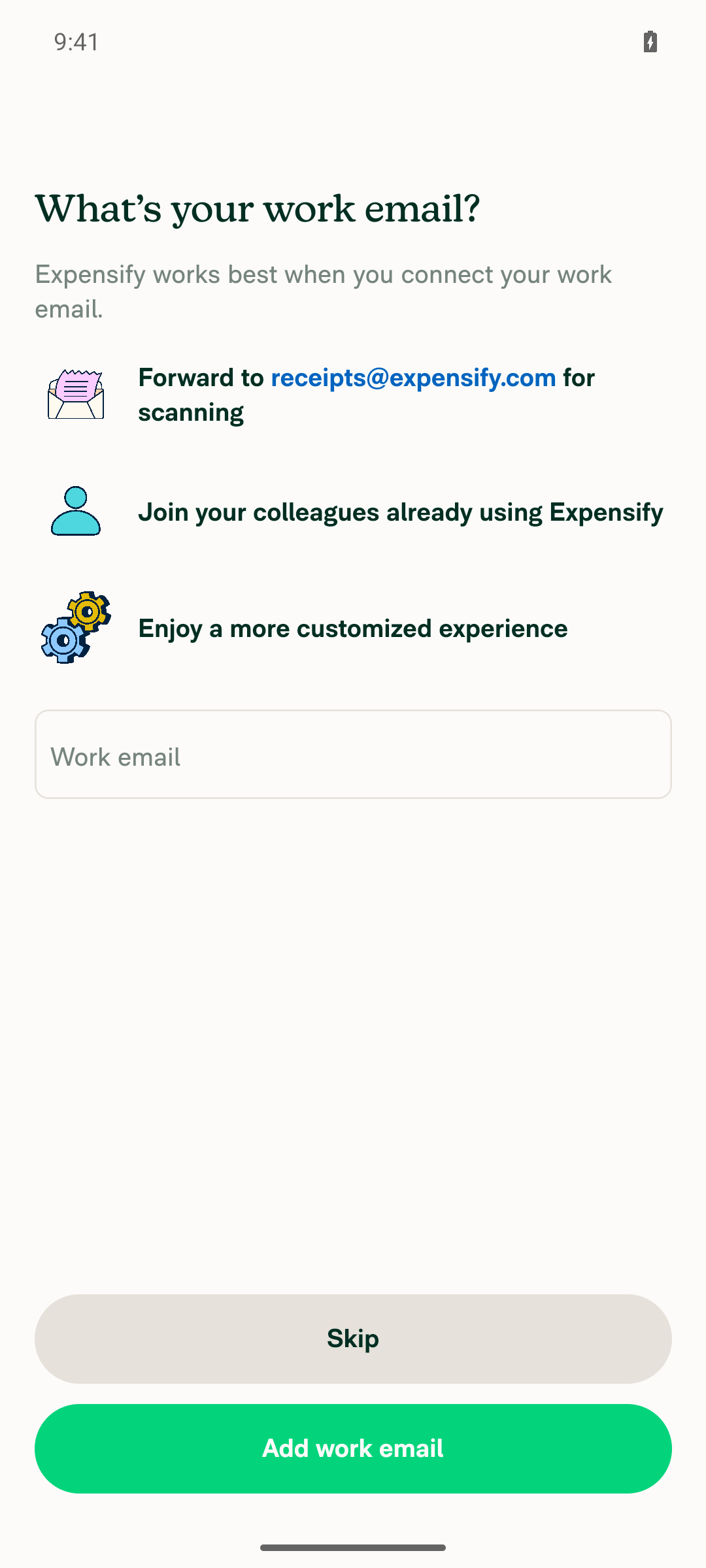
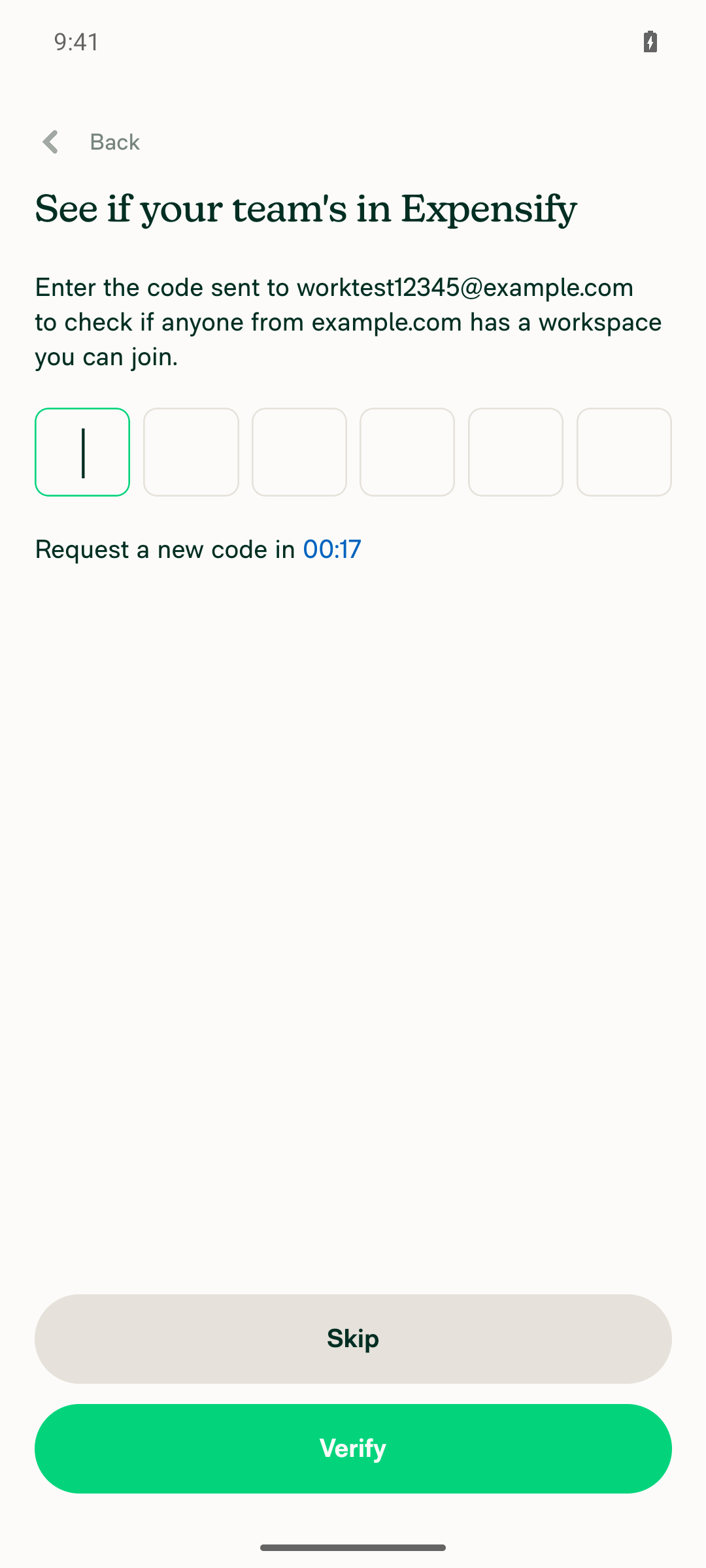
6. Regression: onboarding "What's your work email?" step still behaves as beforeReachable and exercised during account setup. Entered a non-public-domain email and tapped "Add work email": the action completed normally and advanced to the "See if your team's in Expensify" magic-code screen — no infinite spinner, no hang. BaseOnboardingWorkEmail.tsx also runs its own client-side public-domain pre-check before calling the backend, which is a separate pre-existing path this PR does not touch.
Onboarding What's your work email page with a non-public-domain email entered
Onboarding proceeded normally to a magic-code verification screen, no hang

To make steps 2-5 testable, the account needs a validated login plus a second workspace on the same domain that already has a linked company card / Expensify Card feed — that "other feeds" selection is the only entry point to the "Add your work email" page.


view run · view recording

@MelvinBot

MelvinBot commented Sep 1, 2026

Copy link
Copy Markdown
Contributor Author

🤖 Web test steps verification results: ⚠️ partial

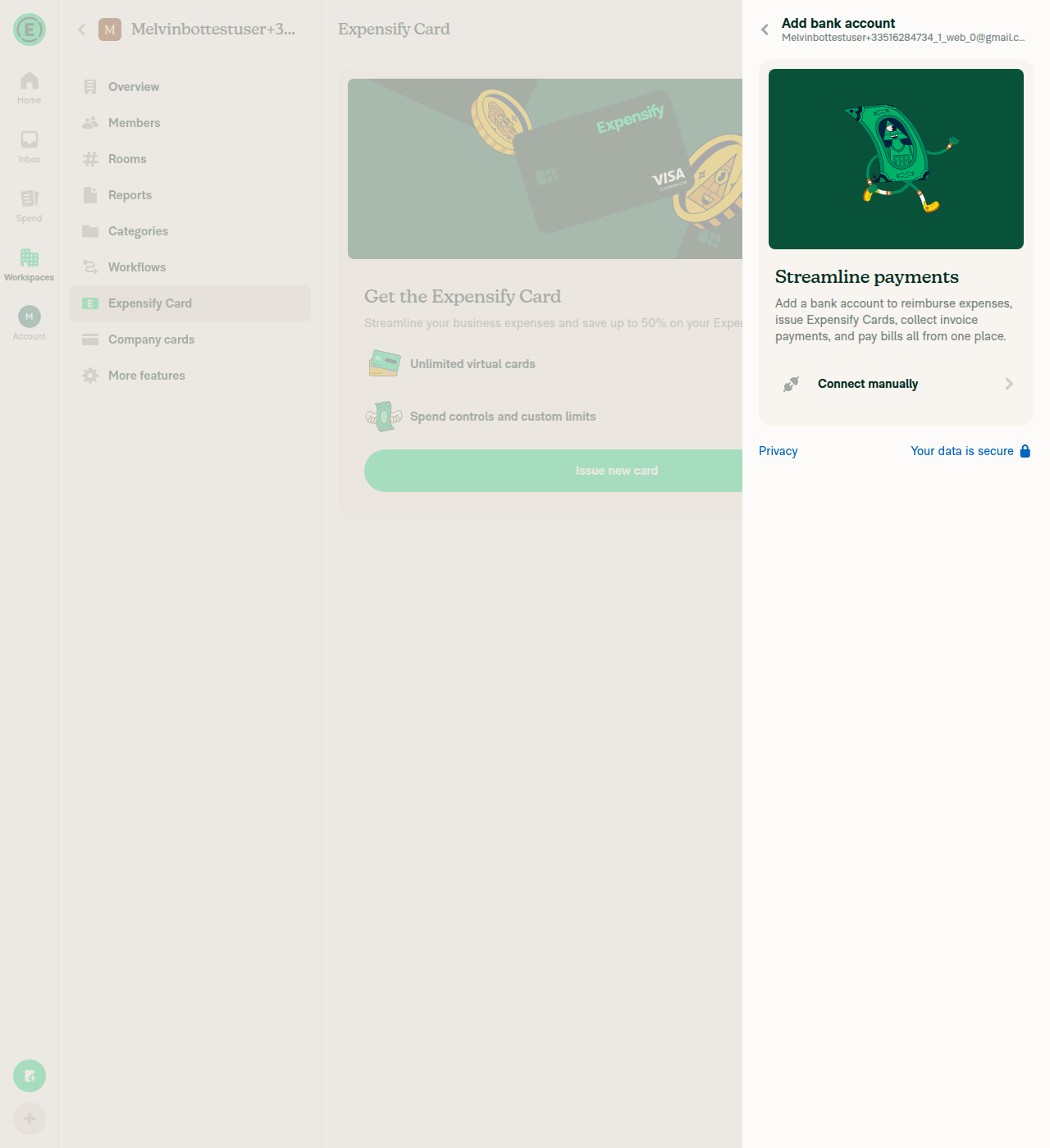
I verified the account state (0 workspaces, no company card feed anywhere in its domain) but could not reach either workspace "Add your work email" page, so the fix itself was not exercised on web. Two independent blockers: the feed-selector precondition (a card feed already linked to a different workspace in the same domain) cannot be satisfied on a fresh account, and the "Add cards" entry point is gated behind an email magic-code "Validate your account" wall. The onboarding regression step is not reachable either, because this session's account is already onboarded.

Issue new card opens Add bank account, not a feed selector

Step Status
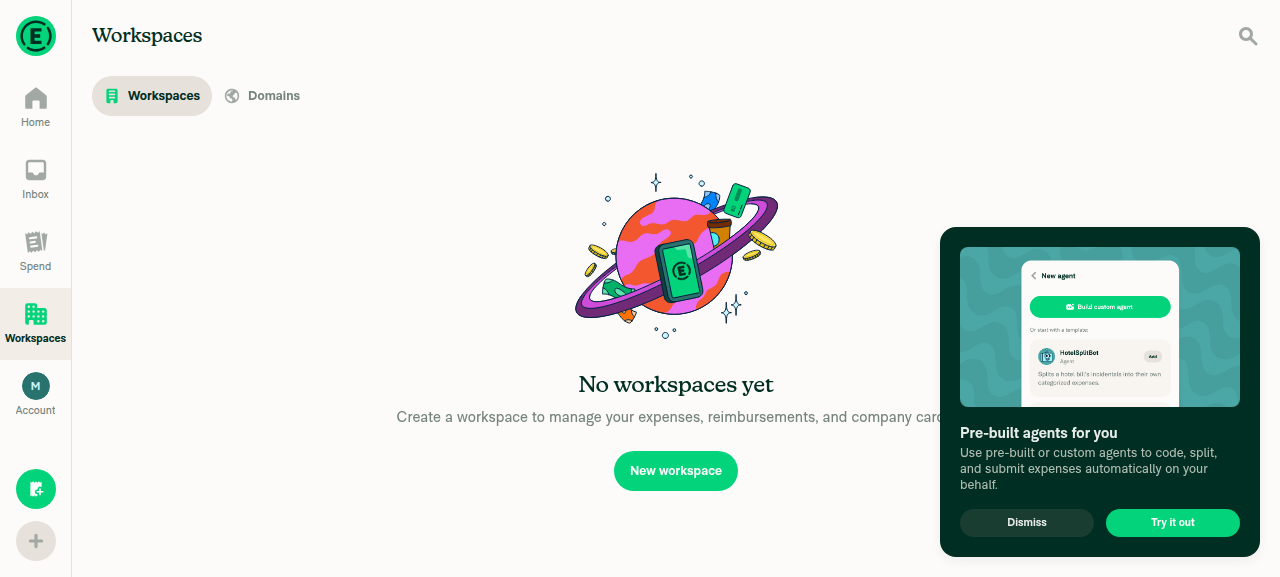
1. Signed in with a public-domain (gmail.com) account, reach Workspaces list, note workspace count and any connected company-card feedSigned in with the gmail.com test account. The Workspaces tab showed "No workspaces yet" — 0 workspaces, so no company card feed connected anywhere.
Workspaces list showing No workspaces yet
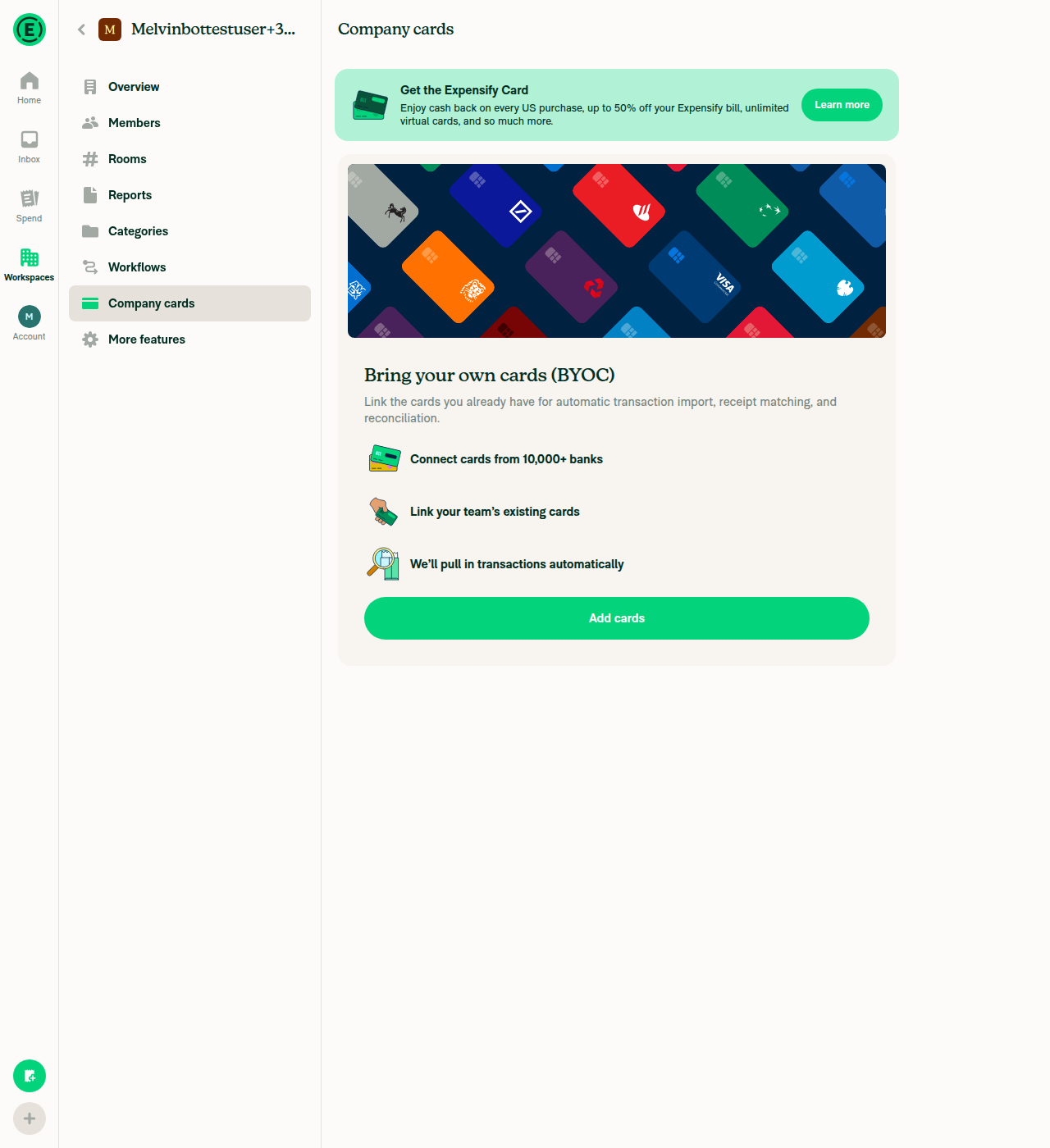
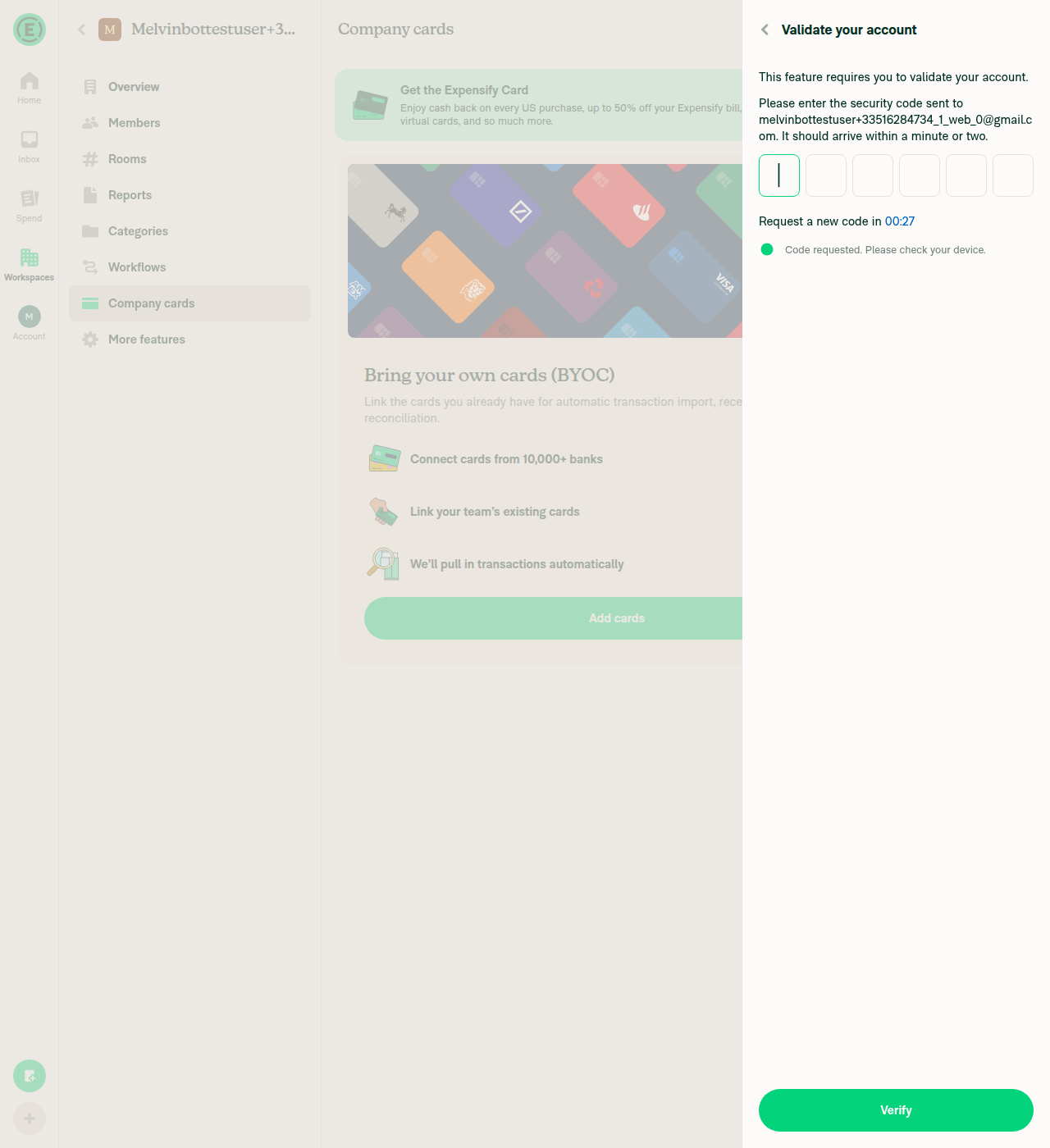
2. Open a workspace > Company cards > Add cards, reach the "Add your work email" pageBlocked. Created a workspace and confirmed Company cards is on, then went Workspace > Company cards > Add cards — which immediately opened a "Validate your account" panel asking for an emailed 6-digit code, with no mailbox access to clear it. Separately, WorkspaceCompanyCardFeedSelectorPage.tsx only navigates to AddWorkEmail when you pick a feed from useOtherFeedsForFeedSelector — a feed already linked to a different workspace in the same domain — and no such feed exists for this account.
Company cards page with Add cards button
Validate your account screen blocking the Add cards flow
3. Enter a brand-new work email on the workspace Company cards "Add your work email" page and click SaveNot performed — the page was never reached (see step 2).
4. Save button stops spinning after the request fails, and an inline error appears under the email fieldNot verified — the page was never reached (see step 2).
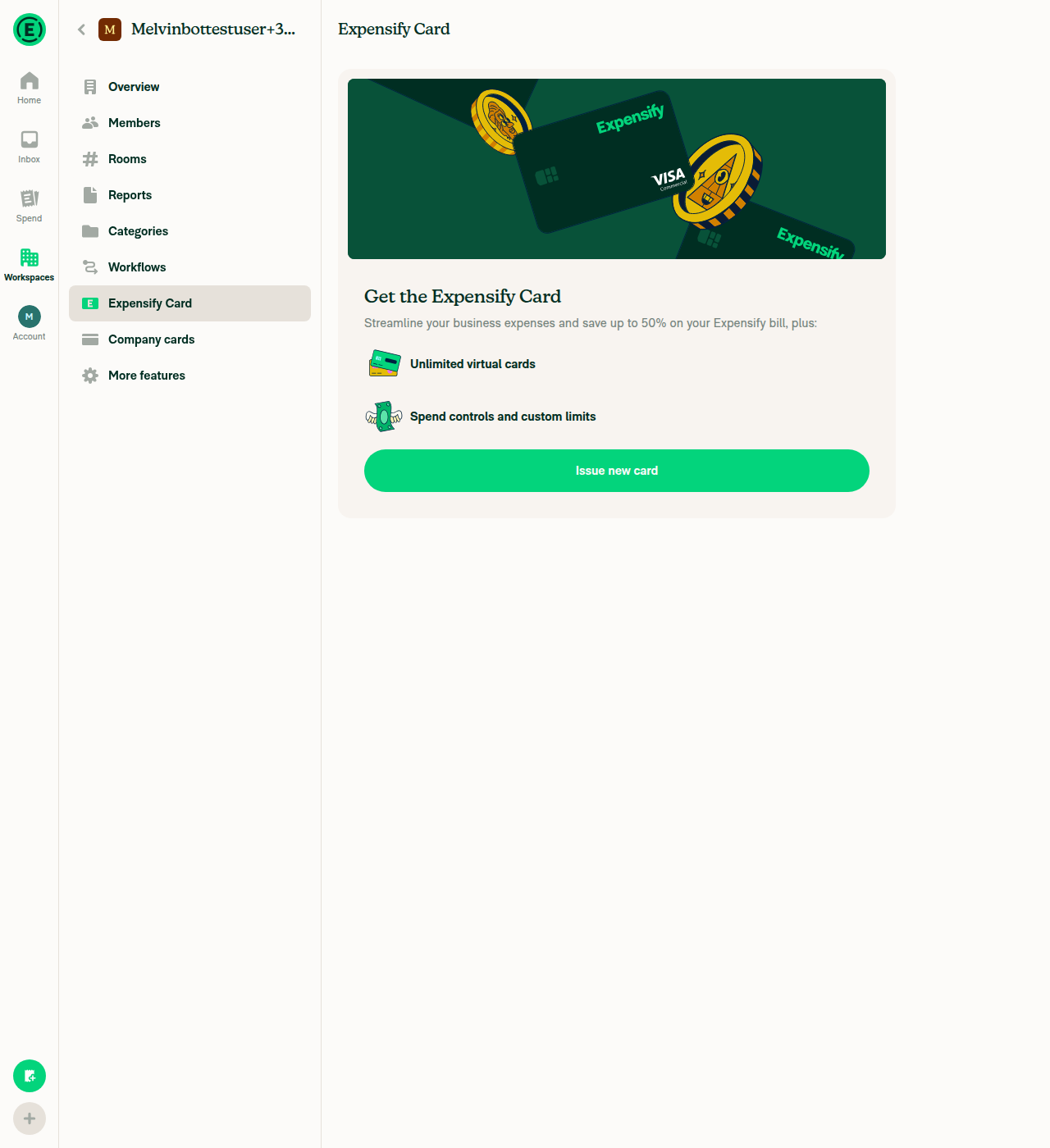
5. Same behavior on Workspace > Expensify Card > Add work emailBlocked. Enabled the Expensify Card feature (that toggle needed no validation), but the Expensify Card page only offers "Issue new card", which routes into "Add bank account" (Connect manually / Plaid) rather than a feed selector. The work-email check in WorkspaceExpensifyCardFeedSelectorPage.tsx only runs when an existing Expensify Card feed from another workspace is selectable, so WorkspaceExpensifyCardAddWorkEmailPage.tsx has no entry point here.
Expensify Card page with only Issue new card available
Issue new card opens Add bank account, not a feed selector
6. Regression: onboarding "What's your work email?" step still behaves as beforeNot reachable. This session's account has already completed onboarding, and per src/pages/OnboardingWorkEmail the step only mounts inside the onboarding modal navigator, with no Settings or other in-app entry point. Reporting as not reachable rather than guessing.
7. No errors appear in the JS console during the aboveNo console capture is available in this harness, so this is supporting evidence rather than a definitive check: every API request observed during the drive (OpenPolicyCompanyCardsPage, OpenPolicyMoreFeaturesPage, EnablePolicyExpensifyCards, OpenPolicyExpensifyCardsPage, OpenReimbursementAccountPage, OpenPaymentsPage, Ping) returned 200, and no error toast or crash appeared.
⚠️

Same outcome as the Android run: to make steps 2-5 testable, the account needs a validated login plus a second workspace on the same domain that already has a linked company card / Expensify Card feed — selecting that "other feed" is the only entry point to the "Add your work email" page.


view run · no recording available

Sign up for free to join this conversation on GitHub. Already have an account? Sign in to comment

Labels

Melvin-Test-Android Melvin-Test-Web Triggers Melvin to run the testing steps of the PR on web

Projects

None yet

Development

Successfully merging this pull request may close these issues.

2 participants