Repository navigation
SaveValue
Saving current settings for next IOC reboot The implementation consists of a CSS plugin which will connect to a headless CSS application which will save the value along with the record name in a file. The file gets written to the IOC during reboot.
Activate the saveValue plugin from a SDS text input widget

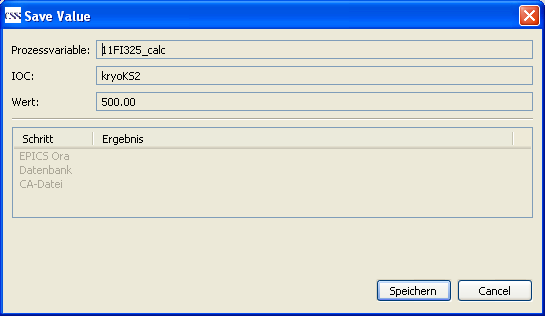
Confirm to save the value. The plugin will detect the corresponding IOC from the LDAP server. This will make sure that the channel/ value pair gets written to the correct IOC reboot file.
Another plugin opens a view to display the current settings in the saveValue file (for the corresponding IOC)
