An audio player with ability to analyze any sound going out from selected output device. Written in C#, based on Windows Forms.
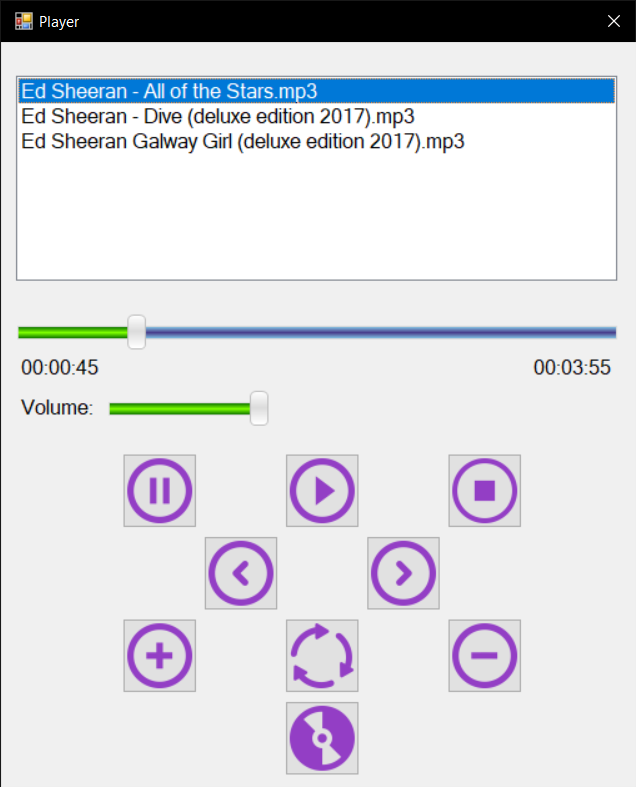
- Support most of Audio formats;
- Full-featured Player: Play/Pause/Stop, edit current playlist, move through playlist, change playmode (normal, random, one-song repeat);
- Also support Real-time volume and current song position changes;
- Allows you to save playlist for the next enter;
- Support Drag'n'Drop functionality;
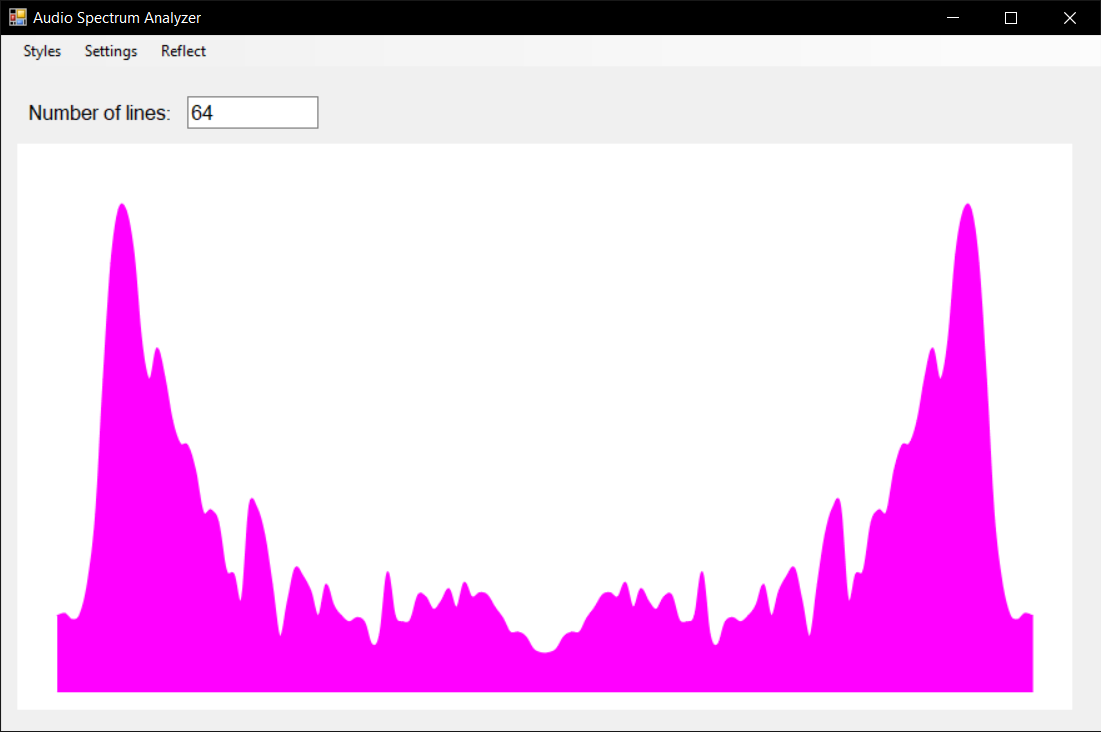
- Flexible Visualizer - allows you to choose any output device and supports list of visualize options;
- Advanced Visualizer catches not only player output, but anything captured on selected output device;
- Background is also modifiable;
"executable" folder contains an .exe file that starts main application. Bass libs required for launch are included in the folder. Other folders contain sources for both projects. In order to make things work, you should:
- Start the .exe file
- Add songs through "+" button or Drag music files right into the main window
- Control playback through other buttons.
- Open visualizer via bottom button
- Select your current audio output device.
- Set everything up to you
- You're done!
In this project I used library bass.dll to work with sound outputs and to create player functionality. Chart element and FFT algorithms were used in order to visualize frequencies info.