


Rough.js is a small (<9 kB) graphics library that lets you draw in a sketchy, hand-drawn-like, style. The library defines primitives to draw lines, curves, arcs, polygons, circles, and ellipses. It also supports drawing SVG paths.
Rough.js works with both Canvas and SVG.
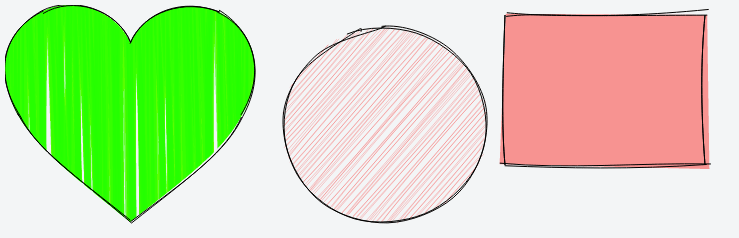
@RoughLib on Twitter.
from npm:
npm install --save roughjs
Or get the latest using unpkg: https://unpkg.com/roughjs@latest/bundled/rough.js
If you are looking for bundled version in different formats, the npm package will have these in the following locations:
CommonJS: roughjs/bundled/rough.cjs.js
ESM: roughjs/bundled/rough.esm.js
Browser IIFE: roughjs/bundled/rough.js
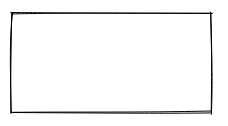
const rc = rough.canvas(document.getElementById('canvas'));
rc.rectangle(10, 10, 200, 200); // x, y, width, height
or SVG
const rc = rough.svg(svg);
let node = rc.rectangle(10, 10, 200, 200); // x, y, width, height
svg.appendChild(node);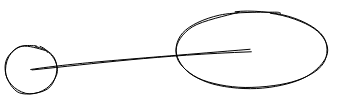
rc.circle(80, 120, 50); // centerX, centerY, diameter
rc.ellipse(300, 100, 150, 80); // centerX, centerY, width, height
rc.line(80, 120, 300, 100); // x1, y1, x2, y2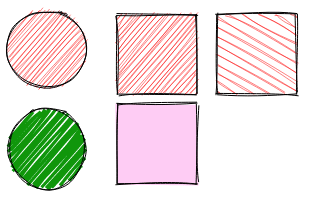
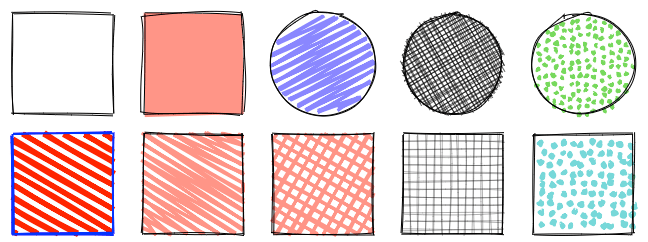
rc.circle(50, 50, 80, { fill: 'red' }); // fill with red hachure
rc.rectangle(120, 15, 80, 80, { fill: 'red' });
rc.circle(50, 150, 80, {
  fill: "rgb(10,150,10)",
  fillWeight: 3 // thicker lines for hachure
});
rc.rectangle(220, 15, 80, 80, {
  fill: 'red',
  hachureAngle: 60, // angle of hachure,
  hachureGap: 8
});
rc.rectangle(120, 105, 80, 80, {
  fill: 'rgba(255,0,200,0.2)',
  fillStyle: 'solid' // solid fill
});
Fill styles can be: hachure(default), solid, zigzag, cross-hatch, dots, dashed, or zigzag-line
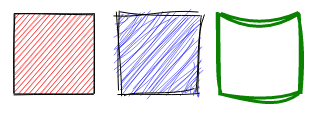
rc.rectangle(15, 15, 80, 80, { roughness: 0.5, fill: 'red' });
rc.rectangle(120, 15, 80, 80, { roughness: 2.8, fill: 'blue' });
rc.rectangle(220, 15, 80, 80, { bowing: 6, stroke: 'green', strokeWidth: 3 });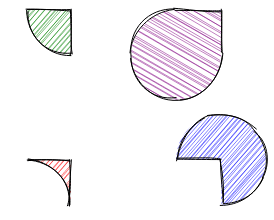
rc.path('M80 80 A 45 45, 0, 0, 0, 125 125 L 125 80 Z', { fill: 'green' });
rc.path('M230 80 A 45 45, 0, 1, 0, 275 125 L 275 80 Z', { fill: 'purple' });
rc.path('M80 230 A 45 45, 0, 0, 1, 125 275 L 125 230 Z', { fill: 'red' });
rc.path('M230 230 A 45 45, 0, 1, 1, 275 275 L 275 230 Z', { fill: 'blue' });
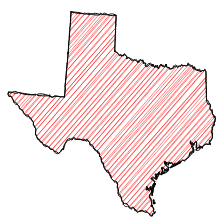
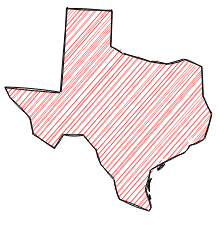
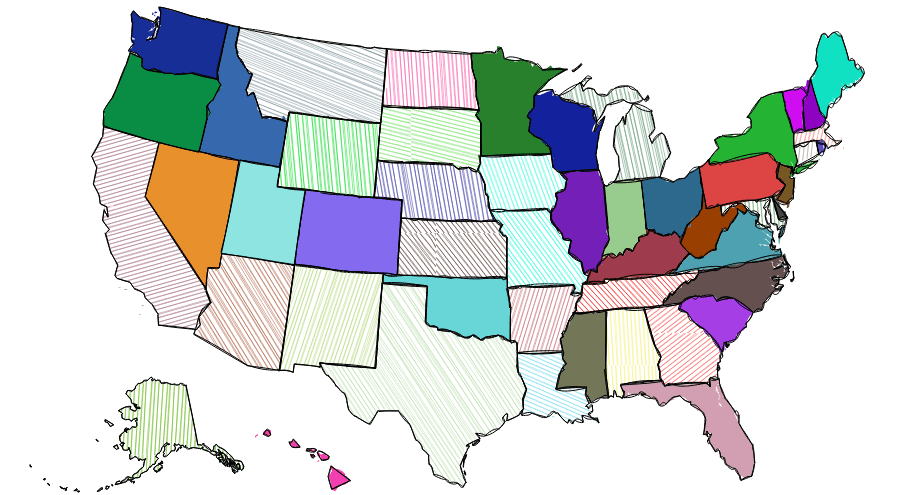
SVG Path with simplification:
Some of the core algorithms were adapted from handy processing lib.
Algorithm to convert SVG arcs to Canvas described here was adapted from Mozilla codebase
Become a financial contributor and help us sustain our community. [Contribute]

Support this project with your organization. Your logo will show up here with a link to your website. [Contribute]





Publish a GitHub release from a commit containing .github/workflows/release.yml,
using a semantic version tag such as v4.6.7 or 4.6.7. The workflow builds
@node-projects/roughjs with that version, attaches the npm .tgz to the release,
and publishes the same archive to npm. Prereleases (including version tags such
as v4.6.7-beta.1) use the next npm dist-tag; stable releases use latest.
The version change happens only in the workflow checkout.
To retry a failed release, run Publish release manually from the Actions tab
on master and enter the existing release tag. This uses the corrected workflow
while building the code from that release tag. npm versions already published
cannot be published again.
Publishing uses npm trusted publishing (OIDC), with no NPM_TOKEN secret.
To configure it again, log in with npm login and use a current npm CLI:
npm trust github @node-projects/roughjs --repo node-projects/rough --file release.yml --allow-publish --yes