StarCall
In this lesson we will learn to make a game using the canvas, imagesprites, procedures, and timer.
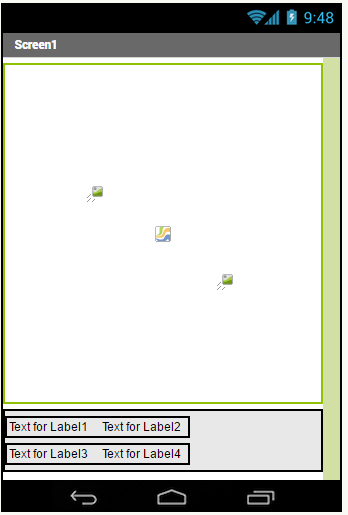
A surface where you can put objects on a given location.
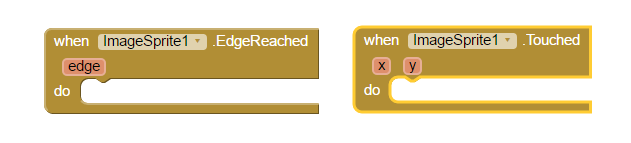
An interactive image that can be put on a canvas. It reacts to collisions and touches.
Keeping track of timing and current time. !Timer](https://raw.githubusercontent.com/cppignite/lessons/master/StarCall/Img/intro-timer.PNG)

We will need:
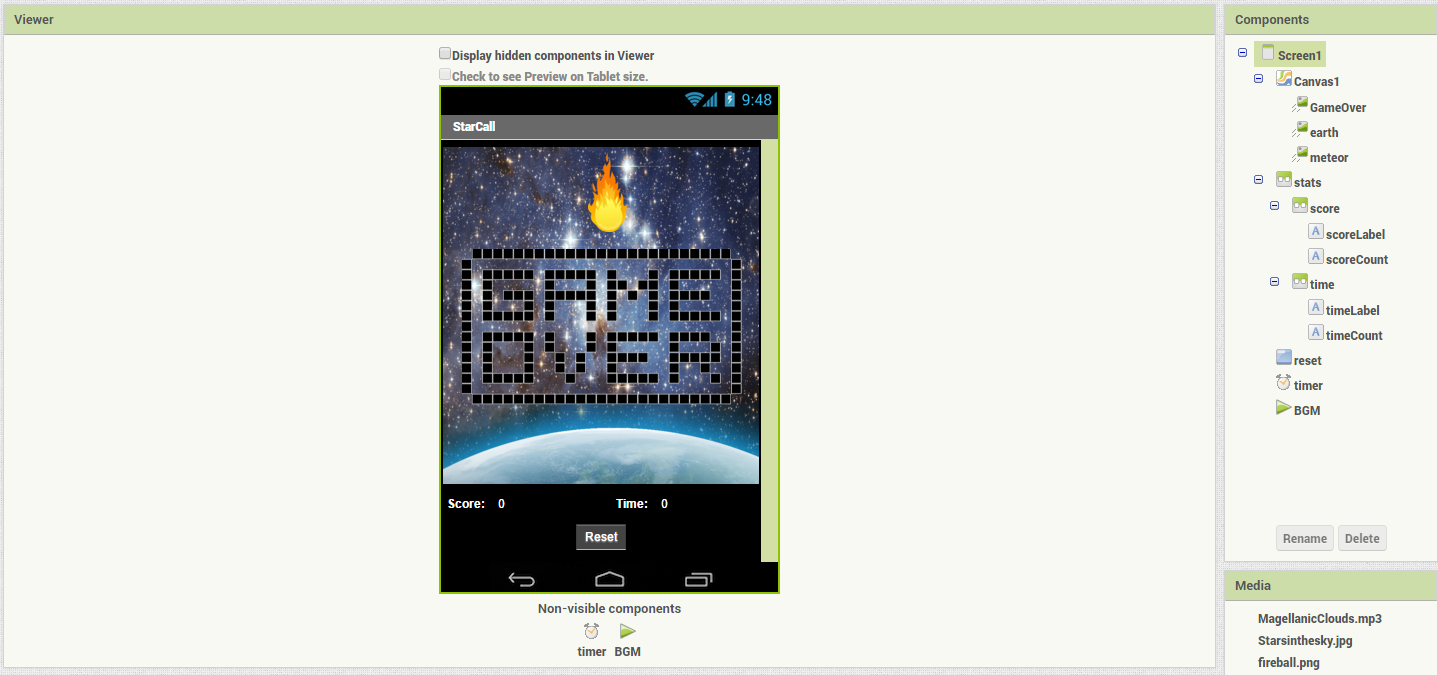
- Canvas (x1)
- Image sprite (x3)
For the score counter:
- Horizontal layouts (x3)
- Labels (x4)
- Button (x1)
- Timer (x1)
For music:
- Player(x1)
- Generate meteor at random location
- Handle touch event for the meteor
- Increment score and keep track of time
- Handle Edge collision
- Reset button
- Starsinthesky.jpg
- fireball.png
- game-over.png
- Magellanic Clouds.mp3
-
[earth.png](https://raw.githubusercontent.com/cppignite/lessons/master/StarCall/Media/earth.png)